

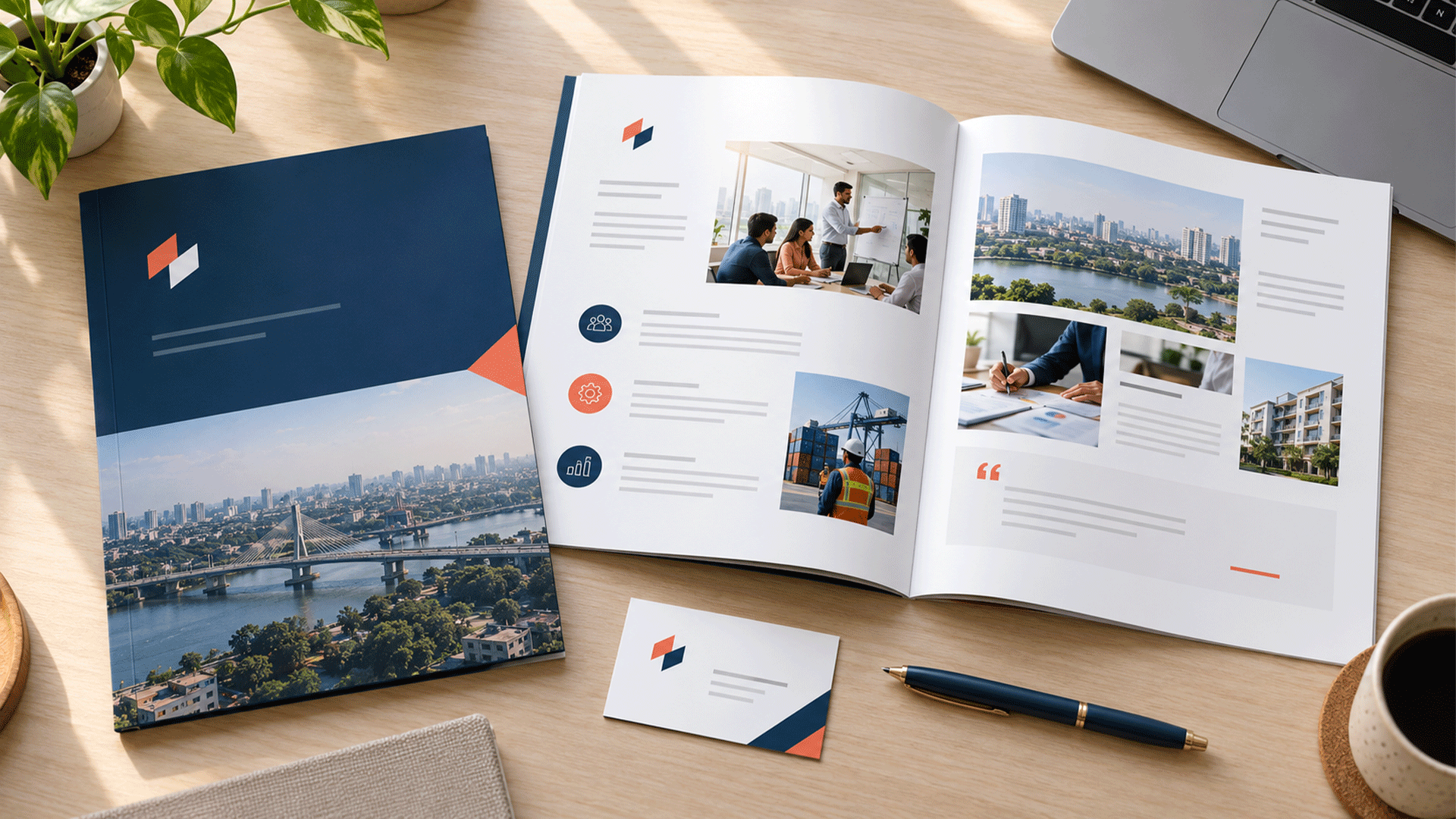

A potential client asks you to send your company profile. You open the latest PDF and notice a familiar problem: plenty of pages about your business, but very little that explains why it is relevant to that client.
A professional company profile should give readers a clear, accurate picture of your business and enough relevant evidence to decide whether to continue the conversation.
At a minimum, include a company overview, your main products or services, the customers you serve, evidence of your capabilities, and a clear way to contact you. Add history, leadership, certifications, and operational details when they help that particular audience.
This checklist explains what to include, how to organize it, and what to check before sharing it.
What Is a Company Profile Supposed to Do?
A company profile is a structured introduction to your business. It should help someone understand who you are, what you offer, how you work, and why your experience matters.
It can support a sales introduction, partnership discussion, proposal, or supplier assessment. The emphasis should change with the purpose.
A general introduction does not automatically replace a detailed proposal, product catalogue, investor presentation, or procurement submission. Those documents answer different questions.
Start With the Reader and the Next Step
Before writing, complete this sentence:
“This company profile is for ______, who needs to understand ______ before deciding to ______.”
For example, a facilities management business might prepare a profile for office managers evaluating maintenance providers. Those readers need to understand service coverage, response arrangements, relevant experience, and who manages delivery.
Different audiences need different priorities:
| Reader | Information to emphasize |
|---|---|
| Prospective client | Relevant services, project examples, delivery process, contact |
| Potential partner | Complementary capabilities, operating approach, collaboration fit |
| Procurement team | Requested qualifications, capacity, relevant references, supporting evidence |
| Prospective employee | Company purpose, work, leadership, culture, careers contact |
Keep a current master document and create focused versions where needed. Every version should use the same verified company facts.
The Practical Company Profile Content Checklist
1. A Clear Cover and Company Snapshot
Include your company name, logo, and a short description that makes the business category understandable.
A slogan can support this, but it should not leave readers guessing what you do.
For example, “Commercial Interior Design and Project Delivery” gives more context than “Creating Tomorrow Together.”
Include a date or version, and a contents page if needed.
Check: Can someone identify the business and its main offer without opening several pages?

2. A Concise Company Overview
Explain what your company does, who it serves, and where it operates. Include the founding year when it adds useful context and you can verify it.
A useful overview answers three questions:
- What problem do you help customers solve?
- What products, services, or expertise do you provide?
- What makes your business relevant to this reader?
Avoid opening with a long list of adjectives such as “dynamic,” “innovative,” and “world-class.” Replace general praise with specific information.
If your positioning is still unclear, brand strategy and foundation work can help establish the audience, value proposition, and messages before the profile is designed. M4YOURS IT
3. Your Main Products or Services
Group your offer into categories that customers can understand. For each category, explain the need it addresses and what your work includes.
“Digital solutions” says little. “Business websites with service pages, enquiry forms, and content editing support” provides a clearer starting point.
Show the boundaries of your offer where they affect buying decisions. For example, clarify whether installation, training, maintenance, or ongoing support is included or arranged separately.
Link to detailed specifications or a separate catalogue when needed.






4. The Customers and Industries You Serve
Help readers recognize whether your business understands their situation.
You might describe customer types, industries, company sizes, or operating environments. Choose distinctions that actually affect your work.
For example, supplying uniforms to a small restaurant and managing uniforms across multiple hotel locations can involve different requirements. Explain the relevant capability rather than simply listing both industries.
Avoid claiming expertise in every sector. A focused explanation supported by examples is more useful than a page filled with unrelated industry icons.
Check: Can your intended reader see a clear connection between their needs and your experience?
5. A Specific Reason to Consider Your Business
Explain the strengths that matter to the customer and how you put them into practice.
Instead of “excellent communication,” describe the communication arrangement: a named project contact, agreed review stages, or documented approvals.
Instead of “complete solutions,” explain which stages your team handles and where another provider may be involved.
Help the reader compare providers with specific, supported information.
6. Your Delivery Process
Outline what happens after a customer contacts you.
Depending on the business, this might include discovery, assessment, scope confirmation, planning, delivery, review, and handover.
Explain the customer’s role as well. What information must they provide? Who approves decisions? How are changes discussed?
Keep the overview short enough to follow. Detailed schedules and project terms can sit in the proposal or agreement.
Show the process you actually use. A polished diagram creates the wrong expectation if your team does not follow the steps it describes.
7. Relevant Projects, Results, and Testimonials
Evidence deserves more attention than promotional language.
For each selected project, explain the client situation, your scope, the work completed, and the result you can substantiate. Include dates or periods where they help readers understand the example.
Make your contribution clear if several organizations worked on the project.
Use performance figures only when you can explain what was measured, the comparison, and the source. If no reliable outcome data exists, describe the deliverables and observable changes accurately.
Get approval before publishing client names, logos, quotations, or confidential project details. A customer logo should not imply a partnership or endorsement that does not exist.
A startup can use clearly labelled demonstration work, prototypes, or relevant founder experience. Distinguish these from projects delivered by the new company.

8. Leadership and Relevant Team Expertise
Introduce the people whose experience helps readers assess your ability to deliver.
Include names, current roles, and short biographies focused on relevant responsibilities or expertise. Verify qualifications, credentials, and experience claims.
A small business does not need a page for every employee. It may be more useful to explain who leads projects, who handles technical decisions, and who supports customers.
Distinguish employees from independent collaborators where that matters to delivery.
Check: Does this section explain accountability and capability, or simply repeat job titles?
9. Operational Capacity and Qualifications
Include practical information that affects whether you can serve the reader.
This may cover locations, service areas, facilities, equipment, production capabilities, languages, or support arrangements. Be precise about what your business can currently provide.
Include certifications, memberships, or registrations when they are relevant, current, and accurately described. Identify their scope where necessary.
Keep supporting documents in a controlled appendix or provide them through the requested assessment process. A public marketing profile rarely needs copies of identity documents, bank details, or internal records.
Avoid suggesting that a supplier’s qualification automatically belongs to your company.
10. A Useful Story, Purpose, and Values
Include your origin story when it helps explain your expertise, perspective, or commitment to a particular customer problem.
Mission, vision, and values are optional sections. Include them when they explain meaningful choices rather than fill space.
For example, “We prioritize maintainable systems” becomes useful when you explain that customers receive documentation and an agreed handover process.
Choose relevant milestones, such as a new capability or service expansion, and verify dates.
11. Contact Details and a Clear Next Step
Finish with an action that fits the document’s purpose: request a consultation, discuss a project, arrange a demonstration, or contact the partnership team.
Include a monitored email address, telephone number with country code, website, and relevant office or service location.
Make digital links clickable. If you use a QR code, provide the destination in readable form as well and test the code at its intended print size.
Check that enquiries reach someone who can respond. An attractive contact page has little value if the email address is inactive.
How Should You Arrange the Pages?
Organize the profile around the reader’s questions. Start with relevance, explain the offer, provide evidence, and make the next step easy.
Here is an illustrative eight-page structure for a service business:
| Page | Suggested content |
|---|---|
| 1 | Cover with company name and clear business description |
| 2 | Company overview, customers served, and main strengths |
| 3 | Main services and what each includes |
| 4 | Delivery process and working arrangements |
| 5–6 | Relevant projects, case studies, or other approved evidence |
| 7 | Team expertise, capacity, and relevant qualifications |
| 8 | Contact details and the next step |
This is a starting point, not a required length. Combine sections for a shorter introduction or expand them when the reader needs more detail.
Do not add pages just to make the business appear larger. Give each page a clear purpose.
A Simple Example: Turning Claims Into Useful Content
Consider a fictional commercial cleaning business preparing a profile for office managers.
Its first draft says:
“We are a leading cleaning company committed to excellence, customer satisfaction, and world-class service.”
The wording offers little help in assessing the business.
A more useful, illustrative version would say:
“We provide scheduled cleaning for small offices in Dhaka. Before starting, we review the premises, agree the cleaning tasks and access arrangements, and assign a service contact. Customers receive a written scope and an agreed process for reporting issues.”
The second version explains the offer and working arrangement. The company should then add genuine evidence, such as an approved project example or an accurate description of team training.
Every detail must reflect how the business actually operates. Clear language cannot compensate for an unsupported promise.
What Makes the Design Professional?
Professional company profile design makes the information easy to find, understand, and use.
Build a clear hierarchy with meaningful headings, readable body text, consistent spacing, and a controlled colour palette. Give important evidence room rather than compressing it into decorative boxes.
Use photographs that explain the work where possible: actual facilities, products, team members, or completed projects. Label conceptual illustrations and demonstration work where readers could otherwise mistake them for evidence.
Keep the profile consistent with your website, proposals, and other business documents. Your corporate identity design system should guide logo placement, typography, colours, imagery, and layout. M4YOURS IT
Review the design with realistic content. A template that looks attractive with two lines of sample text may fail when your actual service explanation needs a paragraph.
Which Files Should You Receive?
Agree the handover requirements before design begins.
For everyday digital sharing, request a PDF with readable text, working links, suitable image quality, and a practical file size. Test it on a phone and a laptop.
Ask for the agreed editable source files, linked assets, and instructions needed for future updates. Clarify font and image permissions and which software is required to edit the document.
If printing is planned, obtain a separate production file that follows the printer’s specifications for page size, bleed, colour, and binding.
Include accessibility in the brief. W3C’s guidance on heading tags in PDF documents explains how properly marked headings help assistive technology users navigate sections. W3C
Ask for appropriate document structure, logical reading order, and meaningful image descriptions where needed. Adobe’s PDF accessibility guidance also identifies checks that require manual review. An automatic check alone does not establish that the whole document is accessible. Adobe Acrobat
What Should You Prepare Before Hiring a Designer?
Collect approved content before detailed page design begins:
- Current company facts, service descriptions, and contact details.
- Audience, purpose, and the action you want readers to take.
- Logo files, brand guidelines, fonts, and approved imagery.
- Relevant project information and permission to publish it.
- Verified biographies, qualifications, and operational details.
- Examples of existing documents and any problems to resolve.
- Required languages, distribution formats, and print requirements.
Assign one person to consolidate feedback and identify who approves factual claims. Resolve conflicting service descriptions before they become a layout problem.
Agree whether the project includes writing, editing, translation, photography, accessibility work, and future updates. “Company profile design” can describe different scopes, so make the deliverables explicit.
Common Company Profile Mistakes to Avoid
The most common problem is writing from the company’s internal perspective. A long history may feel important to the founders while the reader is still trying to understand the service.
Watch for inconsistency between the profile and your website. Different service names, team titles, or office addresses create questions that your sales team must then resolve.
Avoid shrinking text to fit an arbitrary page count. Edit the content or adjust the structure.
Use separate supporting materials when a supplier assessment requires more detail than your public introduction.
Final Checklist Before You Send the Profile
- The opening explains what the business does and who it serves.
- Services describe real scope in language customers understand.
- Each major claim has suitable supporting evidence.
- Projects and testimonials have approval for their intended use.
- Team details and relevant qualifications are current.
- The design follows the company’s visual identity.
- Text remains readable on the devices readers will use.
- Links, telephone numbers, email addresses, and QR codes work.
- The digital PDF has been reviewed for accessibility.
- Print files meet the chosen supplier’s requirements, if applicable.
- The filename and version make the current document identifiable.
- Someone owns future updates and the next review date.
Update the profile when important facts change, including services, leadership, locations, qualifications, and contact details.
FAQ
Use the length needed to answer the intended reader's main questions. A brief introduction can be compact; a more detailed capability review may need additional evidence and appendices. There is no universal page count.
It can be useful when customers or partners need a structured introduction. Focus on the current offer, team expertise, process, and honest evidence. Clearly distinguish founder experience and demonstration work from company client projects.
Include pricing when it is stable, useful, and appropriate for that audience. If prices depend on scope or change frequently, explain how to request a quotation and provide detailed pricing separately.
A master profile can supply consistent facts, but the emphasis should change with the reader's purpose. A client may prioritize project relevance, while a potential partner needs to understand how collaboration would work.
They overlap, but they serve different formats and situations. An About Us page introduces the business on its website. A company profile is a shareable document that can combine the overview with services, evidence, capacity, and contact information.
A professional profile should help someone understand your business and decide what to do next. Start with the reader's questions, support your claims, and use design to make the information accessible.
M4YOURS IT's company profile design services cover content structuring, branded layouts, service presentation, reusable templates, and digital and print formats. M4YOURS IT
Share your target audience, existing materials, and intended use with M4YOURS IT to discuss a company profile that presents your business clearly and consistently.