


A prospective client says, “Please send your details.”
You have a company profile, a service brochure, and a proposal template. Which one should you send?
The answer depends on what the client needs to decide.
Send a company profile when the client needs to understand your business and capabilities. Send a brochure when they want to explore a product, service, or offer. Send a business proposal when they need a response to a specific requirement, including your recommended approach, scope, timing, and commercial details.
These documents can support each other, and their content sometimes overlaps. The goal is to give the client useful information for the conversation you are having.
Here is a practical guide to choosing, preparing, and sharing the right document.
Company Profile vs. Brochure vs. Proposal: A Quick Comparison
| Document | Main question it answers | Typical content | Best use |
|---|---|---|---|
| Company profile | Who are you, and can you do this kind of work? | Overview, capabilities, experience, team, relevant evidence, contact | Introducing or assessing a supplier |
| Brochure | What do you offer, and how could it help us? | Product or service details, benefits, specifications, options, next step | Exploring an offer or sharing it internally |
| Business proposal | What do you recommend for our requirement, and on what basis? | Client needs, solution, deliverables, responsibilities, schedule, fees, next steps | Evaluating a defined project or purchase |
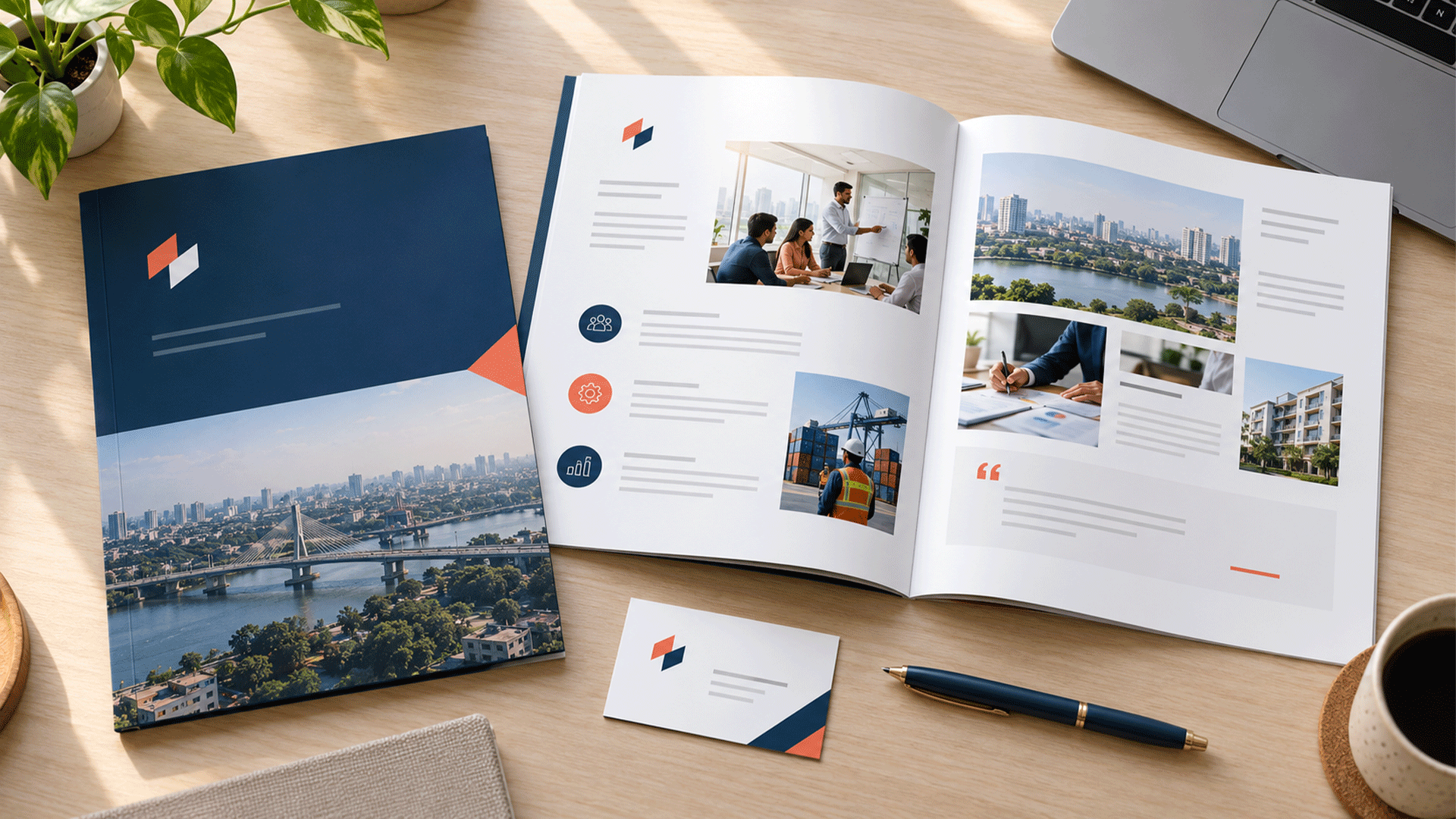
An important distinction: a brochure is also a presentation format. A company profile can be designed as a corporate brochure. A proposal can use a similar visual style.
Their purpose and content matter more than the cover title.
What Is a Company Profile?
A company profile introduces your organization and helps a reader assess whether your capabilities are relevant.
It usually brings together information that would otherwise sit across your website, presentation slides, project records, and team biographies.
Useful sections include:
- A clear explanation of what the business does.
- The customers or industries it serves.
- Main products, services, or capabilities.
- Relevant projects and approved testimonials.
- Team expertise and operational capacity.
- Current contact details and a next step.
Company history, mission, values, and certifications belong in the profile when they help the reader assess your business. They do not need equal space in every version.
A profile works well when a potential client is building a supplier shortlist or needs background information before a meeting.
Keep the facts current and select evidence relevant to the audience. A manufacturer evaluating your technical support capability may need a different emphasis from a retailer considering your design services.
M4YOURS IT’s company profile design services include content structuring, branded layouts, and formats for digital and printed use. M4YOURS IT
What Is a Brochure?
A brochure presents company, product, or service information in a visually organized format. For client communication, a focused brochure can help someone understand an offer without reviewing your entire business.
For example, a technology company might have separate brochures for website maintenance, cloud migration, and customer support automation.
Each can explain:
- Who the offer is intended for.
- The problem or need it addresses.
- What the service or product includes.
- Relevant features, benefits, or specifications.
- Available options and important conditions.
- How to request more information or discuss a purchase.
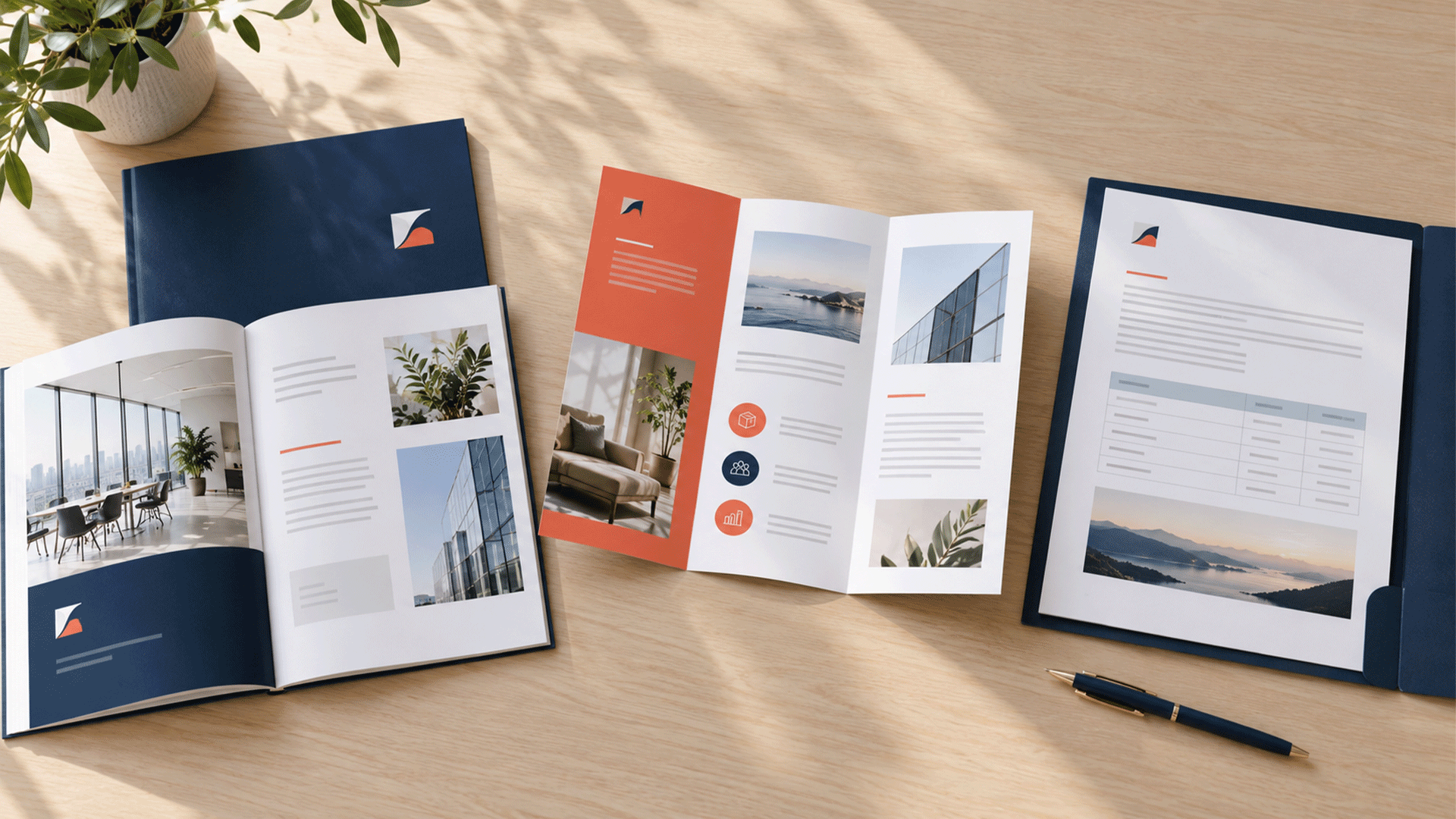
A brochure can be a folded print piece, a short PDF, or a longer publication. It does not have to be a tri-fold leaflet.
M4YOURS IT’s brochure design services cover corporate, product, promotional, and company profile brochures, illustrating how these formats can overlap. m4yours.com
A focused service brochure is useful when the client already understands your business and wants to compare a particular offer. Keep it specific enough to help them identify a sensible next step.
What Is a Business Proposal?
A business proposal explains how you recommend addressing a particular client’s requirement.
It moves the discussion from general capability to a proposed piece of work or purchase.
A practical proposal may include:
- The client’s objectives and your understanding of the requirement.
- Your recommended solution and why it fits.
- Deliverables, scope boundaries, and assumptions.
- Responsibilities and information needed from the client.
- A proposed schedule and relevant dependencies.
- Fees, options, payment arrangements, and ongoing costs where applicable.
- Relevant evidence of your ability to deliver.
- A clear review or approval process.
HubSpot’s business proposal guide similarly emphasizes understanding the client’s needs, presenting a tailored solution, explaining deliverables, and including pricing information. blog.hubspot.com
A proposal should make it possible to discuss what will be delivered and what needs agreement. Replacing the client name on a generic document does not achieve that.
You may reuse your structure, biographies, and approved project examples. The recommendation, scope, assumptions, and commercial details still need to fit the opportunity.
Which Document Should You Send in Common Client Situations?
1. The Client Wants an Introduction to Your Company
Lead with a company profile.
This is appropriate when someone wants background information before a meeting, is reviewing potential suppliers, or needs to introduce your business to colleagues.
Select a version that makes the relevant capabilities easy to find.
If the enquiry mentions one particular service, you can add a focused brochure or link to the relevant information. Explain what each document covers so the reader knows where to start.
Do not assume that “send your details” means “prepare a detailed proposal.” First establish whether there is a defined requirement.
2. The Client Asks About One Product or Service
Lead with the relevant brochure or product information.
If a client asks about your office cleaning service, sending a broad profile covering recruitment, catering, and security may create unnecessary reading.
Give them the information needed to evaluate the service they asked about.
Include practical details such as coverage, inclusions, options, and how delivery works. Add a short company introduction or relevant case study if they also need reassurance about your capability.
A focused document helps the client share the offer internally without explaining which pages matter.
3. The Client Has Explained a Specific Project
Prepare a tailored proposal when you understand enough to recommend a scope.
For a website project, that may mean confirming the audience, required pages, content responsibilities, integrations, and launch constraints.
The proposal should connect those requirements to what you will deliver.
If important details remain unknown, arrange a discovery discussion or identify the assumptions behind a preliminary recommendation. Label provisional scope, timing, or pricing clearly.
Avoid presenting an uncertain estimate as a fully scoped offer.
The client needs to understand which decisions are settled and which still require discussion.





4. The Client Only Asks for a Price
Match the response to how clearly the requirement is defined.
For a specified product or straightforward service, a quotation with the relevant details may be enough.
For a complex project, ask the questions needed to price it responsibly. You can share a brochure to explain options while the scope is clarified.
A price without context can leave the client unsure whether it includes installation, content preparation, support, revisions, or other necessary work.
Once the scope is understood, send the appropriate quotation or proposal with clear inclusions and assumptions.
5. The Client Issues a Formal Request or Supplier Checklist
Follow the requested submission format and instructions.
If the client asks for a proposal, qualification documents, references, and a completed response form, a general brochure does not answer that request.
Map each requirement to the relevant section or attachment. Check the deadline, file format, naming rules, and submission method.
Use your company profile as supporting background where requested or useful. Keep the actual response organized around the client’s requirements.
Formal submissions can have their own evaluation criteria, so avoid substituting your usual sales pack for the specified documents.
A Practical Example: One Client, Three Different Needs
Consider a fictional web development agency speaking with a distributor that wants to improve its online presence.
At the first meeting, the distributor asks about the agency’s experience. The agency sends a company profile featuring relevant website projects, team expertise, and its delivery approach.
Later, the distributor wants to understand ecommerce options. The agency sends an ecommerce brochure explaining capabilities such as product search, customer accounts, inventory connections, and ongoing support.
After discovery, the agency prepares a proposal covering the agreed requirements, proposed features, responsibilities, integration assumptions, delivery stages, fees, and next steps.
These documents serve different questions within the same relationship.
The sequence can change. A client arriving with a complete brief may need a proposal immediately, while a returning customer may already know your business and only need a quotation.
Should You Send All Three Together?
Sometimes, but give each document a clear role.
A proposal may be the main document, with a short company profile attached for background and a product brochure linked for technical detail.
That can help when different stakeholders need different information.
However, avoid duplicating the same introduction and service descriptions across several attachments. The reader should not have to compare documents to discover which scope or price is current.
Use a short covering message, such as:
“Attached is our proposal for your office refurbishment. It covers the recommended scope, delivery stages, and fees. The company profile provides background on our team and relevant projects.”
When one document answers the client’s current questions, start there.
How Much Should You Customize Each Document?
The required effort differs.
| Document | Keep consistent | Adapt for the opportunity |
|---|---|---|
| Company profile | Verified facts, brand identity, core capabilities | Opening emphasis, relevant experience, selected services |
| Brochure | Accurate offer information, approved specifications, design system | Audience emphasis and the most relevant offer or version |
| Proposal | Reusable structure, approved biographies, verified evidence | Client needs, recommendation, scope, assumptions, schedule, fees |
Customization should improve relevance.
For a proposal, that means showing how the recommendation relates to the client’s situation. For a profile, it may mean selecting the most relevant projects.
Keep standard information controlled so customization does not introduce conflicting company facts or unsupported promises.
If an opportunity needs extensive analysis before you can define a solution, agree how that discovery work will be handled.

What Should Every Client Document Have in Common?
All three should use clear language, accurate information, relevant evidence, and consistent branding.
Use the same company name, logo standards, colours, typography, and contact details. Your corporate identity design system can provide the rules for applying those elements across business materials. M4YOURS IT
Make each document easy to scan. Use meaningful headings, short paragraphs, readable tables, and a visible next step.
Use client logos, testimonials, and project details only with appropriate approval. Explain your contribution accurately when other providers were involved.
Avoid unsupported performance claims. A proposal should distinguish desired outcomes from the deliverables and commitments you are actually offering.
Good presentation helps the reader understand the information. It cannot resolve inaccurate content or an unclear scope.
How Should You Share the Document?
Use the client’s requested channel and format.
For digital sharing, check that the PDF opens correctly, the text remains readable, and the file size is practical. Test links and contact details on a phone as well as a laptop.
Use descriptive filenames that identify the document and version. For example, “Office-Website-Proposal-v2” is easier to distinguish than “Final-New-Latest.”
If you share a link, check access permissions and make it clear which version the client should review. Avoid changing a proposal silently after it has been shared for approval.
Accessibility also matters. W3C’s guidance on PDF heading tags explains how properly marked headings help assistive technology users navigate document sections. Include document structure and reading order in your quality review. W3C
For printed materials, confirm the supplier’s production requirements separately. A compact folded brochure and a detailed proposal may need different layouts.
Common Mistakes That Make the Choice Less Useful
Sending Background Information Instead of Answering the Request
A company profile can establish capability, but it does not explain a proposed project scope or fee.
If the client has asked for a recommendation, lead with that response and use the profile as support.
Preparing a Proposal Before Understanding the Requirement
An attractive proposal can still depend on assumptions the client never agreed to.
Clarify the need, decision criteria, constraints, and responsibilities before presenting detailed commitments.
Treating a Brochure as a Complete Project Specification
A brochure describes an offer. Confirm which features, quantities, service levels, and options apply to the actual purchase.
Using Different Versions of the Same Facts
Conflicting service names, prices, office addresses, or team information create avoidable questions.
Maintain current master content and review the documents together when something important changes.
Ending Without a Next Step
Tell the reader what to do: arrange a discussion, request a demonstration, clarify the scope, or review the proposal.
Make that action appropriate to the stage of the conversation.
A Checklist Before You Press Send
- I understand what the client needs to decide next.
- The main document directly answers the request.
- The content is relevant to this client or audience.
- Company facts and project evidence are accurate.
- Scope, assumptions, and commercial details are clear where applicable.
- Supporting attachments each have a useful purpose.
- Names, dates, contact details, and versions are correct.
- Links work and the recipient can access the files.
- The document is readable and has been reviewed for accessibility.
- The covering message explains the next step.
FAQ
Yes. A company profile can be presented as a corporate brochure. “Company profile” describes its purpose and content, while “brochure” can describe the format used to present it.
A quotation usually concentrates on priced items and commercial details. A proposal typically adds the client’s needs, your recommended approach, and the reasoning behind the scope. Follow the client’s requested format and the complexity of the purchase.
Usually, a brief relevant introduction and selected evidence are enough. Add the full profile when requested or useful to other stakeholders. Keep the proposal focused on the client’s requirement.
Start with the material needed for your next realistic client conversation. A compact profile may support introductions, a brochure may explain a defined offer, and a proposal template may support custom project sales. You can build the others as demand develops.
Use enough space to answer the reader’s questions clearly. There is no universal page count. Follow formal submission instructions where provided, and avoid adding pages simply to make the document look more substantial.
A company profile introduces your capabilities. A brochure explains an offer. A proposal connects your recommendation to a specific requirement.
Choose the document that helps the client move forward, then add supporting information where it has a clear purpose.
M4YOURS IT can help you organize and design your company profile and brochures so they communicate clearly and follow your brand identity.
Share your existing materials, intended audience, and how your sales conversations usually begin to discuss which document your business should create or improve first.