


You open the first logo presentation. One direction looks promising, but something still feels wrong.
The name could be clearer. The symbol seems too detailed. You like the overall idea, yet you are unsure how to explain what needs to change.
A message such as “Can you try something completely different?” may send the project back into exploration before anyone understands the concern.
Useful logo design feedback identifies what works, explains a specific problem, connects it to the brief, and gives the designer a clear priority to investigate.
You do not need to choose a font or redraw the symbol yourself. Your contribution is the business context, the requirements, and an honest account of what you observe.
Here is how to turn that information into a productive revision discussion.
What Makes Logo Design Feedback Useful?
Useful feedback gives the designer enough information to understand the issue and judge possible responses.
It distinguishes a requirement from a preference and makes clear which parts of the direction are worth preserving.
Nielsen Norman Group’s guidance on design critiques connects effective discussion with agreed objectives, clear scope, and conversation. Although the guidance concerns UX design, those principles offer a useful starting point for a logo review. NN/G
For example:
The name is readable in the main presentation, but the final letters become difficult to distinguish in our mobile header. Could you explore how to improve that application while keeping the overall direction?
The designer now knows the context, the concern, and what should remain.
1. Understand the Direction Before Requesting Changes
Review the complete presentation before writing your response.
Ask the designer to explain the relationship between the concept, your audience, and the brief. Look at the plain artwork alongside application examples.
Useful questions include:
- Which part of the brief does this direction address?
- What is the intended relationship between the symbol and the name?
- Which applications influenced the design?
- What is still exploratory at this stage?
A concept presentation may focus on broad direction before final spacing, colour specifications, or production details are resolved.
Confirm what you are being asked to assess. Record detailed concerns, but avoid assuming every unfinished element requires a new concept.
Give yourself enough time to consider the work within the agreed feedback schedule.
2. Bring the Brief Into the Review
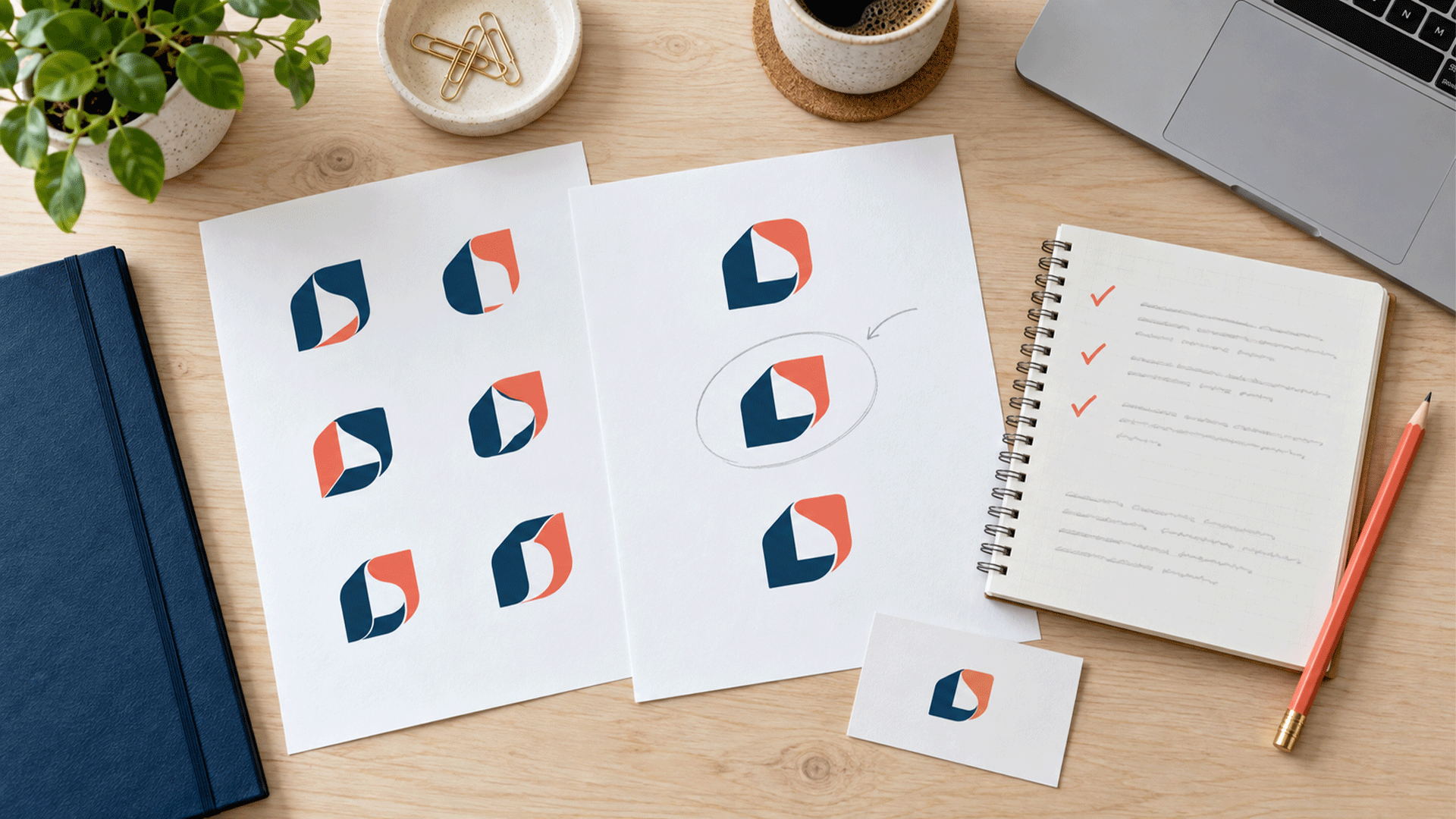
Keep the agreed brief beside the presentation.
Use its actual priorities to assess the design.
| Review area | Question to ask |
|---|---|
| Audience | Does this direction fit the customers and buying situation we discussed? |
| Positioning | Does it support our intended presentation in the market? |
| Readability | Can people read the required name in priority applications? |
| Distinction | Are there concerning similarities to relevant competitors? |
| Practical use | Does the proposed system address our main formats and production needs? |
Avoid introducing a different definition of success halfway through the project without discussing it.
If the brief describes a restrained professional service, “make it playful” needs an explanation. Has the business direction changed, or are you trying to describe approachability?
When audience and positioning remain unsettled, revisit the brand strategy and foundation before treating every disagreement as a visual problem.
3. State What You Want to Keep
Positive feedback gives the designer useful boundaries.
Explain which aspects meet the brief and why they matter.
For example:
- “The clear lettering helps the business name take priority.”
- “The compact arrangement fits the profile image we need.”
- “The overall restraint suits the presentation we agreed.”
- “The symbol gives us a direction we would like to develop.”
“We like Concept B” leaves more uncertainty than “We want to develop Concept B while preserving its lettering and overall structure.”
Be clear about the level of approval. Selecting a direction does not necessarily mean approving its final colours, spacing, or every application.
Record those remaining questions so the designer can refine the work with the right expectations.








4. Explain the Problem With a Simple Feedback Structure
Use this practical structure when a comment feels vague:
Goal → observation → possible consequence → request or question
| Part | Example |
|---|---|
| Goal | Our business name needs to read clearly in a mobile website header |
| Observation | Two letters appear to merge at the proposed display size |
| Possible consequence | Someone unfamiliar with the name may misread it |
| Request | Could you investigate the lettering and show the revised header example? |
This is a communication aid, not a requirement to write four sentences for every comment.
Also identify how certain you are.
“We could not read the final word in this print sample” describes an observation. “Our audience might find it too informal” is an interpretation to discuss.
Both can be useful. Labelling them accurately helps prevent an assumption from becoming an unquestioned instruction.
5. Replace Broad Reactions With Specific Feedback
You can express an initial reaction in ordinary language. Then explain the detail behind it.
| Initial reaction | More useful feedback |
|---|---|
| “Make it more professional.” | “The handwritten lettering feels inconsistent with the structured B2B presentation in our brief. Could we review that choice?” |
| “It looks too basic.” | “We are concerned the symbol resembles several competitors. Could you show the comparison and explain the distinguishing features?” |
| “Make the logo bigger.” | “The business name is hard to read in this header example. Can we investigate the layout and available space?” |
| “I don’t like the colour.” | “This colour is a personal concern. Could you explain the choice and show a relevant alternative?” |
| “Make it more premium.” | “We want a restrained presentation with clear lettering and fewer decorative details. Could you explore that?” |
| “Add something about our service.” | “We worry a new customer will not understand our offer. Should that be addressed through the logo, a descriptor, or surrounding messaging?” |
| “Combine all three.” | “We prefer B’s overall direction but appreciate A’s readable lettering. Could you assess whether that quality can be developed coherently within B?” |
These examples describe concerns and desired qualities while leaving room for design judgment.
A suggested solution can still help. Explain the problem it is intended to solve and ask the designer to assess the trade-offs.
6. Show the Context Where the Problem Appears
Attach the relevant example.
A comment about a logo on a large presentation slide may not explain what happens on a business card or mobile screen.
Review priority applications at realistic sizes and conditions:
- A website header on a typical phone screen.
- The intended social profile crop.
- A proposal cover and ordinary document header.
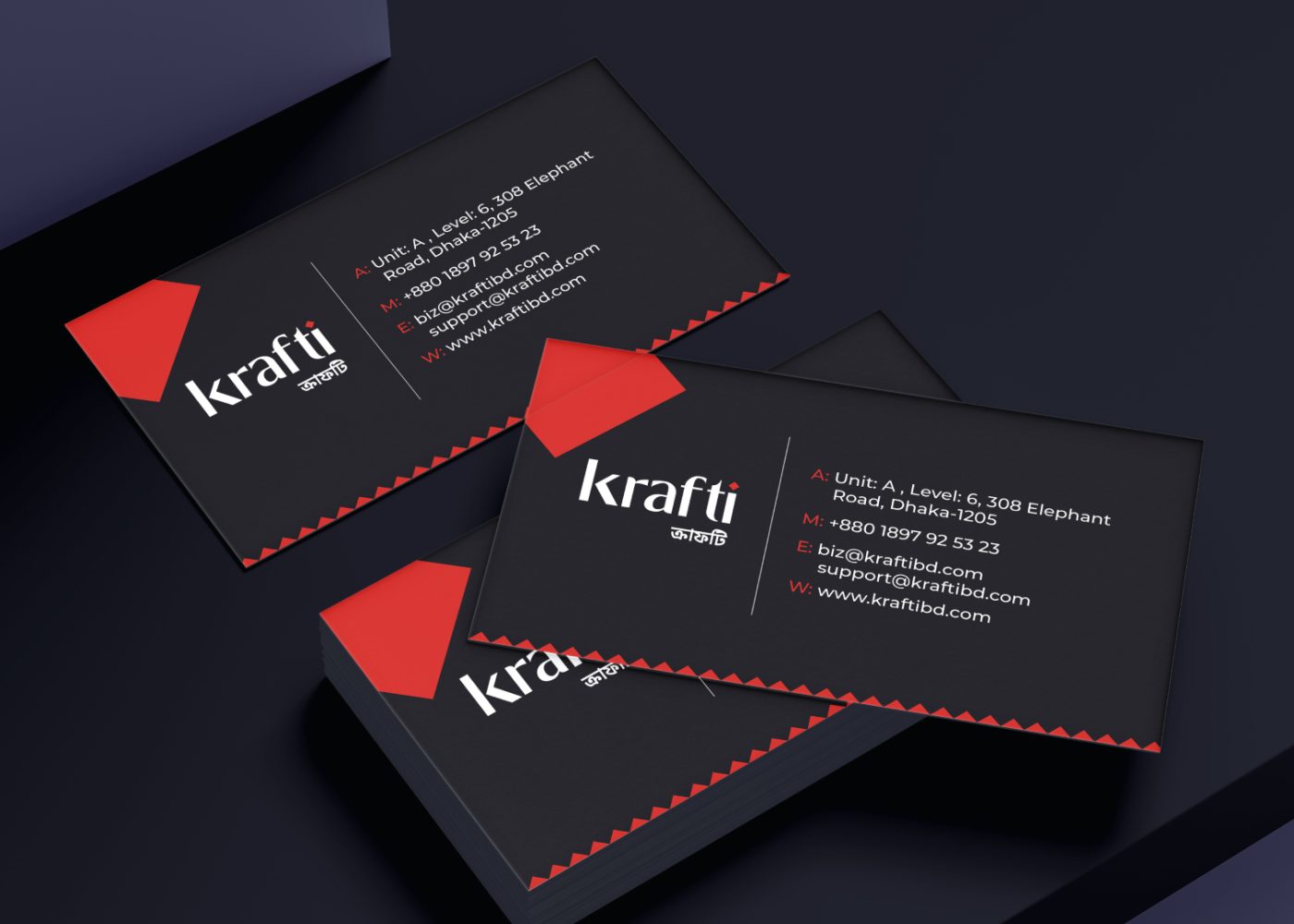
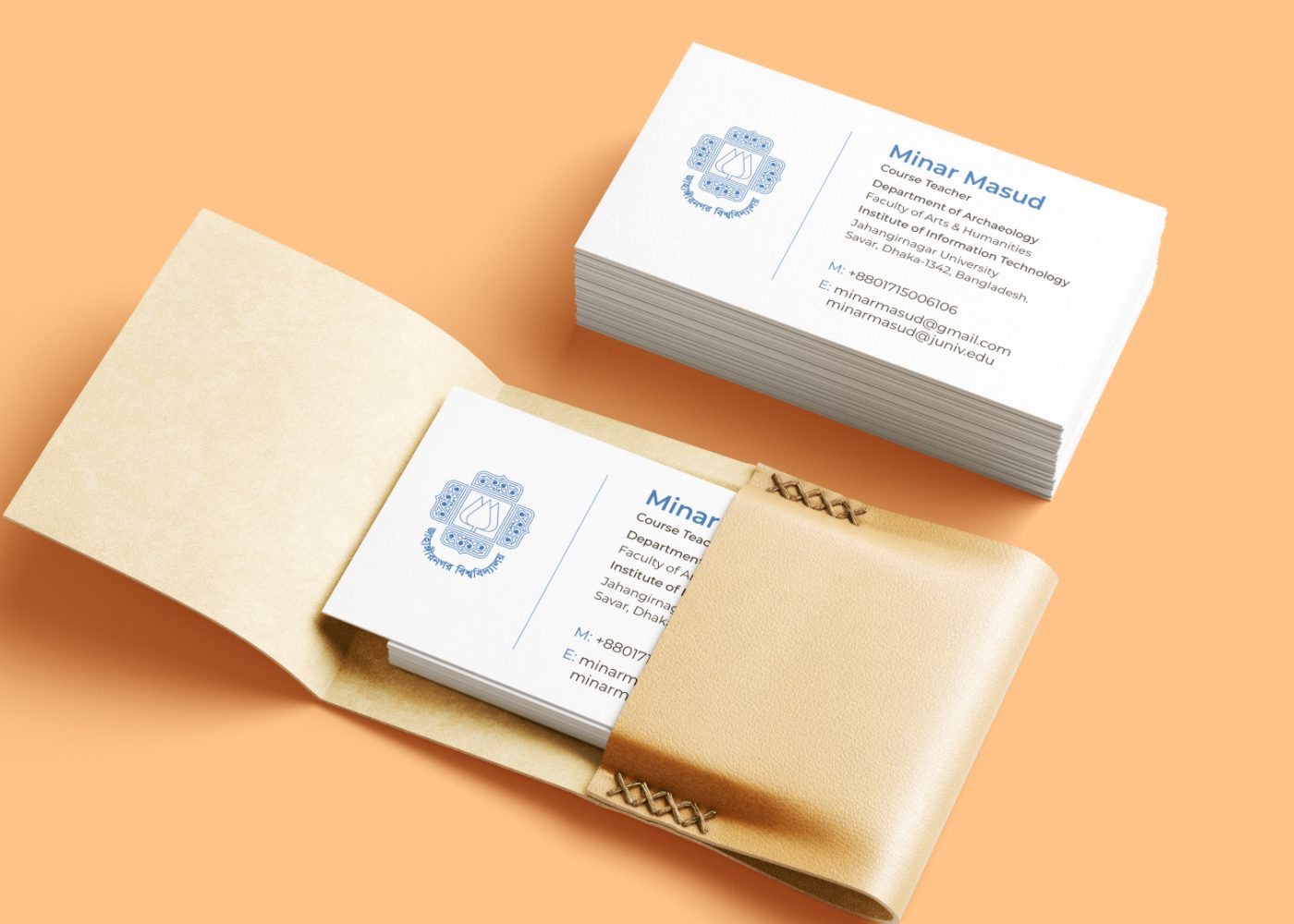
- A printed business card at its actual size.
- Relevant packaging, signage, or merchandise samples.
Check single-colour versions if your agreed uses require them. Ask production suppliers to confirm constraints for processes such as embroidery or engraving.
For Bangla and English versions, review both language arrangements early enough to address spacing and readability.
A mockup illustrates an application. It does not replace a production proof or establish that every technical requirement has been met.
7. Separate Required Fixes, Questions, and Preferences
Make the priority of each comment visible.
| Priority | Meaning | Example |
|---|---|---|
| Required fix | A confirmed requirement is unmet | The approved business name is misspelled |
| Investigate | A relevant concern needs assessment | The symbol may resemble a local competitor |
| Preference | A subjective choice for discussion | The founder would like to compare a darker colour |
This avoids treating a spelling error and a colour preference as equally open to debate.
If many comments appear, identify which issues most affect the next decision. A short list of clear priorities can be easier to act on than an unranked collection of ideas.
Explain conflicts instead of hiding them. If the team wants both a larger name and a smaller overall logo in the same space, ask the designer to discuss the available options.

8. Consolidate Feedback Before Sending It
Collect stakeholder input in one place and resolve contradictions within your team.
Sending separate emails, chat messages, screenshots, and verbal requests makes it difficult to know which instructions are current.
Use one project contact to submit the agreed response. Identify who makes the final decision.
Give reviewers the brief and explain what the current round covers. Invite comments from people with relevant knowledge, such as the person responsible for the website or packaging production.
Record disagreements that remain unresolved. Do not ask the designer to interpret “half the team wants A and half wants B” as a clear instruction.
A preference vote can reveal opinions. The final choice still needs a reason connected to the project.
9. Use References to Explain a Quality
A reference image is most useful when you annotate it.
Explain whether you are discussing lettering, spacing, visual weight, arrangement, or the way a logo works in an application.
For example:
We are sharing this reference because the long business name remains clear in a narrow header. Could you explore that quality within our selected direction?
Distinguish the principle you want to examine from the specific artwork in the reference.
Introducing a large new mood board during refinement may signal a change of direction. Explain why the earlier visual territory is no longer suitable before requesting another exploration.
The designer can then assess whether the concern can be resolved within the selected concept.
10. Ask Neutral Questions When Gathering Audience Input
If you invite customer feedback, decide what you want to learn before showing the artwork.
Useful prompts might include:
- “What name do you read here?”
- “What stands out to you?”
- “What, if anything, is difficult to make out?”
- “Does this remind you of another business? Which one?”
Avoid suggesting the response through a question such as “Doesn’t this look much more trustworthy?”
Nielsen Norman Group’s guidance on leading questions explains how wording can influence participant responses. Applying that caution to a logo discussion can help you hear concerns you did not anticipate. NN/G
Treat a small informal discussion as exploratory input. It cannot establish market-wide preference, future sales, or long-term recognition.
Share the questions, context, and actual responses with your designer.
A Logo Feedback Template You Can Copy
Use this structure for each agreed revision round.
| Field | What to include |
|---|---|
| Project and version | The exact presentation or artwork being reviewed |
| Selected direction | The concept to develop, or the decision still needed |
| What to preserve | Specific features and why they meet the brief |
| Main concern | The issue, its location, and relevant context |
| Supporting information | Screenshot, sample, observation, or requirement |
| Priority | Required fix, investigation, or preference |
| Requested next step | The outcome or question you want addressed |
| Open questions | Anything requiring discussion before revision |
| Decision owner | Who approves the next stage |
| Timing | The agreed response date and any dependencies |
Attach one consolidated list and refer to numbered examples where helpful.
The designer should be able to connect each comment with the right artwork without reconstructing a conversation across several channels.
Example: A Constructive Revision Message
Here is an illustrative message for a fictional IT support business:
Thank you for the presentation. We would like to develop Concept B.
Please preserve: The overall symbol direction and clear business name. These fit the organized, approachable presentation in our brief.
Priority 1 — investigate readability: In the attached mobile header example, the final letters are difficult to distinguish at the proposed size. Could you review the lettering and show the result in that application?
Priority 2 — confirm a requirement: We still need to review the Bangla arrangement listed in the brief. Please confirm when this will be presented.
Preference for discussion: We would like to compare a slightly darker colour. Please advise whether that would help in the intended applications.
Before revising: Please flag any request that changes the agreed scope or schedule. The founder will provide the consolidated approval response.
This message preserves a direction, identifies priorities, and creates space to resolve uncertainty before work proceeds.
Review the Revision Against the Agreed Issues
When the next version arrives, begin with the concerns from the previous round.
Check whether the changes address them and whether any new problem has appeared.
A simple record can help:
| Issue | Response | Status |
|---|---|---|
| Mobile name readability | Revised lettering shown in the header | Ready for approval |
| Required Bangla version | Arrangement supplied for review | Check wording |
| Darker colour comparison | Alternative supplied with explanation | Decision needed |
Ask questions if you cannot see how a concern was addressed.
Confirm what is approved in writing. Discuss any new requirement separately so both sides understand its effect.
The definition of a revision round, included work, and additional exploration should come from your project agreement. Clarify these before assuming another request is covered.
When Should You Revisit the Direction?
Some problems need more than refinement.
The objective is to understand what needs to change before spending further effort.
| Situation | Useful next step |
|---|---|
| A promising direction has a readability or spacing problem | Refine and check the relevant application |
| The concept conflicts with an unchanged requirement | Discuss how the work should be brought back to the brief |
| The presentation seems inconsistent with the intended positioning | Clarify the interpretation before continuing |
| The audience, name, offer, or positioning has changed | Update the brief and agree on the implications |
| A significant similarity concern appears | Investigate before developing the direction further |
You do not need to approve a fundamentally unsuitable concept to avoid restarting.
Explain the mismatch, reference the agreed requirement, and ask for a proposed next step. Where wider assets are involved, consider the implications for the complete corporate identity system.
FAQ
Explain the reasons using the brief. Ask which concerns reflect a misunderstanding, an unmet requirement, or a changed expectation. Agree on the next step before another concept round begins.
Yes. Explain why you think it may help and invite the designer to assess it. Treat it as a proposal unless it is already an agreed requirement.
There is no universal number. Agree on the scope, what counts as a round, and how additional work is handled before the project starts.
Their comments can reveal questions, but provide context and consider their relevance to the audience. Separate personal preferences from observations that affect the brief.
Prioritize the offer explanation, business and contact details, relevant proof of capability, and the first customer interaction. Confirm that the team can deliver the commitments shown on the website.
Clear feedback gives your designer a better basis for the next decision.
M4YOURS IT’s professional logo design service includes discovery, concept exploration, client feedback, refinement, and preparation of logo variations and assets. M4YOURS IT
Discuss your logo project with M4YOURS IT to establish the brief, review concepts clearly, and develop a direction that fits your business.