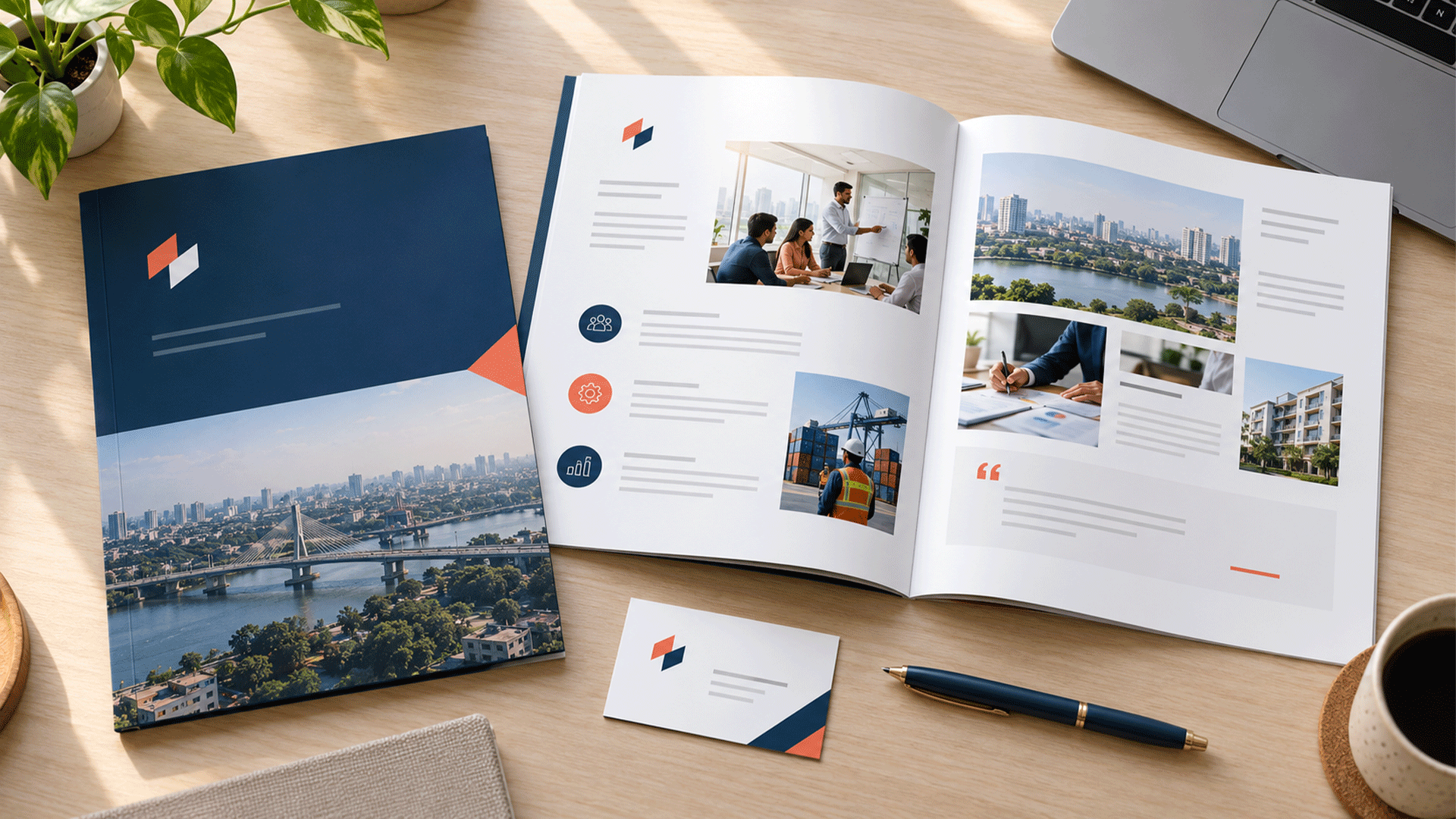



Your business card looks polished, but your proposals use different fonts. Your invoices carry an older logo. Your presentation slides seem to belong to another company.
Each item may look acceptable on its own. Together, they reveal that the business lacks a shared visual system.
A complete corporate identity design package should include an agreed visual direction, a usable logo system, colour and typography standards, essential business templates, practical guidelines, and organized final assets.
The exact deliverables should reflect how your business operates. A small consultancy and a company with branches, packaging, uniforms, and multiple departments need different scopes.
This guide explains what to include, what to confirm before commissioning the work, and how to recognize a package your team can actually use.
What Is a Corporate Identity Design Package?
A corporate identity design package brings the visual elements of a business into a coordinated system.
It establishes how the company presents itself across documents, stationery, presentations, digital communication, and other agreed applications.
The logo is one element within that system. The package also explains how typography, colour, layout, imagery, and supporting graphics work together.
In this article, “corporate identity design” refers to those visual standards and practical assets. A wider branding engagement may also cover audience research, positioning, naming, messaging, and other strategic work.
Confirm those boundaries in the proposal. “Complete” should describe a clearly defined scope rather than imply that every possible branding service is included.
1. An Agreed Foundation and Design Brief
The work should begin with enough context to guide design decisions.
The brief should record:
- What the business provides.
- Who its priority audiences are.
- Its intended market positioning.
- The qualities the identity should express.
- Existing assets and recognition worth preserving.
- Required languages and business names.
- Priority applications and production constraints.
- Deliverables, responsibilities, and approval criteria.
A visual identity project can use an existing strategy. If the audience, offer, or positioning remains unsettled, establish what discovery is included.
A separate brand strategy and foundation engagement may be appropriate when those decisions need deeper investigation.
What to receive: An agreed brief or direction summary that gives the team a reference for design and review.
2. A Practical Logo System
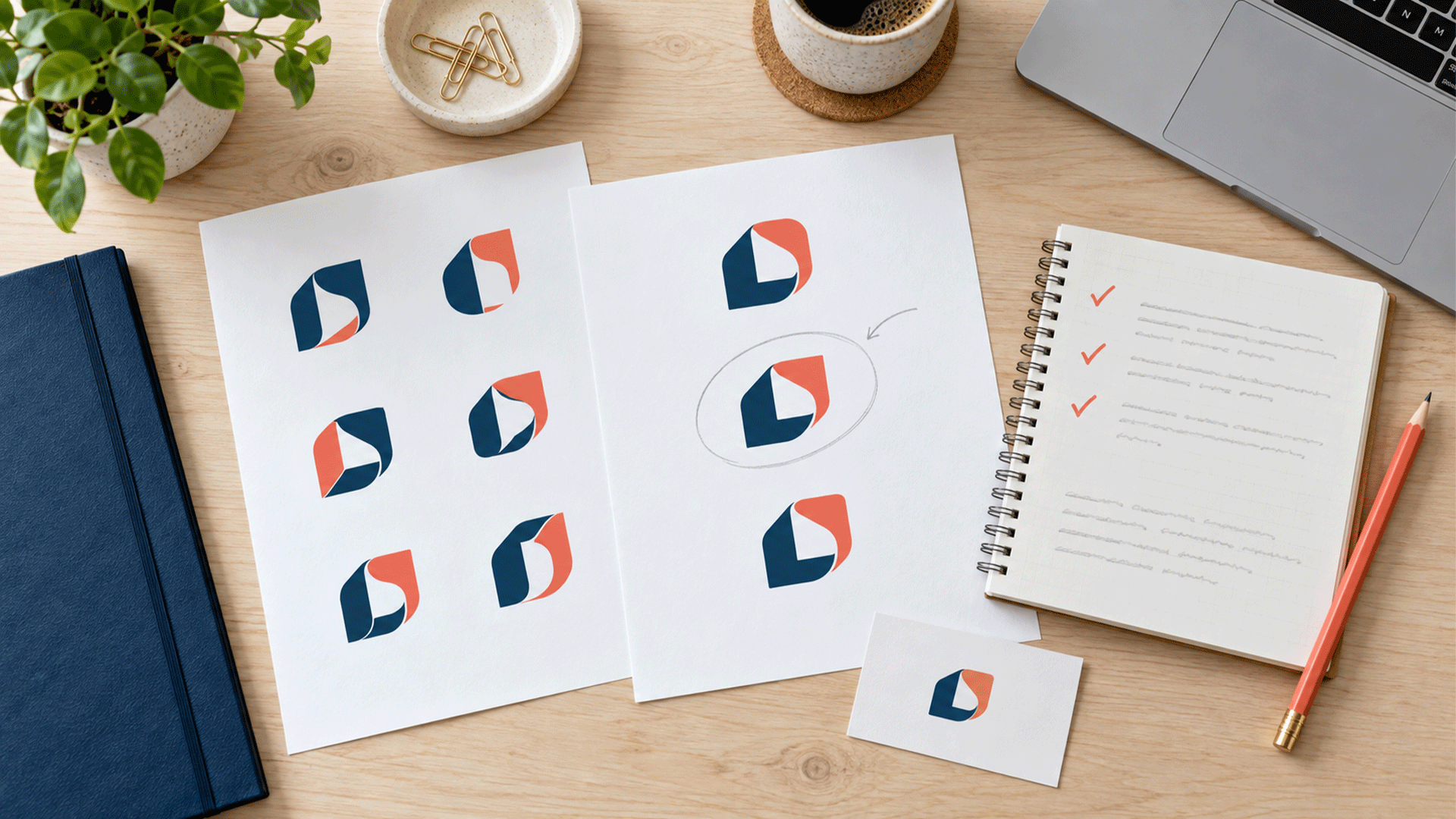
A corporate identity package should explain how the approved logo works in the situations your business encounters.
Depending on the scope, this may involve creating a new logo, refining an existing one, or building applications around approved artwork.
Useful provisions can include:
| Element | Purpose |
|---|---|
| Primary arrangement | The main approved presentation of the identity |
| Alternative arrangement | A layout suited to another agreed space or format |
| Compact mark | A version for small or tightly cropped applications, where needed |
| Colour versions | Approved treatments for relevant backgrounds |
| Single-colour versions | Artwork for applications that need one colour |
| Language versions | Agreed Bangla, English, or other required arrangements |
| Usage rules | Clear space, minimum sizes, backgrounds, and restrictions |
The appropriate versions depend on the design. An extra arrangement should solve a practical need.
If you already have a suitable logo, confirm whether professional logo design or redesign work is included, optional, or outside the identity project.
What to receive: Approved master artwork, relevant exports, and instructions showing which version to use.
3. A Colour System With Usable Combinations
A colour palette should explain roles as well as values.
Your team needs to know which colours are used for text, backgrounds, emphasis, and supporting content.
Ask for:
- Primary, supporting, and neutral colours.
- Digital colour specifications, such as HEX and RGB.
- Print specifications for agreed production conditions, including CMYK or spot colours where relevant.
- Examples of suitable colour combinations.
- Guidance on proportion and emphasis.
- Restrictions where combinations are unsuitable.
A colour that works well as a small accent may be difficult to read as body text on white.
For web content, W3C’s guidance on text contrast explains minimum contrast requirements, including exceptions. It also makes clear that a logo exception does not exempt ordinary text simply because it follows brand guidelines. W3C
Ask the designer to identify checked combinations for the intended uses. Review physical proofs with the production supplier when colour reproduction matters.
What to receive: A documented palette with specifications, roles, and practical application examples.








4. A Typography System Your Team Can Maintain
A font name alone does not explain how to create a proposal, presentation, or document.
The package should establish a clear hierarchy:
| Text role | What to define |
|---|---|
| Main headings | Typeface, weight, scale, and spacing |
| Subheadings | Relationship to headings and body text |
| Body copy | Readable settings for common documents |
| Captions and labels | Treatment for supporting information |
| Tables and figures | Consistent presentation of business information |
| Language variations | Suitable choices for required scripts |
| Fallbacks | Alternatives where the primary font is unavailable |
Consider the software your employees use and who will edit the materials.
For a Bangladesh-based company communicating locally and internationally, Bangla and English typography should be considered together. Check realistic content in both languages.
Document where fonts come from and how the team obtains appropriate access. For example, Adobe Fonts’ licensing guidance distinguishes receiving finished graphics from directly accessing fonts to edit designs. The terms of the selected fonts should guide the handover. Adobe Fonts
What to receive: Typography rules, examples, font information, and a workable approach for everyday editing.
5. Supporting Graphics, Imagery, and Layout Rules
An identity needs guidance beyond placing a logo in a corner.
Supporting elements can establish a recognizable relationship between different materials.
Depending on your needs, include:
- Graphic shapes or patterns.
- Illustration or icon styles.
- Photography direction.
- Image cropping and placement.
- Margins, spacing, and alignment.
- Reusable content arrangements.
- Treatments for charts and tables.
Specify the level of delivery. An “icon style” could mean reference guidance, an agreed set of finished icons, or a custom library.
Likewise, photography direction does not automatically include a photo shoot or a collection of licensed images.
What to receive: Clear visual principles and the agreed reusable assets, demonstrated across relevant applications.
6. Corporate Stationery and Everyday Business Documents
Start with materials the business uses regularly.
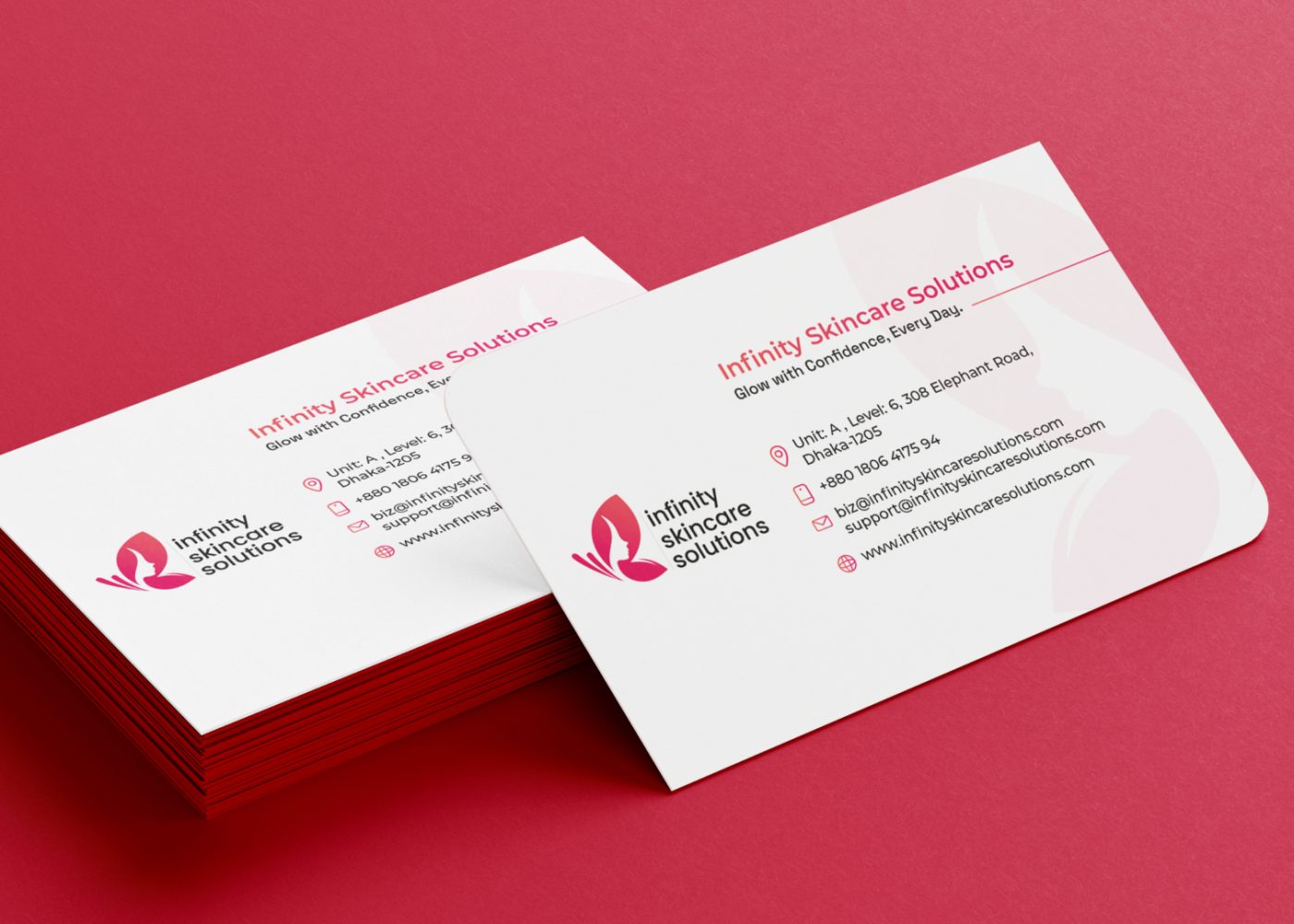
A practical stationery scope may include business cards, letterheads, envelopes, document folders, and email signatures.
Business document templates may include proposals, quotations, reports, invoices, or internal forms.
These are related deliverables, but they have different requirements.
| Asset | Important scope detail |
|---|---|
| Business card | Size, sides, staff variations, and production specifications |
| Letterhead | Print artwork, editable document version, or both |
| Envelope | Agreed size and printer requirements |
| Presentation folder | Dimensions and supplier template |
| Email signature | Editable details, implementation, and supported email clients |
| Proposal or report | Cover, content pages, tables, and recurring sections |
| Invoice or quotation | Required fields and compatibility with the actual workflow |
A design for an invoice does not automatically update your accounting software. An email signature mockup does not establish that it has been implemented and checked.
Ask which items are visual concepts, production artwork, editable templates, or installed solutions.
What to receive: The agreed stationery files and working document templates, checked with realistic business information.
7. Presentation and Sales Templates
A useful presentation template supports the content your team regularly shares.
The scope might cover:
- Title and section divider slides.
- Standard content layouts.
- Image and text combinations.
- Charts and tables.
- Case studies.
- Service or product summaries.
- Team introductions.
- Closing and contact slides.
Specify the number of reusable layouts and the software in which they must work.
Try adding a longer heading, replacing an image, and updating a table. A template should accommodate ordinary editing without requiring every slide to be rebuilt.
Sales materials such as brochures, company profiles, and service sheets should also be itemized. Define the page count, content responsibility, language versions, and final formats.
What to receive: Editable presentation layouts and the specific sales materials included in the agreement.
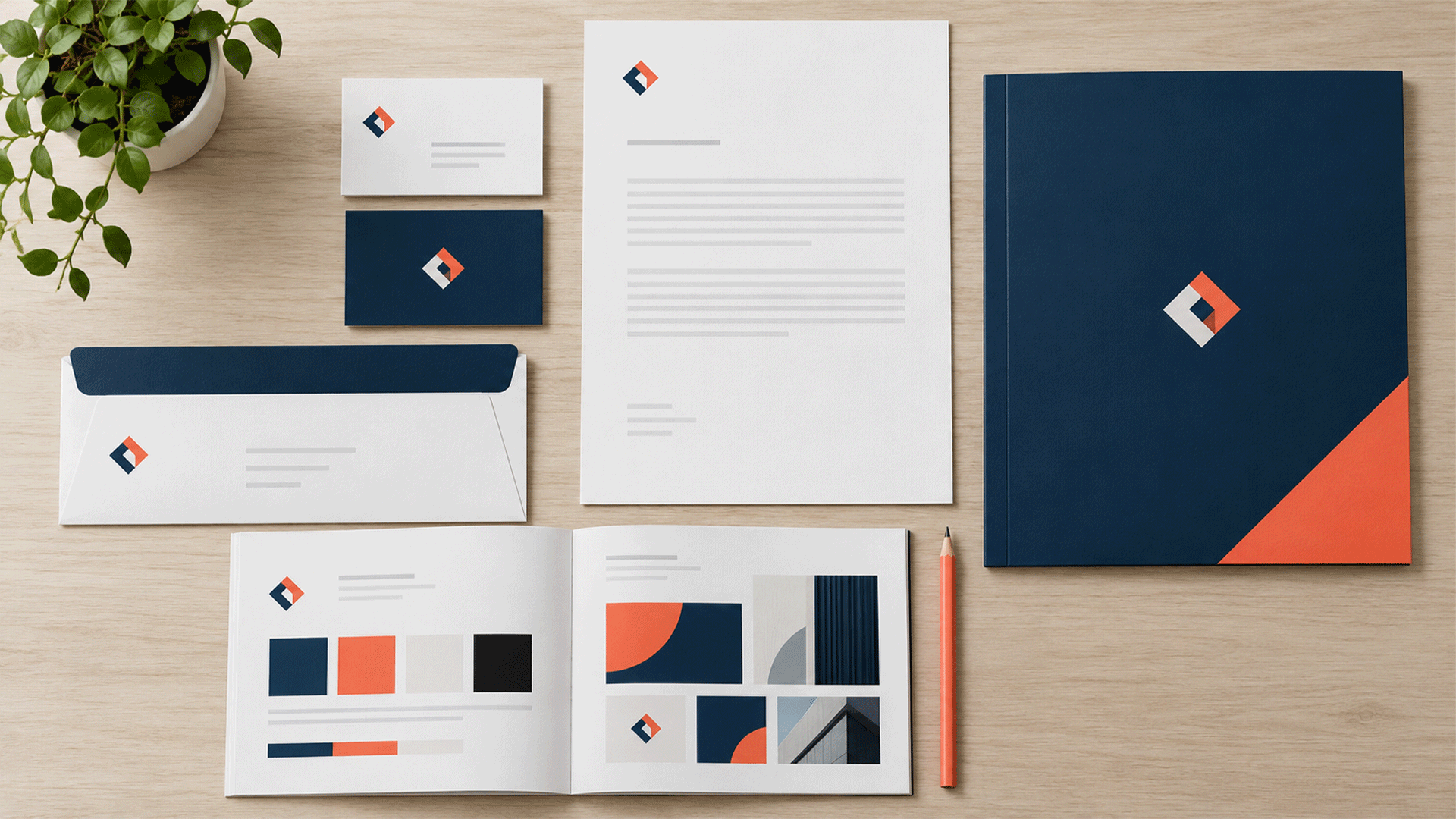
8. Digital Identity Assets
Identify the digital channels that matter to your business.
A package may include a profile image, cover graphics, social post templates, document thumbnails, or other recurring communication assets.
Define the formats and variants required rather than accepting “digital branding included” as a complete description.
Clarify whether the work covers visual guidance, finished exports, editable templates, or implementation.
For example:
| Deliverable | What it covers |
|---|---|
| Profile asset | An approved identity arrangement for an agreed crop |
| Social template | A reusable layout with editable content areas |
| Website identity guidance | Colours, typography, imagery, and logo application direction |
| Website implementation | Applying the identity within the actual website |
| Email banner | A specific branded graphic for an agreed use |
Website development, content production, campaign management, and ongoing posting need their own scope.
What to receive: Clearly identified digital assets and instructions for updating or exporting them.
9. Brand Guidelines With Practical Examples
The guidelines should help someone apply the identity when the original designer is unavailable.
A useful document usually covers:
- The identity’s purpose and visual direction.
- Logo arrangements and usage rules.
- Colour specifications and combinations.
- Typography hierarchy.
- Supporting graphics and imagery.
- Layout principles.
- Examples of agreed applications.
- Common mistakes and corrections.
- Asset locations and responsibility for updates.
Judge the guide by whether it answers real questions.
Can an employee choose the correct logo for a dark background? Can a supplier identify the appropriate print artwork? Can a colleague format a new report?
A short guide can be sufficient for a focused system. More complex organizations may need detailed rules for departments, products, branches, or partner branding.
What to receive: An accessible guide and any agreed editable source, with enough examples to support daily use.
10. Organized Files and a Practical Handover
The handover should make the approved assets easy to find and use.
Agree on formats before the project ends.
| Asset type | Possible handover format | What to confirm |
|---|---|---|
| Logo master | Vector artwork and agreed native file | Required versions and editing access |
| Digital logo exports | SVG or PNG as appropriate | Size, background, and intended use |
| Print materials | Production PDF and agreed source files | Supplier specifications and proofing |
| Business documents | Editable document format | Software, styles, and font availability |
| Presentations | Editable presentation format | Layouts, theme settings, and compatibility |
| Social templates | Agreed editable platform or source | Access, permissions, and export process |
| Guidelines | PDF and agreed source | Version and update responsibility |
A PDF may contain different kinds of content; the extension alone does not establish that a file is editable or suitable for a particular production process.
Ask for descriptive filenames, sensible folders, and a short asset index.
Confirm source-file delivery, third-party asset information, software access, and the agreed usage arrangements. Include a walkthrough if employees need help using the templates.
What to receive: Organized approved files, an asset list, and clear next steps for implementation.
What Does “Complete” Mean for Your Business?
Use the following framework to choose the scope.
| Package area | Usually important | Depends on the business |
|---|---|---|
| Foundation | Agreed brief and visual direction | Extensive research or repositioning |
| Visual system | Logo usage, colour, typography, layout | Custom illustration or extensive icon sets |
| Everyday communication | Priority stationery and document templates | Department-specific forms |
| Sales support | Frequently used presentation layouts | Brochures, profiles, catalogues |
| Digital assets | Priority channel requirements | Full website or application design |
| Physical applications | Standards relevant to actual use | Signage, packaging, uniforms, vehicles |
| Handover | Guidelines, files, access, and responsibilities | Training, supplier coordination, rollout support |
An online consultancy may prioritize proposals and presentations. A manufacturer may need packaging and distributor materials. A business with several locations may need signage and branch-specific information.
Choose deliverables around actual use and upcoming requirements.
Example: A Focused Package for a Small Service Business
Consider a fictional consultancy that already has an approved name and logo.
Its immediate needs are client proposals, staff presentations, formal correspondence, and social communication.
A suitable agreed scope could include:
- Reviewing existing assets and confirming the brief.
- Documenting the logo arrangements and usage rules.
- Establishing colour and typography standards.
- Defining a simple graphic and layout system.
- Preparing business cards and letterhead.
- Creating an editable proposal template.
- Building reusable presentation layouts.
- Designing selected social templates.
- Producing practical guidelines.
- Organizing files and demonstrating the templates.
The proposal should still specify quantities, software, languages, revisions, and delivery responsibilities.
This is an illustrative scope. A company profile, website redesign, signage, or additional staff variations can be added according to need.
Questions to Ask Before Comparing Proposals
Compare the actual work described in each proposal.
Useful questions include:
- Is the existing logo being retained, refined, or replaced?
- What discovery or strategic work is included?
- Which applications and quantities are covered?
- Who supplies copy, photographs, and translations?
- Which files will be editable, and in what software?
- Are print production and installation included?
- What review stages and revisions are provided?
- Who handles missing information and additional requests?
- What checks happen before handover?
- What support is included after delivery?
Record dependencies as well. A brochure cannot be finalized without approved content, and stationery may depend on confirmed addresses or contact details.
This makes the comparison more useful than counting the number of items listed.
How to Check the Package Before Final Approval
Ask someone from your team to complete a normal task using the delivered materials.
For example, update a proposal with a longer client name, create a presentation slide, and replace a staff member’s contact details.
Then check:
- The correct assets are easy to locate.
- Templates open in the agreed software.
- Fonts and language characters display correctly.
- Common content changes fit the layouts.
- Print files match confirmed supplier requirements.
- Digital exports suit their intended applications.
- Guidelines explain recurring decisions.
- Responsibilities for rollout and future changes are clear.
Record unresolved issues and agree on how they will be addressed.
A coordinated presentation is a useful starting point. Working files and practical use are the stronger handover check.
FAQ
No. It may build a system around an existing logo. Confirm whether new logo development or refinement is part of the agreement.
Some projects include a discovery stage; others include deeper strategy work. Ask exactly which research, positioning, and messaging deliverables are covered.
Agree on the files your team needs to maintain. Confirm formats, access, font requirements, and any third-party restrictions before commissioning the work.
Only when stated in the scope. Design, supplier coordination, printing, delivery, and installation are separate responsibilities that should be clearly allocated.
It may be enough for documenting a simple system, but it does not replace the actual logo assets and working templates your team needs.
Start with the materials your business uses most often and the visual decisions your team repeatedly needs to make.
M4YOURS IT’s corporate identity design service covers areas including style guides, stationery, colour and typography systems, presentation templates, digital assets, and marketing collateral. Agree on the specific deliverables for your project. M4YOURS IT
Discuss your corporate identity requirements with M4YOURS IT to define a practical scope and create a coordinated system your team can use.