Share

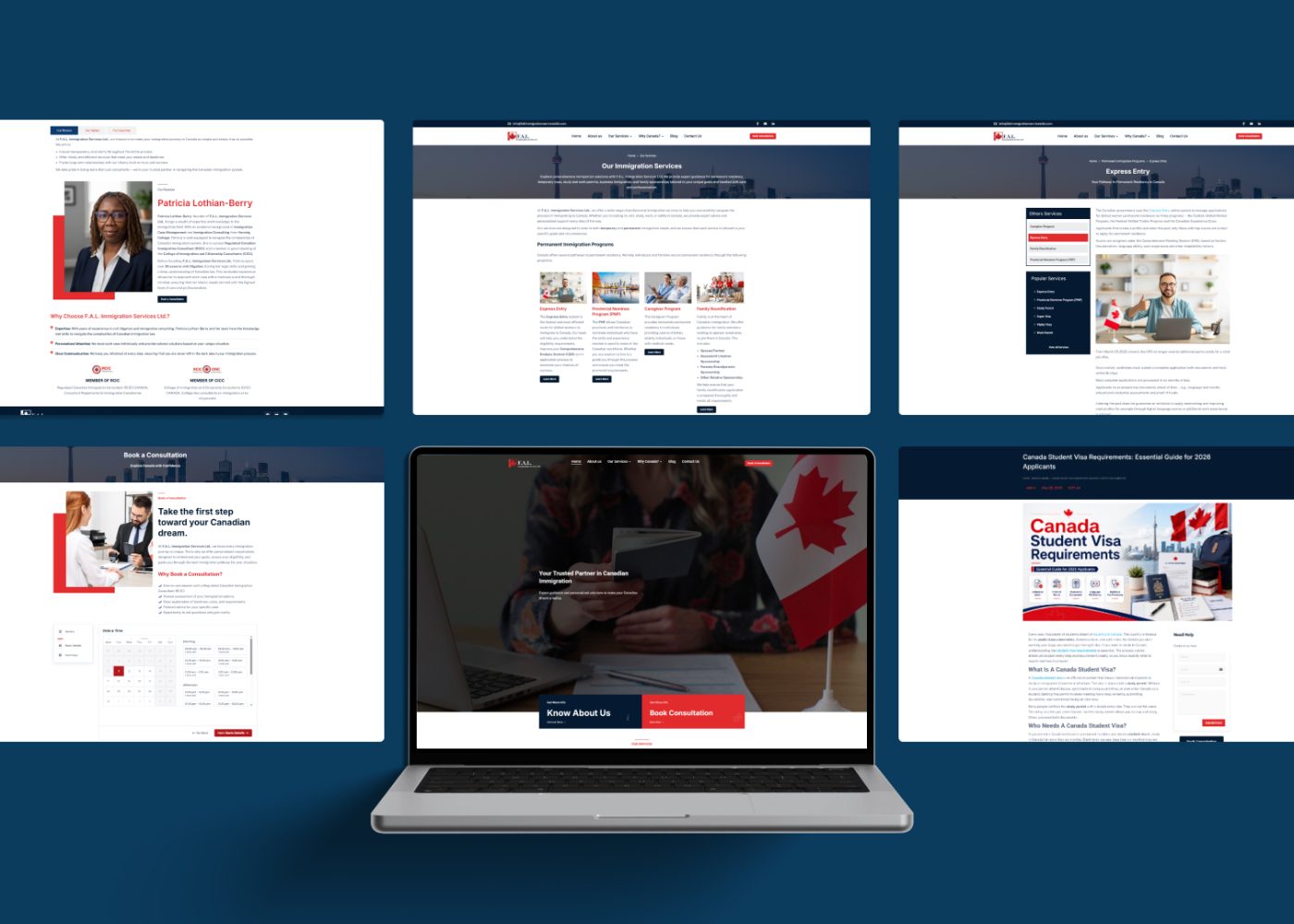

















Turn one RCIC webinar into a month of content by selecting its strongest educational points, adapting each for a specific format, and spreading the approved assets across a realistic publishing schedule. Start with an edited replay and a useful article, then develop short clips, carousels, FAQs, and a recap.
The source material gives your team a shared foundation. Each adaptation still needs a clear purpose, current information, and professional review.
For an immigration practice, this can make a well-prepared webinar useful beyond the live session. People can find the explanation in a format that suits the question they are trying to answer.
Begin by identifying who the webinar serves and what you want the content to help them understand.
A session about preparing for a first consultation has a different purpose from a detailed update on a changing immigration program. Match the repurposing plan to the recording’s actual scope and the firm’s services.
For this article, the example is a hypothetical webinar called “Preparing for Your First [Service] Consultation.” It is not an analysis of an actual recording.
The intended outcome is to help prospective clients understand the consultation process and take an appropriate next step.
A marketing strategy consultation can help connect webinar topics with your firm’s content priorities and enquiry goals.
Review the recording, slides, transcript, and any permissions attached to the material.
Identify what your firm has cleared for public reuse, including speaker contributions and third-party material. Check for attendee names, faces, voices, chat messages, screen shares, and personal circumstances that should not appear in public assets.
For RCICs, the Code of Professional Conduct, including section 28, establishes ongoing client-confidentiality duties and limits disclosure. A client’s personal question should not become a public clip simply because it was captured during a webinar. laws-lois.justice.gc.ca
Convert suitable audience questions into general themes and have the professional decide whether a public explanation is appropriate.
Keep the original recording available to the authorized team. Create an edited publication version so changes can be checked against the source.
Make a working transcript and correct transcription errors before using it as source material.
Then record the location of each useful explanation, its surrounding context, and a possible adaptation.
| Source material | Possible angle | Suitable adaptation |
|---|---|---|
| Introduction explaining the session’s scope | What the consultation is intended to cover | Replay introduction or short clip |
| Practical preparation discussion | How to follow the firm’s preparation process | Article, carousel, or checklist |
| Explanation of a common misunderstanding | What readers may need clarified | Short clip or FAQ |
| General audience question | A recurring concern that can be answered publicly | FAQ or article section |
| Closing explanation of next steps | Where to find further information | Recap or resource-page section |
For each candidate, record its start and end points, the main message, necessary qualifications, source-check needs, and reviewer.
Choose material that can support a complete explanation. A memorable sentence may need the preceding question or following qualification to remain accurate.
An immigration practice building educational content should select useful points around its audience’s needs and professional scope.
Adapt the material to the way someone will use it.
The replay gives viewers access to the fuller discussion. The article organizes the explanation for readers. A clip answers one focused question. A carousel guides someone through a short sequence.
Use the checklist to support preparation under the firm’s approved instructions. Use FAQs to clarify recurring concerns, and the closing recap to bring readers back to the main resource.
A practical sample mix is:
That is 12 core assets. The closing recap can be a permitted email or a public post; the sample counts one of those options.
Reduce the mix when the recording has fewer usable explanations or your team needs more time for review. The asset count is a planning example.
Day 1 begins when the recording is available for editing. The blocks below allow time for production, review, and publication.
The topics assume the hypothetical consultation-preparation webinar described above. Replace them with points your recording actually supports.
| Days | Asset | Focus | Next step |
|---|---|---|---|
| 1–2 | Edited replay page | Introduce the webinar’s purpose, scope, and recording date | Watch the relevant section |
| 3–4 | Main blog article | Explain preparation for a first [Service] consultation | Read the preparation guide |
| 5–6 | Short clip 1 | What the consultation covers | Read the full explanation |
| 7–8 | Carousel 1 | Preparation steps discussed in the webinar | Review the approved instructions |
| 9–10 | FAQ post 1 | Consultation preparation and application preparation | Read the relevant article section |
| 11–12 | Short clip 2 | How the firm requests and receives information | View the sharing instructions |
| 13–15 | Checklist post | A general consultation-preparation checklist | Use the firm’s current preparation guide |
| 16–18 | Short clip 3 | Why an assessment needs individual facts | Learn about the consultation process |
| 19–21 | Carousel 2 | Questions to ask during the consultation | Organize your questions |
| 22–24 | FAQ post 2 | Consultation fees and scope | Review the firm’s consultation details |
| 25–27 | Short clip 4 | What happens after the consultation | Read the next-steps explanation |
| 28–29 | Closing recap | Key takeaways in a permitted email or one public recap post | Visit the main resource page |
| 30 | Internal review | Review results, corrections, and next topics | Update the next content plan |
The plan covers exactly 30 days. Day 30 is an internal review task and is not counted as a published asset.
Choose publication dates within the blocks after approval. Adjust the schedule when editing, source verification, or professional review needs more time.
Give the campaign a clear destination.
A replay page can contain the edited video, a useful summary, recording date, topic outline, relevant sources, and a next step. Add checked captions and navigation to sections where practical.
Your website design and resource-page layout should make the explanation usable on mobile and keep the next step easy to find.
Write the main article around one reader need. For the sample webinar, that could be “What to Prepare for Your First [Service] Consultation.”
Use the transcript to locate useful explanations, then organize and rewrite them for reading. Clarify spoken references such as “this form” or “that situation” so the article makes sense independently.
Show the actual author and reviewer where appropriate. Distinguish the recording date from a later review date, and keep the source material connected to the finished article.
Each clip should make sense to someone who has never seen the webinar.
Choose a clear opening, enough explanation, and a relevant ending. Keep qualifications close to the statement they limit.
For example, a clip explaining that preparation instructions depend on the service should retain that condition. Cutting straight to a list could make a limited example sound universal.
If a section needs more explanation than the format allows, select a different section or use an article or carousel.
Check the transcript, spoken audio, captions, headline, and description together. Correct names, program terms, and other transcription errors. Review translations with someone qualified to assess their meaning.
Keep visual branding consistent while allowing enough space for readable captions. Preview the exported asset on a phone before approving it.
A webinar review does not automatically approve every later edit.
Assign a content owner to coordinate the work, an editor or designer to prepare assets, and the appropriate professional to review immigration statements and scope. One person may hold several roles in a smaller team.
For service advertising, section 44 of the Code addresses the registered licensee’s name prominently at or near the beginning, in the advertisement’s language, and the College public-register URL in written advertisements. It also requires professional marketing and prohibits misleading claims, success guarantees, and implied government relationships. Apply the relevant checks to the finished asset. laws-lois.justice.gc.ca
Verify changeable information close to publication. IRCC’s official notices can identify announcements requiring review; check the current program information and other applicable official sources before approving the explanation. Canada.ca
If the information has changed, update, replace, or remove the affected section before promotion. Keep a list of related assets so the same correction reaches the replay, article, clips, and captions.
A short brief helps the editor preserve the intended meaning.
For each asset, include:
Avoid asking an editor to find “the most exciting clips” without context. Tell them what the audience should understand and what the finished asset needs to preserve.
Keep approvals tied to the version being published. A changed headline or cut may need another review.
Use the channels your team can maintain and where you have a clear reason to reach the intended audience.
Adapt the introduction, captions, and next-step instructions for each channel. A carousel may lead to the article, while a short clip may lead to the replay section covering the same point.
For an email recap, check the basis and scope for contacting each recipient. The CRTC’s CASL FAQ explains how commercial electronic messages are assessed and the relevant consent, identification, and unsubscribe requirements. Apply the requirements appropriate to your message and circumstances. CRTC
Keep event communications and ongoing promotion clearly defined in your process. Where an email recap is unsuitable, use the public recap option in the sample plan.
Connect appropriate enquiries with your CRM and follow-up workflow. Give someone responsibility for responses and direct personal case questions into the firm’s appropriate professional process.
Track whether the assets help people understand the topic and find the next relevant resource.
Useful measures include:
Compare formats within their roles. A short clip may introduce a topic, while the article answers the fuller question before someone contacts the firm.
Keep known enquiry sources and later outcomes connected, while recognizing that people may encounter several assets. A booking after publication does not establish that one particular post caused it.
Digital marketing reporting can help assess the campaign across content, website activity, and enquiry outcomes.
Use what you learn to improve the next session.
Prepare clear sections, plain-language explanations, and planned transitions. Give the speaker time to state important qualifications in a way that remains understandable when an excerpt is used.
Plan how general audience questions will be handled and how private matters will be redirected. Confirm recording and reuse arrangements through the firm’s approved process.
Keep slides readable and use material the firm is permitted to publish. These preparation choices can reduce avoidable editing work later.
Your next project
Have a business in mind? Tell us about your ideas, your audience, and the identity you want to create.
Prefer a direct conversation?
No. Choose the number based on usable content, audience needs, and production capacity. A smaller approved set can support the month’s plan.
They can assist with locating material and preparing drafts. People still need to check the recording, meaning, captions, confidentiality, and finished edits using tools allowed by the firm.
Review affected sections before reuse. Update or remove outdated explanations and check related assets. Keep recording and review dates clear.
Start with a reviewed recording, choose distinct educational points, and build a manageable publishing plan. Give each asset a purpose, professional review, and a relevant next step.
M4YOURS IT can help turn webinar material into branded videos, articles, and social content connected to your website and enquiry process. Discuss your RCIC webinar content plan to build a practical production workflow.
Adding {{itemName}} to cart
Added {{itemName}} to cart