Share





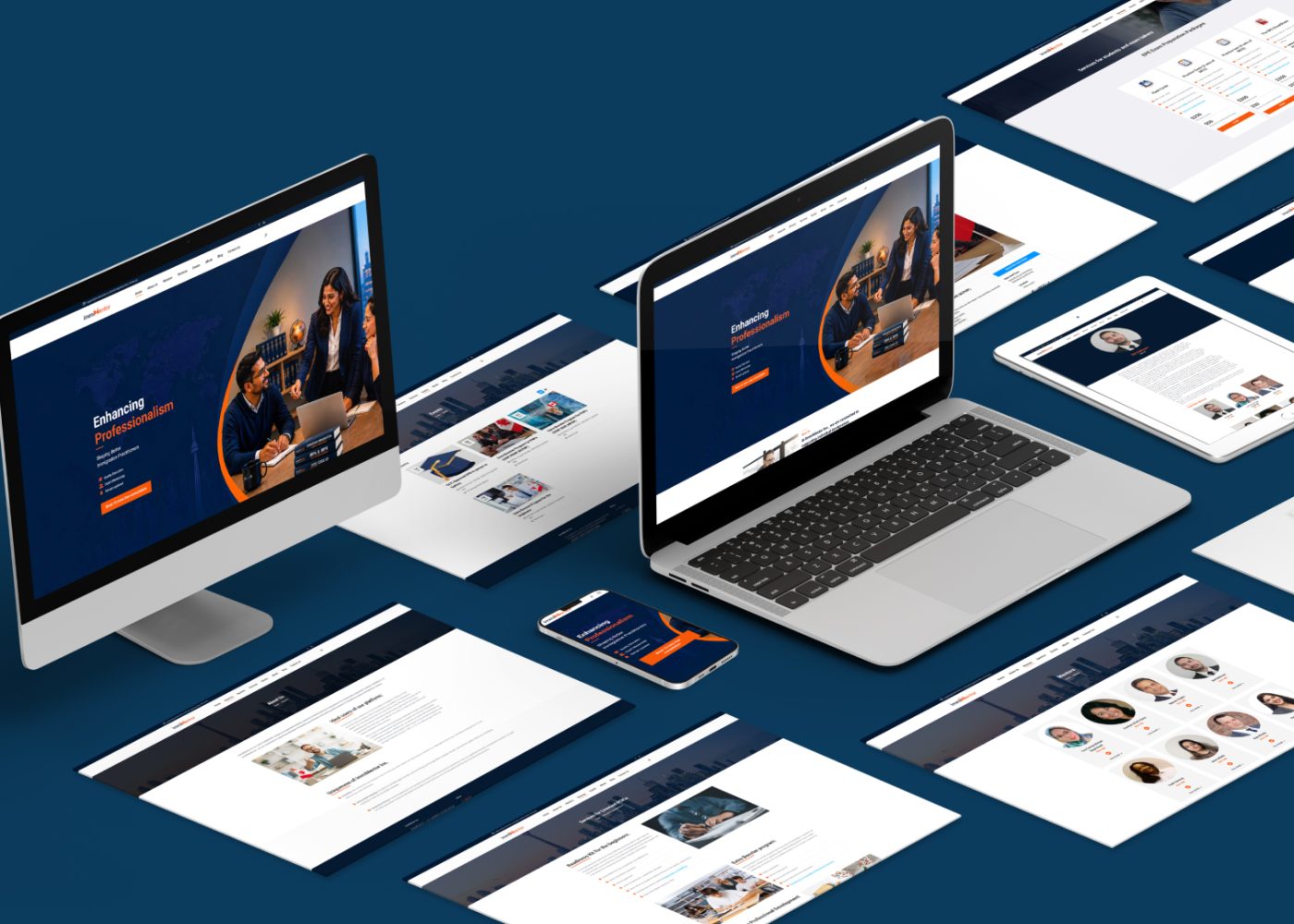












An immigration website can attract visitors while leaving them unsure whether the firm handles their needs, what a consultation includes, or how to book. Technical problems, unavailable appointments, and difficult mobile forms can also interrupt the journey.
Start by completing the booking process yourself. Then review the traffic reaching your service pages, the consultation offer, professional trust, and each step between the booking button and confirmation.
Treat low bookings as a problem to investigate. Your website data and booking records should guide which changes come first.
Follow the journey as a prospective client would, starting from a service page on a phone.
Select an appointment, complete the required information, make any applicable payment, and check the confirmation. Use a test environment or an appropriate test booking so the exercise does not disrupt real availability.
Look for practical failures:
Check rescheduling and cancellation too. A visitor who cannot understand or complete the process may leave before your team receives any enquiry.
Resolve broken steps before drawing conclusions about the design or marketing.
A visit does not tell you why someone arrived.
Someone reading an immigration news article may want general information. Someone viewing a service page may be evaluating professional help. These visits should not automatically carry the same booking expectation.
Separate traffic by landing page, source, device, and relevant audience characteristics that you can assess appropriately. Review whether the content or campaign matches the services your firm currently offers.
For example, an article attracting people researching Canadian life may have a different purpose from a page explaining a family sponsorship consultation.
Give useful articles a relevant route to further service information. Avoid placing the same generic consultation invitation on every topic without explaining the connection.
If the firm serves a specific language, location, or client group, make that service scope clear. Review actual enquiries alongside traffic so you can distinguish suitable interest from unrelated requests.
Our digital marketing services can help align campaigns, search content, and service pages with the audience your firm wants to serve.
“Book a consultation” leaves important questions unanswered when it appears without supporting details.
A prospective client should be able to understand:
| Question | What the page should explain |
|---|---|
| Is this relevant to me? | The service and situations the consultation covers |
| Who will I meet? | The professional providing the consultation |
| What will we discuss? | The purpose and scope of the meeting |
| What does it cost? | The applicable fee, currency, and relevant payment information |
| How will it happen? | Meeting format, duration, and supported languages |
| What should I prepare? | Information or documents needed for that stage |
| What happens afterward? | The next steps and any limits on what is included |
Use accurate details from the firm’s actual offer. Do not imply that a consultation guarantees eligibility, an invitation, or application approval.
A service-specific invitation such as “Book a Family Sponsorship Consultation” can make the next step easier to understand.
Place the essential details near the booking action. Visitors should not have to search several pages to discover whether the meeting is paid or what it covers.
Our immigration marketing services can help connect service positioning with a clearer consultation offer.
Prospects are deciding whom to approach about an important personal matter. Give them clear, verifiable information about the people providing the service.
Show accurate professional names, roles, relevant registration information, service scope, and contact details. Use real team information and explain how the consultation is delivered.
Section 44 of the RCIC Code of Professional Conduct addresses the registered licensee name in advertisements, the public register address in written advertisements, and prohibitions on misleading claims, application-success guarantees, and implied government relationships. Review the relevant requirements when preparing website marketing content. laws-lois.justice.gc.ca
Present genuine experience and client feedback accurately, with appropriate permission. Keep credentials and testimonials current.
Trust also depends on consistency. A visitor should encounter the same firm identity, professional information, fee details, and service description when moving from the website to the booking tool.
Explain how information submitted during booking will be handled, and provide an accessible privacy notice.
A page can contain useful information while making the next action difficult to find.
Choose a primary action that matches the visitor’s task. On a consultation page, that may be booking the relevant meeting. On an educational article, it may first be reviewing the related service.
Make button wording describe the action. “Choose a Consultation Time” gives more direction than a vague label such as “Continue” when the visitor has not yet entered a process.
Place the action where it becomes useful: near the consultation summary, after important service information, and at the end of the page.
Keep competing promotions, pop-ups, chat widgets, and sticky elements from covering essential content or controls. On mobile, check that the primary action remains visible and usable without obscuring the page.
If the page structure needs improvement, our website design services can help organize information around the visitor’s next decision.
Review every required field. Ask what your team needs at this stage and why.
An initial booking step should not automatically become a full application questionnaire. Collect the remaining information through the appropriate consultation agreement and intake workflow before it is needed.
Section 23 of the Code addresses written agreements before an initial consultation, including its purpose, scope, and fee or pro bono status. Build the applicable agreement process into the workflow while keeping the scheduling steps understandable. laws-lois.justice.gc.ca
W3C’s forms guidance recommends requesting only necessary information, identifying controls with labels, providing instructions, and explaining errors and successful completion. Apply those principles to your booking forms.
Check the calendar and payment experience as carefully as the form:
If a required process is long, group related steps and explain progress. Keep optional information identifiable.
Test international phone formats, supported payment methods, and the actual languages your firm offers. The experience should match the audience you invite to book.
Test the service page and booking flow on a real phone, including a slower connection.
Look for text that requires zooming, controls hidden by the keyboard, horizontal scrolling, slow calendar loading, and content that moves while someone is trying to select it.
Google’s Core Web Vitals guidance provides these performance targets:
| Metric | What it measures | Recommended good threshold |
|---|---|---|
| Largest Contentful Paint, LCP | Loading performance | 2.5 seconds or less |
| Interaction to Next Paint, INP | Responsiveness to interaction | 200 milliseconds or less |
| Cumulative Layout Shift, CLS | Visual stability | 0.1 or less |
Assess these targets at the 75th percentile of real page experiences, separating mobile and desktop. Use real-user data where available alongside diagnostic testing. web.dev
These are performance targets, not consultation-conversion benchmarks.
Also test keyboard navigation, visible focus, readable contrast, meaningful labels, and understandable error messages. Include the third-party booking tool in the review.
A strong performance score does not establish that visitors understand the offer or can complete every booking step. Check both the technical measurements and the actual task.
Some suitable prospects will need an answer before booking.
Provide a clear contact route for questions about the consultation, such as meeting format, language support, or the service covered. Distinguish these practical questions from requests for individual immigration advice.
If a visitor submits an enquiry, explain when the team expects to respond. Assign responsibility for checking and answering those requests.
Offer a useful next step when the calendar is full, such as requesting notification of availability. Set expectations honestly.
A suitable CRM and marketing automation setup can help assign enquiries, record follow-up, and connect booking updates with the team’s records.
Track meaningful stages separately. A button click shows an attempted next step; a confirmed appointment requires evidence from the booking system.
For the website journey, count sessions reaching each stage consistently rather than adding every repeated event.
The following example is hypothetical. It describes one connected, tracked service-page journey and is not an industry benchmark.
| Stage | Sessions reaching the stage |
|---|---|
| Service page viewed | 1,000 |
| Booking action clicked | 200 |
| Booking process started | 120 |
| Confirmed booking completed | 30 |
The calculations are:
| Measure | Calculation | Result |
|---|---|---|
| Service-page booking-action rate | 200 ÷ 1,000 | 20% |
| Click-to-booking-start rate | 120 ÷ 200 | 60% |
| Booking-start completion rate | 30 ÷ 120 | 25% |
| Service-page confirmed-booking rate | 30 ÷ 1,000 | 3% |
This example suggests investigating the booking handoff and completion process. It does not prove why people left.
Check measurement first, then review availability, form errors, payment problems, unanswered questions, and the experience on affected devices.
A session-based website rate differs from the percentage of unique people who book. People can return across sessions or devices. Reconcile confirmed appointments using booking records and deduplicate actual bookings.
Track phone and message enquiries separately, since some website visitors may book through those routes. Continue monitoring attendance and service fit after confirmation.
Use observed problems to choose the next action:
| Evidence | First area to investigate |
|---|---|
| Most visits reach broad informational articles | Content intent and relevant routes to service pages |
| Service-page visitors cannot explain the consultation | Offer wording, scope, fees, and professional information |
| Visitors attempt to book but never reach the calendar | Link, loading, embed, or handoff problems |
| Booking starts are healthy but confirmations are scarce | Availability, required fields, errors, payment steps |
| Mobile completion trails comparable desktop traffic | Mobile usability and performance |
| Confirmed appointments are healthy but attendance is weak | Scheduling, confirmation, and reminder process |
Fix confirmed technical failures promptly. Then work on the highest-impact unanswered questions or usability problems.
Ask a few people unfamiliar with the website to find the right consultation and explain how they would book it. Use dummy information for testing and observe where they hesitate.
Make focused changes and record when they were introduced. Compare similar traffic sources, services, and devices afterward.
With low booking volumes, treat early differences cautiously. Avoid claiming that a small fluctuation proves a redesign or wording change worked.
Our marketing strategy and consulting services can help prioritize improvements around evidence and team capacity.
Your next project
Have a business in mind? Tell us about your ideas, your audience, and the identity you want to create.
Prefer a direct conversation?
There is no single rate established by this article. Compare like-for-like service pages, traffic sources, devices, consultation offers, and measurement definitions. The hypothetical 3% example illustrates a calculation, not a target.
Decide based on the consultation’s purpose, professional time, and business model. Explain the arrangement clearly. A free offer should not be assumed to solve traffic relevance, trust, availability, or technical problems.
Start with the evidence. A broken booking link or unclear fee may require a focused fix. Broader structural problems across service pages and mobile journeys may justify a larger redesign.
Performance improvements can remove technical difficulties, but bookings also depend on service relevance, clarity, trust, availability, and the offer. Measure actual booking outcomes after making changes.
M4YOURS IT helps immigration firms improve service pages, booking journeys, mobile usability, CRM connections, and marketing measurement.
Contact M4YOURS IT to review the path from website visit to confirmed consultation and plan improvements around the needs of your practice.
Adding {{itemName}} to cart
Added {{itemName}} to cart