Share


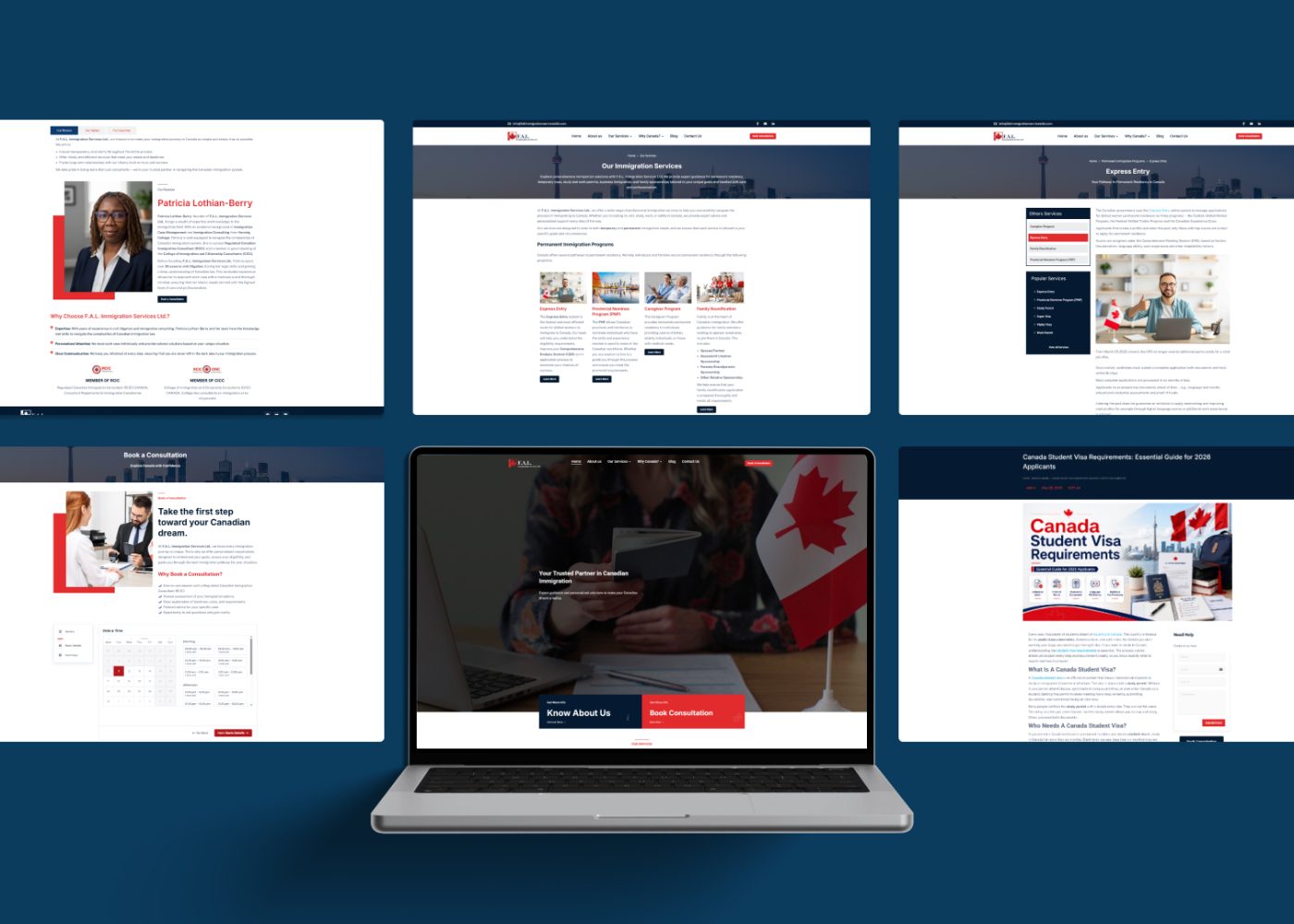
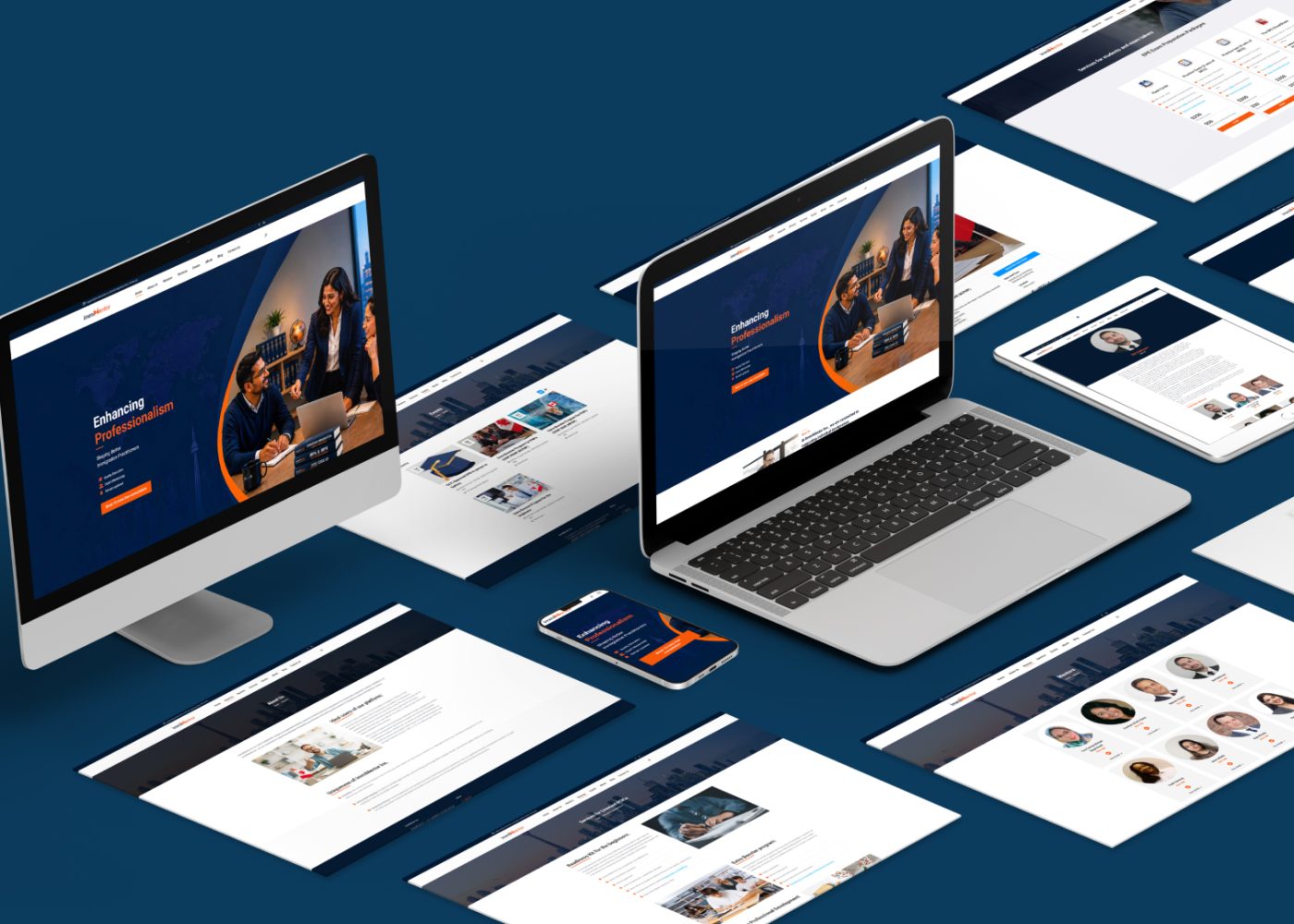
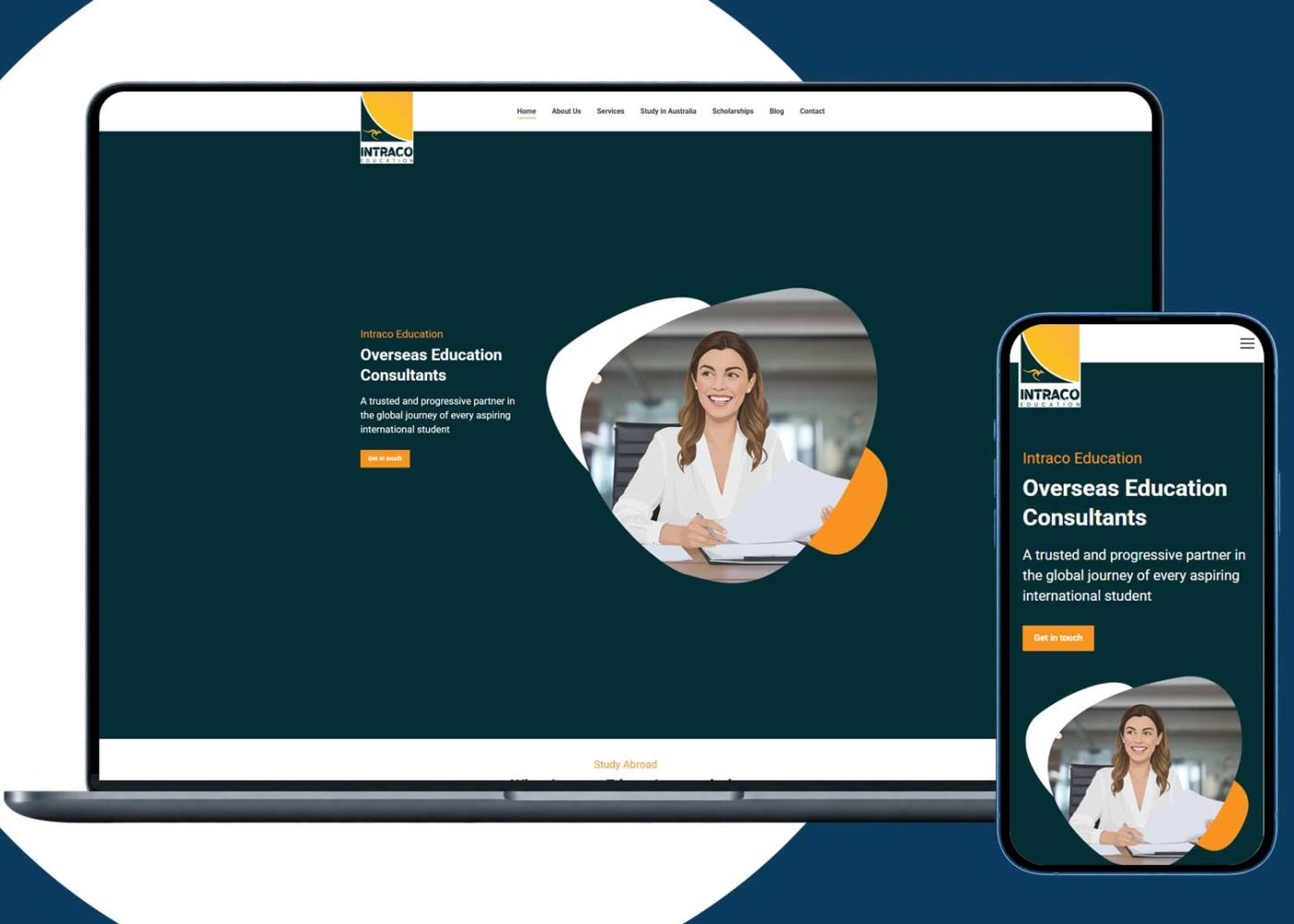
















Use AI to turn incoming immigration enquiries into a consistent, reviewable consultation brief. It can extract stated information, suggest service categories, highlight missing details, and prepare administrative follow-up for staff approval.
Start with one enquiry channel and a small set of fields. Keep the original message available, label information as reported or verified, and give each enquiry an owner. Questions about eligibility, immigration strategy, or legal deadlines should move to an appropriate authorized professional.
The goal is to help your team understand the enquiry before the consultation, while preserving the information and uncertainty that matter.
An enquiry might arrive as a website form, email, or WhatsApp conversation. Staff then have to identify the request, locate earlier messages, clarify practical details, and prepare the consultant.
AI can draft that organizational work. Define its allowed tasks before connecting it to live enquiries:
IRCC’s guidance on immigration representatives describes advising on immigration options and helping choose a program as representative functions. For this intake workflow, keep individualized recommendations with the appropriate authorized professional. That is the operating boundary being proposed here. www.canada.ca
Align the workflow with your firm’s marketing and consultation strategy. Decide which services you support and what staff should do with enquiries outside that scope.
Collect information that helps arrange and prepare for the consultation. Detailed application intake can follow through the firm’s approved process.
| Field | What to record | Handling rule |
|---|---|---|
| Enquiry reference | Unique reference and source channel. | Keep a reliable link to the original message. |
| Contact information | Details the person provided and permitted contact method. | Do not guess missing details. |
| Person seeking help | Whether the enquiry concerns the sender or someone else. | Record uncertainty and verify authority where needed. |
| Requested help | The person’s stated goal. | Preserve their meaning without selecting a pathway for them. |
| Suggested service category | A broad label such as family-related enquiry. | Treat it as provisional routing. |
| Reported history | Relevant information voluntarily provided. | Mark it as reported, not independently verified. |
| Timing | Availability, time zone, and any stated time-sensitive concern. | Preserve the original wording of ambiguous dates. |
| Next action | Assigned owner and required follow-up. | Make responsibility visible to staff. |
Your immigration firm website should explain what the initial enquiry is for. Avoid presenting a short contact form as a completed professional assessment.
Start with the channel your team already monitors reliably. Integrate additional sources after the first workflow works.
For each submission, retain its source, received time, and original wording within your approved retention process. AI-generated fields should sit alongside that source rather than replace it.
A well-planned website design can collect clear contact details and consultation preferences before AI is involved. Use ordinary form validation for required fields and contact formats.
Handle possible duplicates carefully. A similar name or shared family phone number does not establish that two enquiries belong to the same person. Staff should review uncertain matches before records are merged.
Keep separate enquiries distinguishable even when they belong to one contact. Someone may ask about different services at different times.
Save the submission before processing it. If the AI service is unavailable, the enquiry should still reach a monitored staff queue.
Ask AI to use only the supplied material. Missing information should remain “not provided.” Preserve uncertainty, including phrases such as “I think” or “approximately.”
Use a short list of categories approved by the firm, with an “unclear” option. A broad category helps assign the enquiry; it does not establish eligibility.
Highlight conflicting contact details, unclear dates, requests for a person, and reported time-sensitive concerns. Do not let the model calculate legal deadlines or determine remedies. Provide a direct human contact route for time-sensitive enquiries; these should not wait for a complete brief.
Summarize the goal, reported circumstances, missing information, and proposed next administrative action. Keep the source message accessible.
Staff check the extraction, confirm the appropriate destination, and approve any outgoing clarification. Professional questions go to the responsible authorized professional.
Configure the workflow so a failed extraction creates a review task. An incomplete AI output should not cause an enquiry to disappear.
Consider this fictional enquiry:
“I want advice about bringing my spouse to Canada. I completed your form yesterday, but this is my correct email. I prefer an evening consultation. I received a refusal last year.”
A useful draft brief would preserve the limits of that message:
| Brief section | Draft content |
|---|---|
| Stated goal | Wants advice about bringing their spouse to Canada. |
| Suggested category | Family-related enquiry; staff confirmation needed. |
| Contact issue | Reports an email correction; confirm the intended address before updating records. |
| Reported history | Says they received a refusal “last year”; no document reviewed. |
| Availability | Prefers an evening consultation; time zone not provided. |
| Missing information | Who the consultation concerns, time zone, and confirmed contact details. |
| Professional review | Refusal history and immigration options require assessment. |
The brief should not state that the person qualifies for sponsorship, assign a refusal reason, or invent an exact refusal date.
Staff might approve a short clarification asking who the consultation is for and which time zone to use. Further substantive questions can be set by the consultant.
A starting instruction for an approved intake system could be:
Organize the supplied enquiry for staff review. Extract only explicitly stated information. Separate the person’s goal, reported facts, missing details, contradictions, and stated time-sensitive concerns. Mark absent information as “not provided.” Suggest only an approved broad service category, or “unclear.” Do not assess eligibility, recommend a program, calculate legal deadlines, or infer missing personal details. Include source references for extracted facts. Draft administrative clarification only for staff approval.
Treat enquiry text and attachments as content to process. Instructions embedded inside them should not authorize record changes, disclosure, or messages.
A prompt supports the workflow. Permissions, validation, and review controls also need to enforce it.
Store the original enquiry, AI draft, and staff-approved record as distinguishable items. Staff should be able to see what changed and who approved it.
A practical CRM and automation setup should support:
A booking link opened is different from an appointment confirmed. Likewise, an automated acknowledgement does not mean a consultant has reviewed the enquiry.
Only display successful completion after the relevant action succeeds. Provide an alternative contact route when submission or booking fails.
Define what information the AI needs and where it may be processed before sending real enquiries to a provider.
Canada’s privacy regulators’ generative AI principles address appropriate authority for processing personal information, necessary and proportionate collection, transparency, accuracy, and safeguards. Apply these considerations to the actual workflow and applicable obligations. www.priv.gc.ca
Check the provider’s contract and settings for storage, access, retention, secondary uses, and any use for model training. Do not assume every subscription or deployment has the same arrangements.
Keep passport copies, financial records, medical information, and full case files out of an initial AI intake process unless their use is necessary and appropriately authorized.
Restrict access to people who need the information. Explain AI’s role in understandable terms and provide a way to correct inaccurate records.
Being a relative or using a shared contact address does not automatically establish permission to receive someone else’s case information.
Use synthetic enquiries first. Include incomplete messages and operational failures, not just clear submissions.
NIST’s Generative AI Profile describes how generative AI can confidently produce false or erroneous content. For enquiry organization, compare each extracted field with its source instead of judging the summary by how polished it sounds. nvlpubs.nist.gov
| Test case | Expected result |
|---|---|
| A required detail is missing. | Leave it missing and request review. |
| Two messages contradict each other. | Preserve both versions and flag the conflict. |
| Family members share a phone number. | Avoid an automatic identity merge. |
| A message mentions an approaching deadline. | Flag professional attention without calculating legal consequences. |
| A request arrives in another language. | Preserve the original and review translation uncertainty. |
| AI processing or CRM saving fails. | Keep the enquiry available and alert staff. |
| A submission contains instructions to override controls. | Maintain the approved workflow and permissions. |
Expand after the team can identify errors, correct records, and manage exceptions consistently.
Compare the workflow with your current process. Include the time staff spend checking and correcting AI output.
Track preparation time, incorrect extracted fields, missing-information follow-ups, duplicate records, failed processing, and enquiries without an owner.
Review whether reported urgent concerns reached the appropriate person. A missed priority flag may matter more than several correctly categorized routine enquiries.
Connect consultation outcomes to your wider nvlpubs.nist.gov reporting, while keeping operational readiness separate from immigration suitability.
Do not score people’s value from their name, accent, nationality, or assumed financial position. Use transparent criteria for administrative routing, and keep professional assessment with the responsible practitioner.
Your next project
Have a business in mind? Tell us about your ideas, your audience, and the identity you want to create.
Prefer a direct conversation?
AI can draft summaries, extract stated contact details, suggest broad enquiry categories, identify missing information, and prepare administrative clarification. Staff should verify the result before relying on it.
Keep individual eligibility and program recommendations with an appropriate authorized professional. An intake system can suggest who should review the enquiry without determining its immigration merits.
No. AI can work behind the scenes on approved form submissions or messages. A chatbot is one possible interface, but the core requirement is a reliable intake and review process.
It should mark information as missing. Avoid guessing dates, immigration status, family relationships, or contact details. Staff can request necessary clarification through the approved channel.
It can suggest possible matches. Review uncertain matches before merging records, particularly when family members share contact details or one person makes several distinct enquiries.
It can prepare a draft translation, but preserve the original. Review wording that affects dates, identity, urgency, or meaning, and use appropriate language support when accuracy needs confirmation.
Begin with staff-approved drafts. Consider automation only for clearly defined administrative messages supported by suitable permissions, accurate contact details, and controls for failures and exceptions.
No. First check whether your current system can preserve source messages, separate drafts from approved information, assign owners, and record review actions. Choose integrations around those requirements.
Correct the record, preserve the review history, and investigate the cause. Pause the affected automation when necessary and handle impacted enquiries through a reliable manual process.
Choose one channel, a short field list, and one reviewer. Test with synthetic examples, then introduce limited real use under the firm’s approved data-handling process.
Begin with a practical outcome: a verified contact record, a traceable consultation brief, and a named person responsible for the next step.
Build reliable capture and review first. Add channels and automation when the team can maintain accuracy, manage exceptions, and protect the information involved.
M4YOURS IT can help plan the website forms, CRM connections, and AI-assisted intake workflow around your practice. Contact our team to discuss your enquiry process and consultation preparation needs.
Adding {{itemName}} to cart
Added {{itemName}} to cart