Share

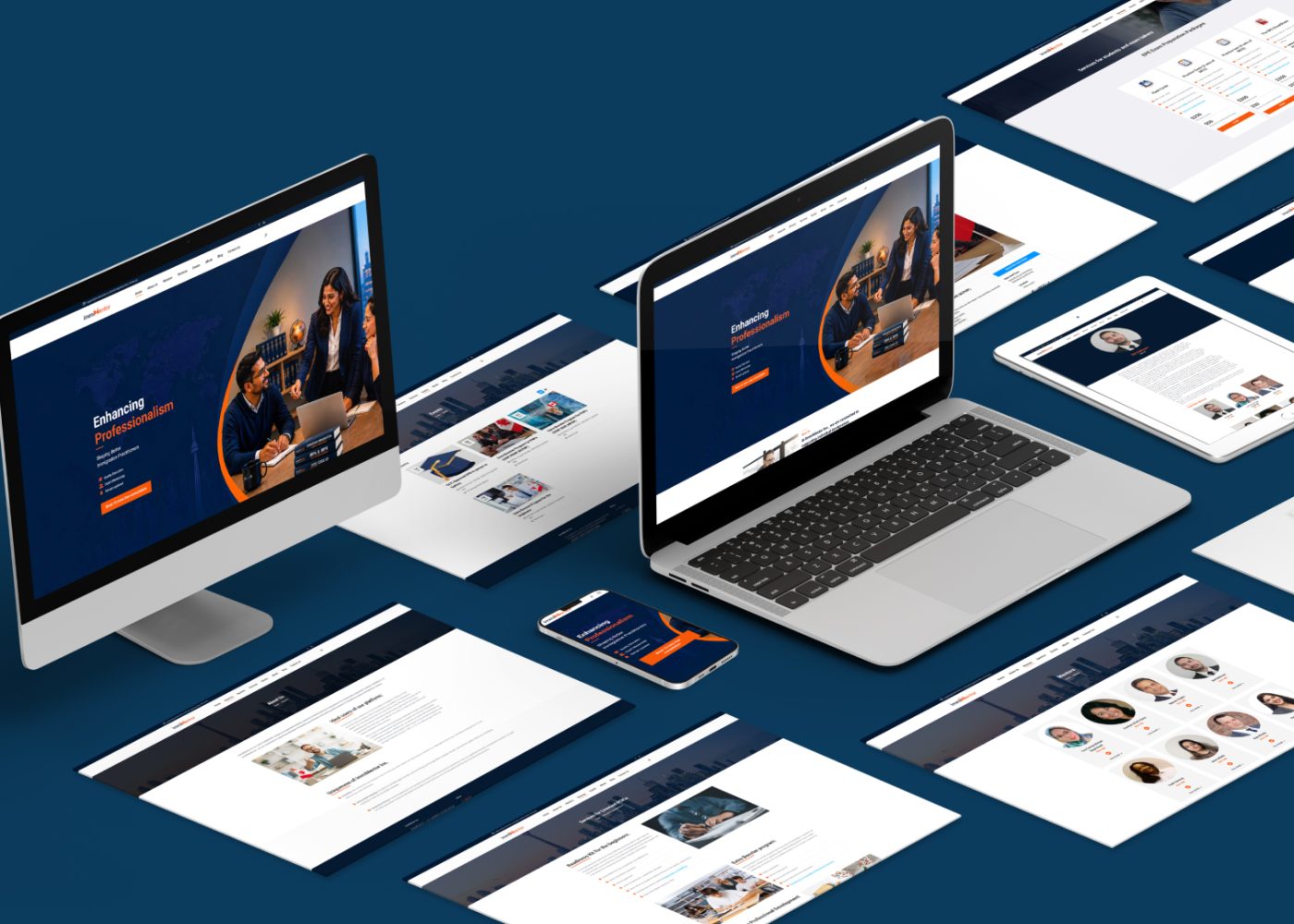
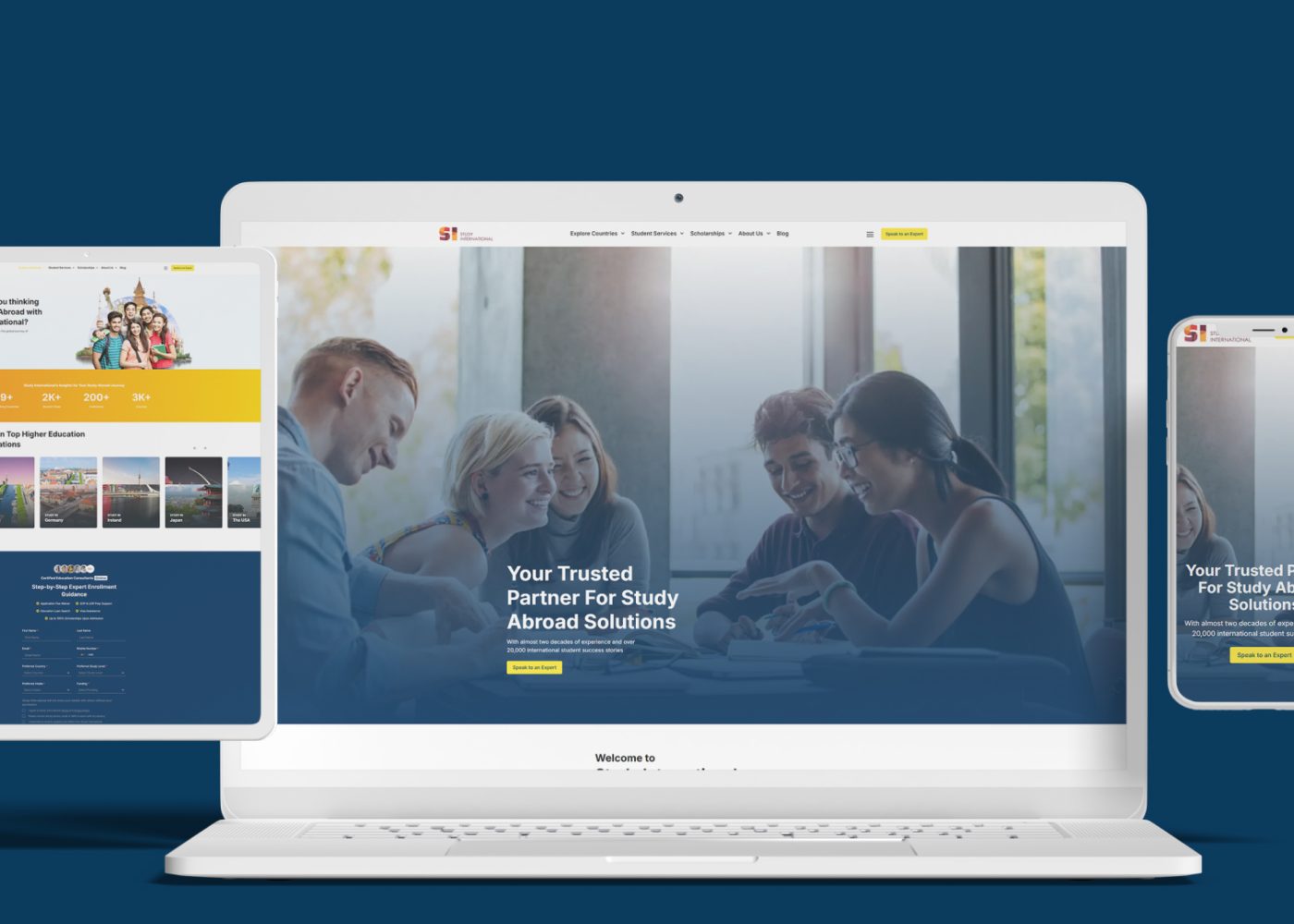
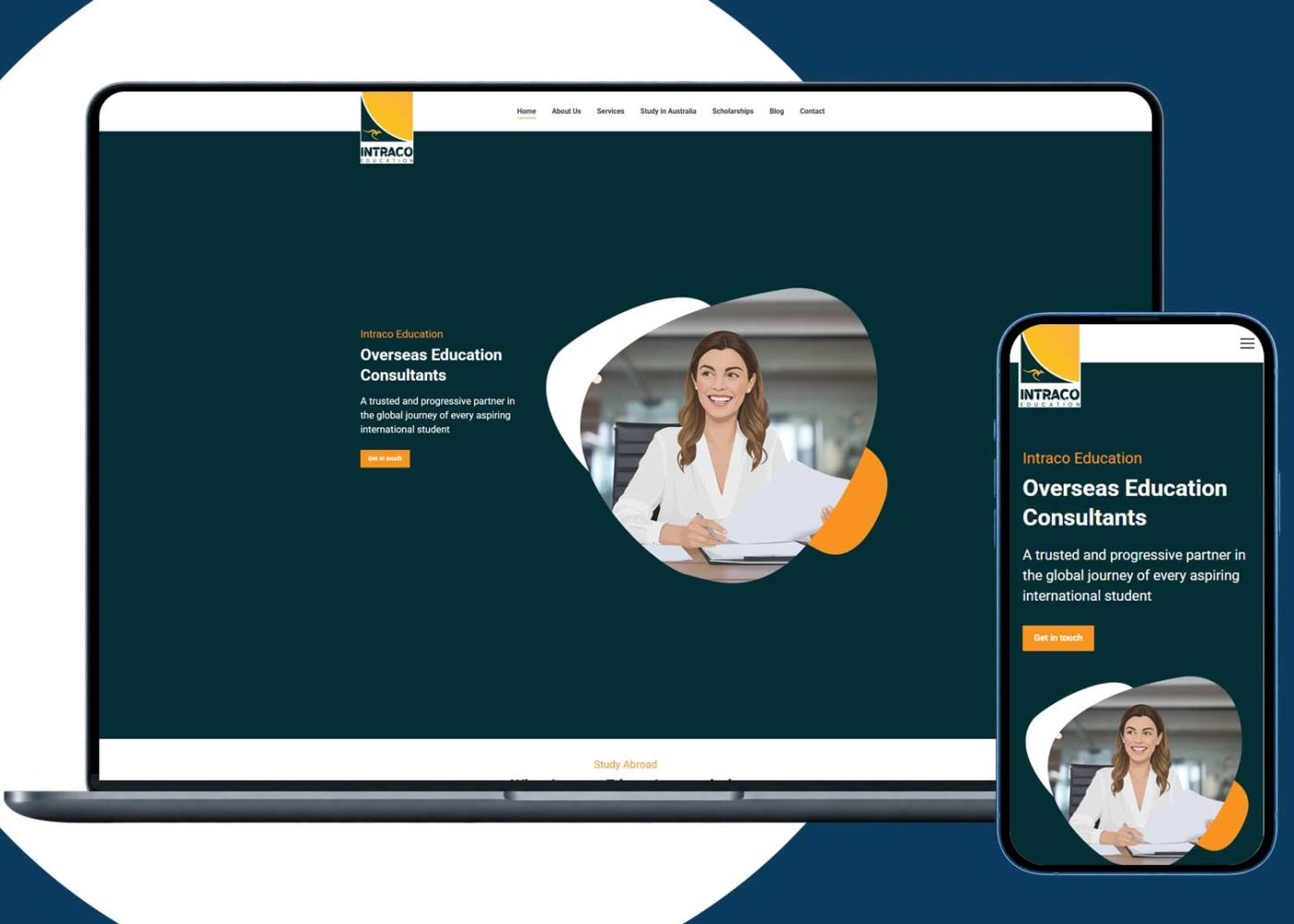

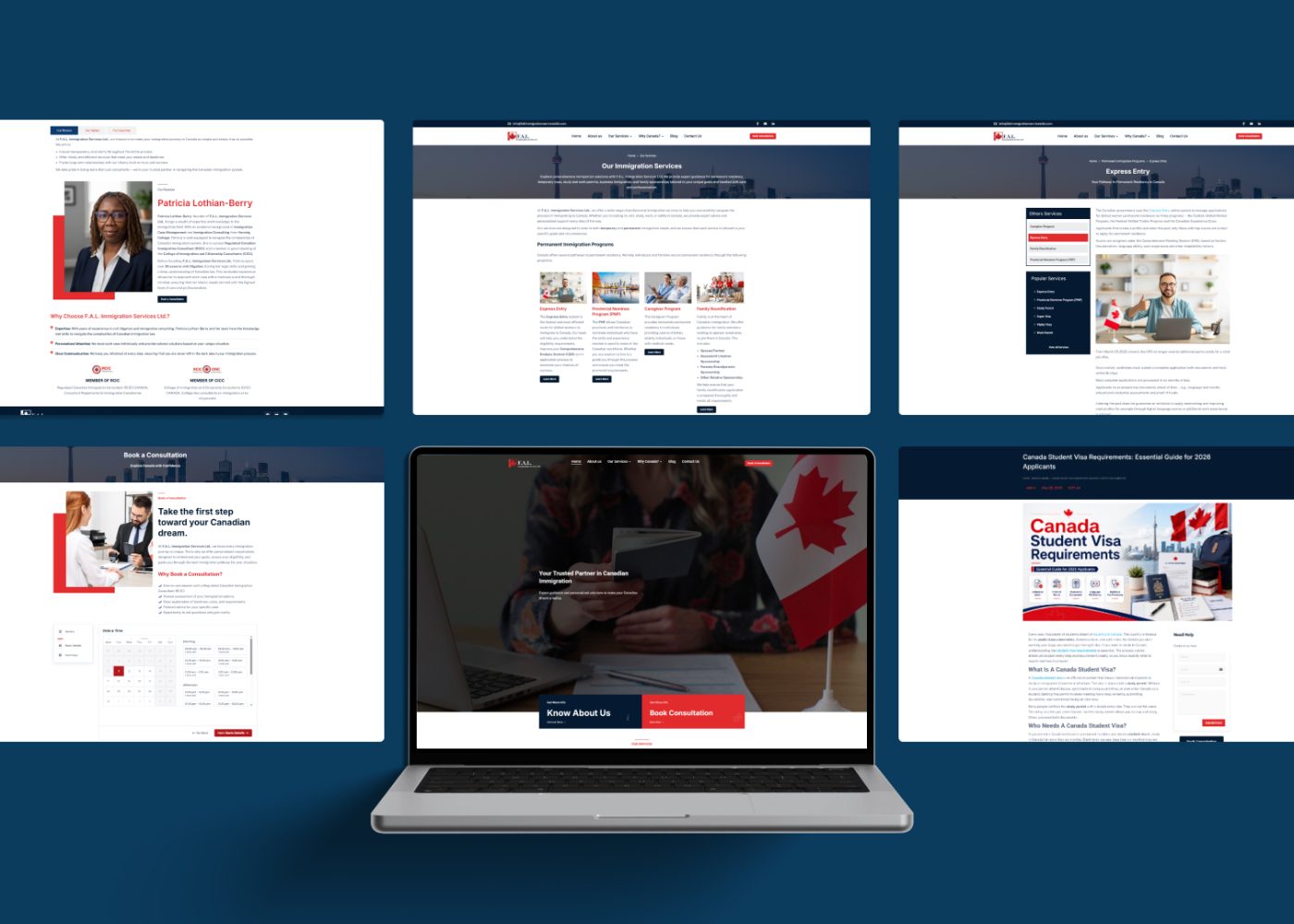
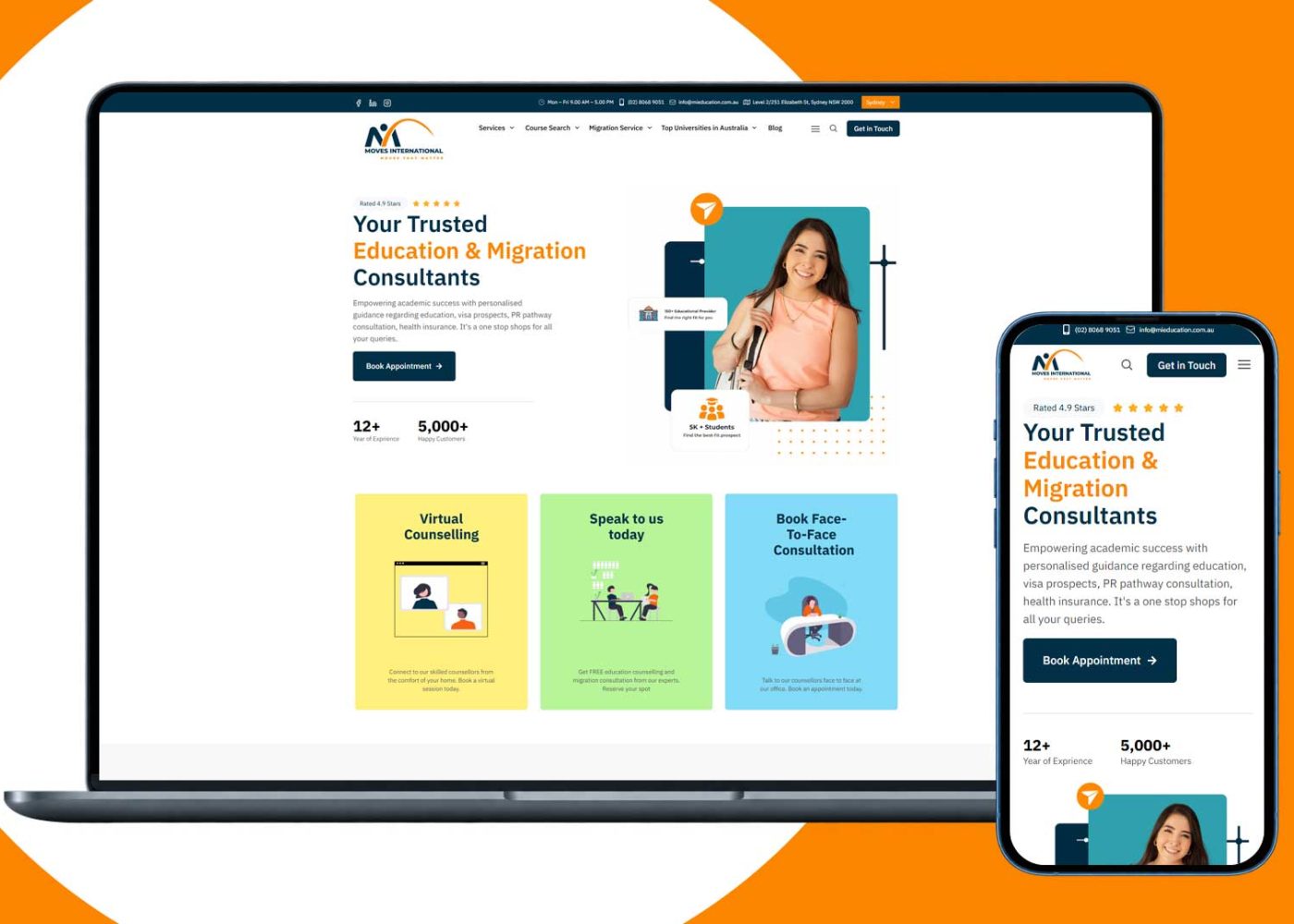
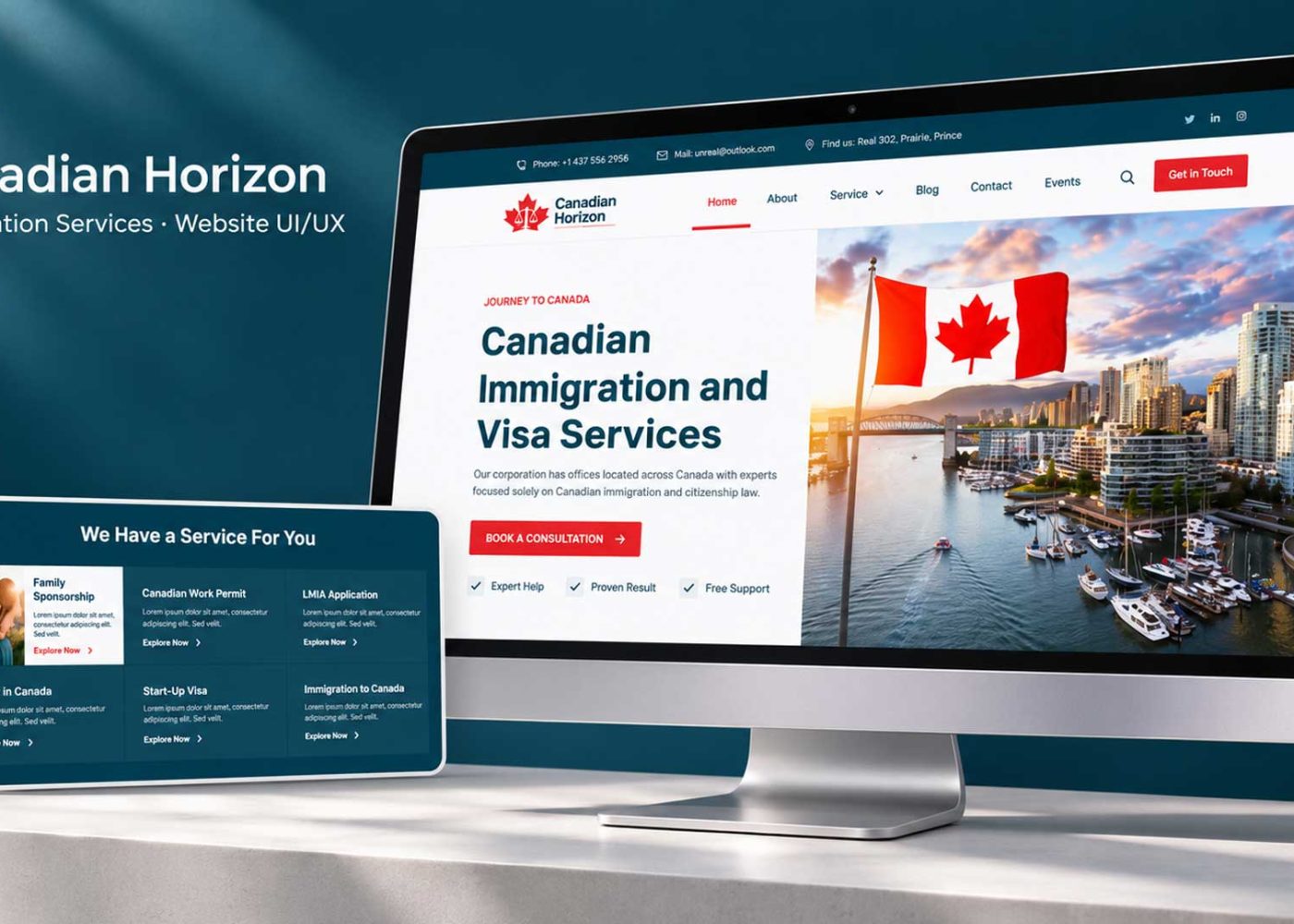











Build an immigration landing page around one consultation offer and a clear booking journey. Explain who the meeting is for, who provides it, what it includes, and what it costs. Then help visitors choose a time, complete the necessary details, and understand whether their appointment is confirmed.
For an RCIC firm, the page should connect accurate professional information with a practical next step.
Start with the questions a prospective client needs answered before committing. Use those answers to shape the page, booking panel, and confirmation messages.
The goal is a suitable, informed booking that your team can deliver and manage.
Define the consultation the page will promote. A general page covering every immigration service asks visitors to make several decisions before they can book.
Choose the service, audience need, meeting format, and intended next step. Decide whether visitors can book immediately or must first submit a request for review.
For example, a family sponsorship consultation page can focus on people seeking professional guidance about a family sponsorship matter. It does not need to reproduce every immigration service the firm offers.
Match the page with the message that brings visitors there. The service mentioned in an advertisement, article, or referral should be recognizable when the page opens.
Our marketing strategy and consulting services can help define the offer and the journey around your firm’s actual working process.
The opening section should help visitors identify the service, the professional, and the next step.
Use a direct headline and a short explanation. Place essential meeting details nearby or provide an obvious route to them before confirmation.
Here is sample copy to adapt to the service your firm actually delivers:
Headline: Family Sponsorship Consultation With an RCIC
Supporting text: Discuss your family sponsorship questions with a Regulated Canadian Immigration Consultant. Review the meeting details and fee, then choose an available time.
Main button: View Consultation Times
Supporting note: Check the meeting format, duration, fee, and preparation requirements before confirming your appointment.
This wording assumes those details are available in the journey. Adjust the promise if your process works differently.
Show the professional’s actual registered name and relevant information prominently. Keep large decorative images from pushing the service explanation and next action out of reach on mobile.
Use a structure that answers questions in a useful order:
| Page section | What it should help the visitor understand |
|---|---|
| Opening offer | Which consultation is available and what to do next |
| Who the meeting is for | Whether the topic matches their needs |
| What the consultation covers | The purpose, scope, and preparation involved |
| Professional profile | Who will provide the service |
| Meeting details | Fee, currency, duration, format, and language support |
| Booking panel | How to choose a time and complete the next step |
| Practical FAQs | Answers to common booking questions |
| Contact and footer information | How to clarify details, verify information, and review relevant policies |
This is a starting structure, not a requirement to use identical layouts for every service.
A short page may combine related sections. A more involved offer may need additional explanation. Keep the content focused on the decision the visitor is making.
Repeat the primary action after important information, using consistent wording and destinations.
Our website design services can help turn this structure into a clear landing page across desktop and mobile.
Describe what the meeting includes in practical terms. Explain the topics it covers, what the client should prepare, and what happens afterward.
State the actual fee and currency, with relevant taxes or payment details. Make any cancellation, rescheduling, or refund arrangements accessible before commitment.
Explain when further work would require a separate engagement. Only promise a written summary, document review, or follow-up if the firm actually includes it.
Use a genuine professional profile with accurate registration information, supported experience, and relevant language or service details.
Section 44 of the RCIC Code of Professional Conduct on marketing addresses the registered licensee name in advertisements, the public register address in written advertisements, and prohibitions on misleading representations, application-success guarantees, and implied government relationships. Apply the relevant requirements when preparing the page and related marketing. laws-lois.justice.gc.ca
Our immigration marketing services can help align the service offer with accurate professional presentation.
A useful call to action describes the action the visitor is about to take.
Choose wording based on the actual process:
| Button label | Appropriate destination or action |
|---|---|
| View Consultation Times | Open the available appointment options |
| Request a Consultation | Submit a request that the team will review |
| Review Booking Details | Show the appointment and payment information before commitment |
| Confirm and Pay | Complete the clearly explained payment step |
| Confirm Booking | Complete the remaining requirements for a confirmed appointment |
| Ask About This Consultation | Request clarification about the meeting or booking process |
Keep fee information beside a payment action, including the total and currency where applicable.
Give one action visual priority. Supporting links can remain available without competing equally with booking.
If a button opens another website or tool, keep the service and firm information consistent across the handoff. Test that it reaches the correct consultation rather than a generic calendar.
Show the relevant meeting details before asking visitors to enter information.
An example direct-booking sequence is:
Adapt the sequence to your actual agreement and intake requirements.
Make the time zone explicit. Explain meeting format and available languages accurately. If the calendar has no suitable times, offer a clear contact or availability-request option.
For an initial request, ask only for information the team needs to respond and assess service fit. That might include a name, contact details, service topic, and a short question. Identify optional fields.
Keep detailed case information and document collection within the appropriate intake process.
W3C’s accessible forms guidance recommends requesting necessary information, providing meaningful labels and instructions, and explaining errors and successful completion. Use those principles throughout the booking panel. W3C
For example, replace an unexplained error with guidance such as: “Enter your phone number with the country code.” Preserve other valid entries when the visitor corrects a field.
Design the booking process around the firm’s professional requirements.
Section 23 of the RCIC Code on initial consultations addresses written consultation agreements before the meeting. It includes requirements relating to the parties’ information, purpose, scope, and consultation fee or pro bono status. laws-lois.justice.gc.ca
Explain when the agreement will be provided and what the visitor must complete before the consultation.
Keep appointment selection, payment status, agreement completion, and consultation readiness distinct in the team’s records. This helps the page display a truthful next-step message.
If a request requires review before a time is reserved, explain that at the beginning and after submission.
Use FAQs to resolve decisions people need to make now.
Good booking questions include:
| Visitor question | Information the firm should provide |
|---|---|
| Is the meeting online or in person? | The actual format and relevant joining or location arrangements |
| How much does it cost? | The fee, currency, and applicable payment details |
| What should I prepare? | Information needed for the consultation |
| Can someone join me? | The firm’s actual arrangements for accompanying people |
| What language support is available? | The languages or assistance the firm can provide |
| Can I reschedule? | The relevant process and terms |
| What if no suitable time is available? | An honest alternative next step |
Write answers from the firm’s actual policies. Avoid filling this section with unrelated program information that makes the booking details harder to find.
Give visitors a contact route for questions about the meeting. Explain when the team expects to respond.
The result page should accurately describe what the system has completed.
For a confirmed appointment, show the service, date, time zone, format, and relevant payment status. Explain how the joining instructions, preparation information, and required agreement steps will be provided.
For a request awaiting review, use a message such as:
Your consultation request has been received. Our team will review the details and contact you about the next step. An appointment has not yet been confirmed.
Use that example only where it matches the firm’s process. Replace general timing with an accurate response expectation.
Keep cancellation and rescheduling instructions accessible. Avoid presenting a successful form submission as a completed payment or confirmed appointment.
A suitable CRM and marketing automation setup can help connect visitor messages with the team’s actual records and follow-up tasks.
Test the entire page on a real phone, including the calendar, payment step, and confirmation.
Use readable text, clear spacing, meaningful headings, and controls that remain usable when the keyboard opens. Check labels, visible keyboard focus, contrast, and error messages.
Keep chat widgets, banners, and sticky buttons from covering forms or meeting details.
If a long form is necessary, organize related information into understandable steps and explain progress. Ensure visitors can review their details before a consequential action.
Keep images and embedded tools from delaying the main task. Test the experience on a slower connection as well as your usual office network.
Provide privacy information that reflects the actual handling of submitted details. Review where form information and measurement events are sent.
Ask people unfamiliar with the page to find the right consultation and explain what they would do next. Use dummy information and an appropriate test process.
Check whether they can answer:
Observe where they hesitate. Then test the actual system: available times, field errors, payment outcomes, confirmation messages, and team notifications.
Fix broken steps first. Follow with changes to unclear scope, fees, labels, or instructions.
Record the changes and compare results for similar services, traffic sources, and devices.
Track the stages separately: page visit, booking action, booking start, confirmed appointment, and attendance.
Use a consistent counting method. Repeated button clicks should not create extra bookings.
For example:
Booking completion rate = Confirmed bookings ÷ Booking starts
Define the reporting period and counting unit. Reconcile confirmed appointments with booking-system records, and keep phone or message bookings visible separately.
Review service fit and attendance alongside completion. A page that attracts more bookings still needs to support consultations your firm can deliver.
Our digital marketing services can help connect landing page improvements with campaign and consultation measurement.
Your next project
Have a business in mind? Tell us about your ideas, your audience, and the identity you want to create.
Prefer a direct conversation?
Focus the main offer on the consultation or service that brought the visitor to the page. Provide useful links to other services without making people navigate the full website to understand the advertised meeting.
Place the next action early, with enough context to understand the service. A calendar can appear nearby or open after a clear button, provided visitors can review the relevant meeting and fee details before confirming.
Use the fields needed for that stage and explain their purpose. Keep the full consultation agreement and intake requirements within the appropriate workflow. There is no universal field count established by this article.
Page length alone does not establish usability. Provide enough information to resolve the visitor’s questions, organize it clearly, and test whether people can complete the intended task.
M4YOURS IT helps immigration firms connect service-focused landing pages, consultation booking, mobile usability, CRM workflows, and reporting.
Contact M4YOURS IT to plan a landing page around the consultation your firm offers and the booking experience your clients need.
Adding {{itemName}} to cart
Added {{itemName}} to cart