Share





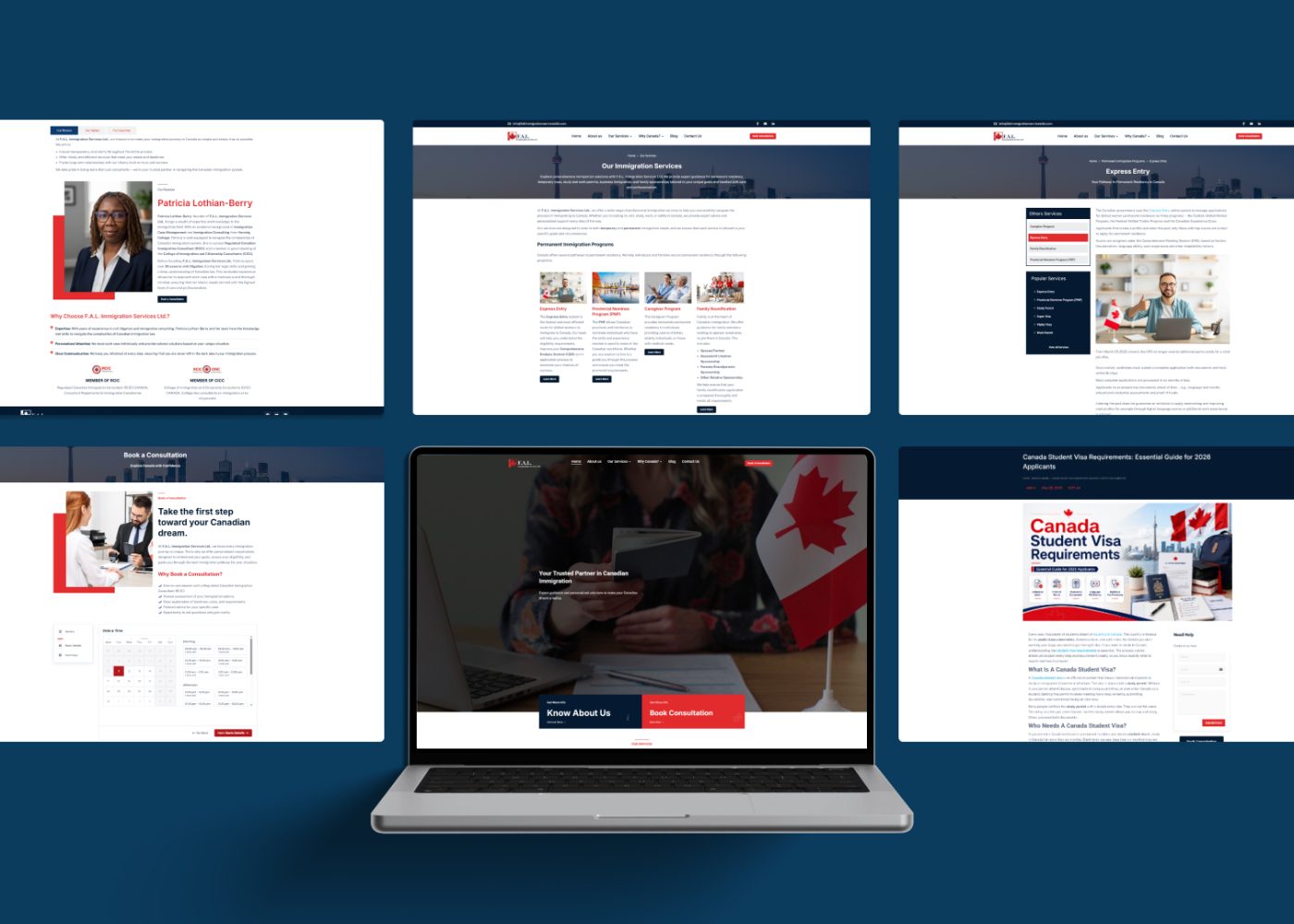

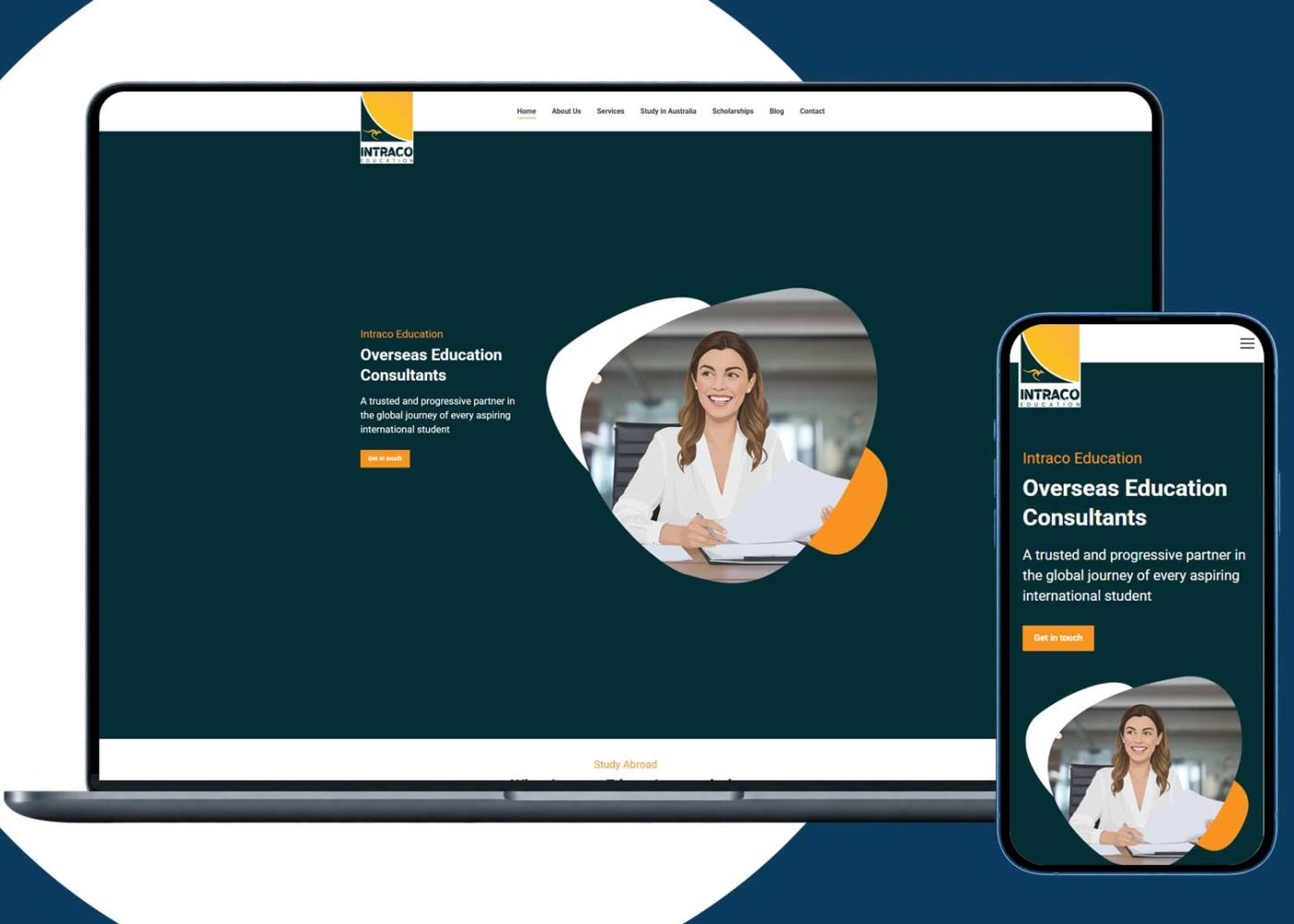

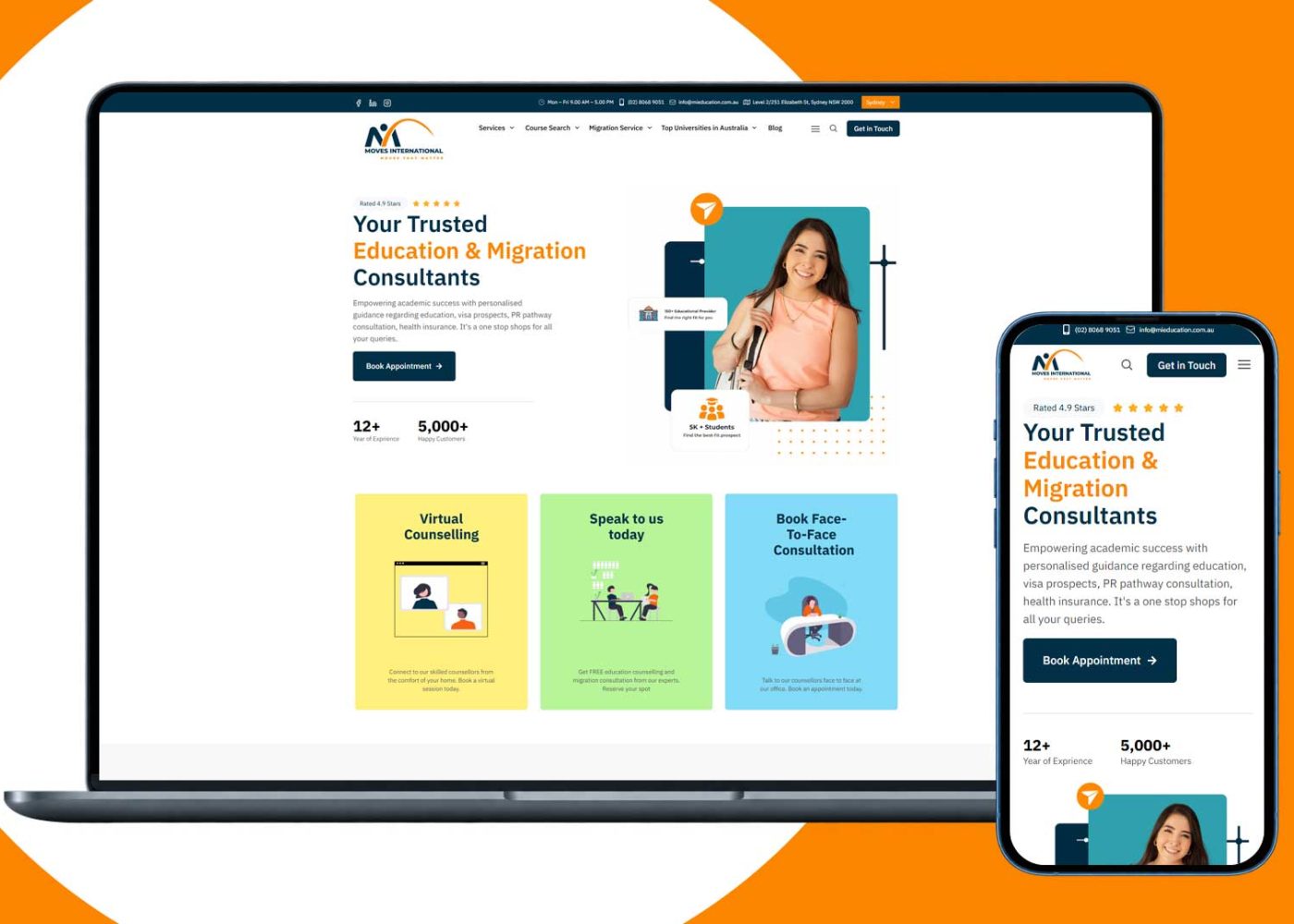












Start by evaluating ready-made tools for standard work such as enquiry tracking, appointments, documents, and billing records. Consider custom software when a clearly documented, important requirement remains unmet after configuration and integration options have been tested.
A hybrid approach can also work: keep a suitable core platform and add a focused portal, integration, or workflow component.
Your decision should reflect the work the firm must complete, the information it handles, and the people who will maintain the system. Compare the complete operating model, including ongoing costs and the ability to change providers.
Document the journey from first enquiry through consultation, agreement, active case work, closure, and retention.
For each stage, identify the responsible person, required information, documents, next action, and handoff. Record where staff copy information, wait for approval, or lose visibility.
Section 37 of the Code of Professional Conduct requires a reliable office administration system and preservation of records in accordance with the applicable by-laws. Use those responsibilities to inform your requirements; the choice of software does not replace them. laws-lois.justice.gc.ca
Separate requirements into three groups:
Review your current CRM and automation setup before commissioning a replacement. An unclear process, missing configuration, or training gap may be fixable within the existing system.
| Option | What it involves | Main decision question |
|---|---|---|
| Ready-made tools | Configure existing software and supported integrations. | Can the available functions meet the essential requirements? |
| Custom software | Design, develop, test, and operate a system for defined needs. | Is the unmet requirement valuable enough to support the full lifecycle? |
| Hybrid setup | Combine an existing core with a focused custom component. | Can the gap be closed without creating excessive integration complexity? |
Evaluate the configuration you would actually purchase. A feature available only on another plan or as an additional service should be included in the proposal and cost comparison.
Likewise, a custom feature should have written acceptance criteria. “Manage client cases” is too broad to establish whether the delivered system works.
Ready-made tools are worth prioritizing when the firm’s essential processes fit their supported workflows and the team can operate the configuration.
Ask providers to demonstrate how the system handles:
Confirm which parts require manual work, an integration, or a paid add-on.
A standard platform can still involve implementation, migration, staff training, and ongoing administration. Include those activities in the launch plan.
Choose based on demonstrated fit. A long feature list does not establish that the important steps work together.
Custom development becomes worth assessing when the firm has a specific requirement that suitable products cannot meet appropriately.
Examples might include a complex approval process, a client-access model, a specialist document workflow, or a necessary connection between existing systems.
Describe the gap precisely: what must happen, who is involved, how often it occurs, and what goes wrong today.
A custom web application needs an owner who can make decisions and review delivered work. Budget for requirements, design, development, testing, deployment, maintenance, and future changes.
Start with a bounded component or pilot where possible. Test the essential workflow before expanding the scope.
Avoid using custom development to formalize a process that nobody has agreed upon. Resolve ownership and operating rules first.
A hybrid setup can preserve useful systems while improving one part of the journey.
For example, an immigration firm website might connect a tailored enquiry experience to an existing practice platform. Another firm may need a limited reporting component or document-request interface.
Define which system owns each record and how changes move between systems. Specify what happens when a connection fails or the same event arrives twice.
Test permissions across the connection. Access in one system should not silently provide broader access elsewhere.
Hybrid arrangements also need maintenance. Assign responsibility for changes to connected platforms, credentials, monitoring, and recovery.
For a fictional example, suppose a firm’s case platform works well but staff re-enter every website enquiry. First test the available form and CRM configuration. If a supported integration cannot meet the requirement, assess a narrowly scoped connector. Compare its operating cost and data handling before deciding to replace the wider platform.
Use the same planning period, user assumptions, currency, and required functions for every option. A three-year comparison can be useful as a planning exercise, with assumptions stated clearly.
| Cost area | Include where applicable |
|---|---|
| Initial work | Discovery, configuration, design, development, migration, and training. |
| Recurring charges | Licenses, hosting, storage, backups, integrations, and usage fees. |
| Operation | Support, administration, monitoring, updates, and security review. |
| Staff effort | Duplicate entry, checking, reconciliation, and workarounds. |
| Changes and exit | Additional features, data extraction, handover, and migration. |
Request current written quotes and identify exclusions. For custom work, agree how changes are estimated and approved.
Consider staff time separately from software charges. An illustrative calculation might be:
5 staff × 15 minutes per working day × 20 working days = 25 staff-hours per month.
Those figures are fictional, not an industry benchmark. Measure your actual workload, then apply an appropriate internal cost assumption.
Do not assume that a proposed system will eliminate all measured time. Test the improvement in a pilot and include the time needed to review exceptions and maintain the workflow.
Ready-made software, custom applications, and integrations all need appropriate assessment.
The OPC’s guidance on assessing third-party service providers addresses assessment for organizations subject to PIPEDA. It covers information flows, responsibilities, safeguards, portability, and end-of-contract handling. Apply relevant requirements to the actual arrangement. priv.gc.ca
Ask who can access information, where it is processed, how permissions are enforced, and how incidents and retained copies are handled.
The Canadian Centre for Cyber Security’s supply chain guidance for smaller organizations also recommends evaluating providers and asking about protections, updates, third parties, recovery, and incident notification. Canadian Centre for Cyber Security
Require demonstrations and appropriate evidence. Product labels and a custom architecture are not substitutes for tested controls.
Evaluate client usability alongside technical functions. Your website design and portal experience should make actions, errors, and next steps understandable.
Request a sample migration and export using synthetic records. Check contacts, matter relationships, documents, important history, dates, and permissions.
Plan how the firm will reconcile migrated information, identify omissions, and recover if the transition fails. Keep access to required existing records through an approved transition process.
For custom work, put the following into the agreement:
Do not assume that commissioning a build automatically gives the firm everything needed to operate or transfer it.
For ready-made tools, establish export scope, available formats, extraction charges, cancellation arrangements, and access after termination.
Include documentation and handover support in the plan from the beginning. Ask whether another competent provider could understand and support the resulting setup.
Name someone inside the firm who can approve the workflow, prioritize changes, and accept delivered work. Technical support and professional case responsibility should have clear owners.
Agree how staff will be trained, where issues are reported, and who decides whether a request is a defect, configuration change, or new feature. Include realistic support hours and escalation arrangements.
Introduce the chosen setup in controlled stages. Check records and staff adoption before retiring the previous workflow, and maintain a documented recovery route during transition.
Compare demonstrations against the same fictional client journey.
| Scenario | What to verify |
|---|---|
| An enquiry becomes a consultation. | Records, ownership, and the next action remain clear. |
| A client has multiple matters. | Information is linked without mixing case-specific records. |
| A delegate’s permission changes. | Subsequent access reflects the approved change. |
| A file is replaced. | Required versions and history remain understandable. |
| A reminder or integration fails. | Staff can identify the failure and recover the task. |
| A record must be exported. | Documents and necessary history remain usable. |
| The main provider becomes unavailable. | The firm has a workable support or transition process. |
Treat essential requirements as conditions to satisfy before comparing convenience features.
After a pilot, review staff adoption, corrections, time spent on administration, and unresolved workarounds. A system that staff cannot operate consistently needs further attention before wider rollout.
Your next project
Have a business in mind? Tell us about your ideas, your audience, and the identity you want to create.
Prefer a direct conversation?
Evaluate suitable existing tools first. If they meet the essential workflow, records, access, and support requirements, configuration can provide a practical starting point.
When a documented, important requirement remains unmet after realistic configuration and integration options have been tested, and the firm can support development and ongoing operation.
It combines an existing core platform with a focused custom component, such as an interface, integration, or reporting tool. Define record ownership and failure handling clearly.
No. Assess the actual architecture, implementation, permissions, maintenance, and operating arrangements. Apply appropriate review to custom and ready-made systems.
Establish rights, licenses, access, and handover requirements in the contract. Do not rely on assumptions about what the development fee includes.
They are another way to configure or build a workflow. Evaluate access controls, maintainability, platform dependencies, data handling, and portability using the same requirements.
Include implementation, recurring charges, staff effort, support, changes, migration, and exit. Use the same planning period and request current quotes for the required configuration.
Test exports, retain appropriate access and documentation, clarify rights and responsibilities, and plan migration. Review dependence on connected services as well as the main provider.
Yes. Consider a focused configuration change or integration when it meets the need. Verify that connected systems preserve records, permissions, and reliable operation.
Map the workflow, identify essential requirements, measure current problems, and prepare acceptance scenarios. This gives providers a concrete basis for a comparable proposal.
Begin with a tested understanding of the work. Evaluate ready-made tools, assess custom development for a verified gap, and consider a hybrid approach where a focused addition is sufficient.
Compare the full cost, responsibilities, client experience, and ability to leave. Expand after a pilot demonstrates that the chosen setup works for your team.
M4YOURS IT can help assess your workflow, configure integrations, and plan custom components where appropriate. Contact our team to discuss the requirements behind your software decision.
Adding {{itemName}} to cart
Added {{itemName}} to cart