


Education consultant technology solutions should connect enquiry capture, counselling, application work and reporting around reliable student records. Start with the information staff need to continue a conversation, the actions they must complete and the handovers between roles. Then choose the tools that support those requirements.
For a small consultancy, M4YOURS IT recommends a connected website, a suitable CRM, clear follow-up tasks and controlled document collection. Add a student portal, advanced automation or custom software when a defined workflow justifies the additional scope.
The first question is practical: can your team find the student’s history, understand the current responsibility and complete the next action?
What Are Education Consultant Technology Solutions?
They are the software and connections used to manage a consultancy’s daily work. A useful setup can include a website, student CRM, booking system, application records, document requests, communication tools and management reports.
The value comes from how those parts work together. A website form should produce an actionable record. A counselling appointment should lead to a recorded outcome. An application update should reach the appropriate student and staff member.
| Business problem | Technology capability to evaluate | Working result |
|---|---|---|
| Enquiries remain in separate inboxes | Connected capture and matching | A traceable enquiry linked to a student |
| Follow-ups depend on memory | Owned tasks and due dates | A clear next action |
| Students repeat information | Shared history and staff handovers | The next conversation uses existing context |
| Several applications become confusing | Linked application records | Each application has its own status and owner |
| Document requests are difficult to track | Controlled upload and review | Staff can distinguish receipt from acceptance |
| Managers assemble reports manually | Agreed reporting definitions | Totals can be traced to actual records |
Build Around the Student and Their Related Records
Agree on the information model before comparing feature lists. A student, enquiry, appointment and application describe different things and should remain distinguishable.
| Record | What it represents | Example information |
|---|---|---|
| Student | The person and their main relationship with the consultancy | Identity, interests, contact preferences and responsible staff |
| Enquiry | A request received through a source | Date, source, campaign and submitted question |
| Appointment | A scheduled counselling event | Host, time, location, changes and attendance |
| Application | One programme or institution application | Institution, programme, intake, stage, deadline and owner |
| Document request | An item needed for a defined purpose | Requested item, linked application, receipt and review status |
| Task | Work someone must complete | Action, owner, due time and outcome |
One student may have several applications. LeadSquared’s overseas education offering describes mapping multiple course or college opportunities to the same lead. Use this relationship as a capability to demonstrate with your own cases. www.leadsquared.com
For a Bangladesh consultancy, keep phone numbers with appropriate country information, use proper date fields and display appointments with a clear time zone. Include returning students and shared family contact details when testing identity matching.
Nine Capabilities to Prioritize
1. A Website Connected to Enquiry Handling
The public website should explain services, support useful research and give students an appropriate next step. The capture process should preserve the enquiry’s context and identify who will act.
Test each required form and source. A successful submission should reach the intended record and responsible team, with a visible route for incomplete or failed transfers.
Our education consultancy website with CRM guide explains this connection in more detail.
2. CRM and Counsellor Working Views
The CRM should help staff understand the student’s history, contact outcomes, current responsibility and next action.
Give each role useful views, such as:
- New enquiries requiring attention.
- Callbacks due today.
- Upcoming counselling appointments.
- Unresolved staff handovers.
- Students waiting for an agreed future contact.
Keep unsuccessful contact attempts separate from recruitment progress so staff retain the wider context.
3. Appointments and Attendance
Assess booking, availability, rescheduling, cancellation and attendance together. The resulting changes should reach the relevant staff member and linked record.
A student who reschedules should receive information about the current appointment. Staff should record attendance explicitly before reports count the meeting as attended.
4. Application and Document Coordination
Create separate application records linked to the student. Give each one an owner, meaningful stages, outstanding items and verified deadlines.
For documents, distinguish:
| Status | Meaning |
|---|---|
| Requested | Staff have asked for the item |
| Received | A file has arrived |
| Under review | Staff are checking the submission |
| Accepted | The responsible reviewer confirms it satisfies the request |
A file arriving should create the appropriate review work. Staff determine whether it satisfies the request.

5. A Student Portal Where It Solves Repeated Work
A portal can give students a controlled place to view requests, upload files, ask questions and see approved updates.
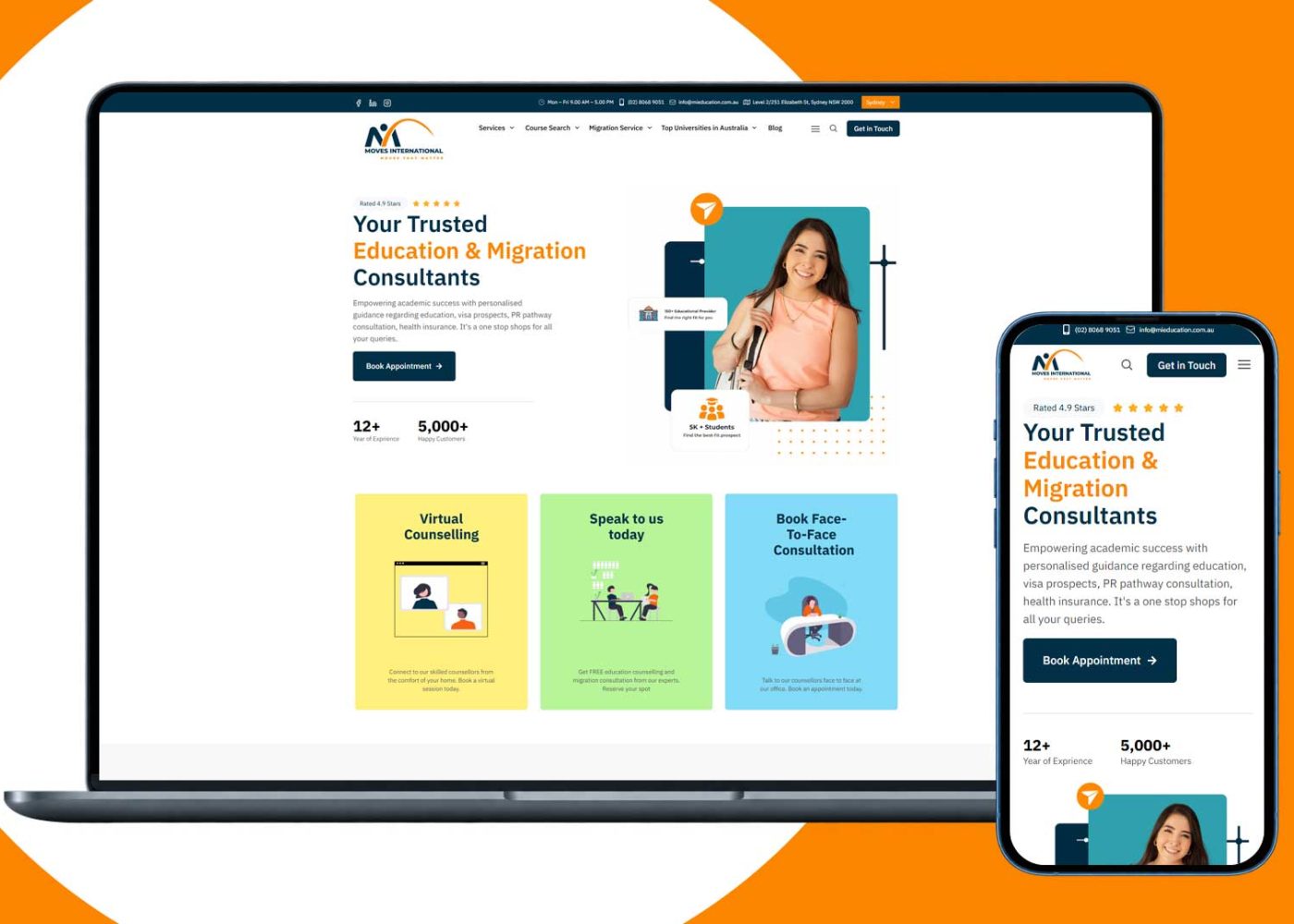








Start with functions the team can maintain. For a smaller operation, a controlled upload process linked to existing records may address the initial need.
A wider portal becomes useful when several related student actions require one accessible place.

6. Automation with Clear Ownership
Useful automations include enquiry assignment, callback creation, appointment reminders and alerts for unresolved work. Each needs a trigger, conditions, an action and an owner for exceptions.
Test the actual routes records use to enter the system. For example, Zoho CRM’s assignment documentation specifies imported, webform and API-created records, with different handling required for manual entries. help.zoho.com
When an integration retries an event, it should recognize what has already been processed. Repeated delivery should preserve enquiry history without creating unnecessary duplicate students or tasks.
7. Communication Connected to the Student’s Context
Staff should understand the earlier promise, relevant conversation and agreed next step before contacting a student. Route replies and handovers to a responsible person.
For WhatsApp, include permission and opt-out handling in the design. Its Business Messaging Policy requires opt-in, approved templates outside the Business Platform’s 24-hour customer service window and clear escalation paths for automated replies. whatsappbusiness.com
8. Reporting That Staff Can Explain
Define the measures before building dashboards. Unique students, contact attempts, booked appointments and application files should remain distinguishable.
Use reporting to identify work requiring a decision:
- Unassigned enquiries.
- Overdue tasks.
- Unresolved document reviews.
- Applications waiting on a response.
- Appointments with missing outcomes.
Allow staff to trace each total back to its records.
9. Access, Recovery and Export
Agree on who may view, change, export or share each type of information. Branch and case relationships may matter alongside job roles.
OWASP’s authorization guidance recommends least privilege, denial by default and permission checks on every request. Apply those principles when evaluating access to student records and documents. cheatsheetseries.owasp.org
Include account recovery, staff offboarding, appropriate change history, tested backup restoration and usable export in the operating plan.






Keep Counsellor Knowledge Current
Technology also supports the information counsellors use. Maintain a reviewed knowledge base for the destinations, institutions and services the agency handles.
| Information | Ownership to establish |
|---|---|
| Destination and institution resources | Named reviewer, source links and review date |
| Application checklists | Approved version, intended use and responsible coordinator |
| Institution or partner relationships | Agreement owner and current service scope |
| Counselling FAQs | Author, approval and route for questions outside the material |
| Operational procedures | Process owner and change history |
When requirements change, review the effect on active applications before updating their outstanding tasks. Preserve the context staff need to explain earlier decisions.
Where Can AI Add Practical Value?
Begin with tasks a staff member can review efficiently:
- Drafting replies from approved agency information.
- Summarizing conversations into proposed CRM notes.
- Suggesting categories for incoming enquiries.
- Extracting proposed document fields for verification.
- Answering approved questions about office hours or booking.
Define the permitted information, knowledge source, review process and route to a counsellor. Responsible staff should verify programme suitability, application requirements, deadlines and final submissions.
Evaluate the complete workflow. A draft becomes useful when someone reviews it, records the outcome and continues the student’s case appropriately.
Configure Existing Software or Build a Custom System?
M4YOURS IT recommends comparing existing tools against the agreed workflow before estimating custom development.
| Situation | Approach to evaluate |
|---|---|
| Standard enquiry and follow-up work | Configure an existing CRM |
| Current tools work but information is copied repeatedly | Add defined integrations |
| Education-specific application work is central | Evaluate a specialist education CRM |
| A portal is needed alongside a suitable CRM | Assess a supported portal or focused extension |
| Important workflows remain unsupported | Scope custom development for the remaining requirements |
Check the proposed edition and configuration in a demonstration. Identify which capabilities are included, which need extra modules and who maintains the resulting setup.
Use a Working Demonstration to Compare Providers
Give each provider the same fictional student scenario:
- A website enquiry arrives, followed by another enquiry from the same student.
- The normal owner is unavailable, so the agreed fallback handles the work.
- The student books counselling, reschedules and subsequently attends.
- Staff create two applications linked to that student.
- A requested file arrives and goes to staff review before acceptance.
- One integration action fails and enters a visible recovery process.
- A manager checks the resulting report and retrieves an export.
Ask staff to explain the current owner, next action and relevant history at each point. Inspect how the records and reports reflect the events.

An Illustrative Evaluation Scorecard
Set essential access, data integrity and recovery requirements as pass conditions. After those are satisfied, a weighted comparison can help organize the remaining decision.
| Area | Example weight | Evidence to request |
|---|---|---|
| Workflow fit | 25% | Complete demonstration of daily work and handovers |
| Data and migration | 20% | Representative import, matching, history and export |
| Permissions and control | 15% | Restricted-user demonstrations and access administration |
| Integration reliability | 15% | Capture, retries, failure notification and recovery |
| Staff usability | 15% | Pilot users completing realistic tasks |
| Operating cost and handover | 10% | Written charges, responsibilities and retrieval arrangements |
These are sample weights to adapt to your agency. Keep the evidence beside each assessment so the decision remains reviewable.
Introduce the Solutions Through Three Practical Gates
| Gate | Initial scope | Evidence before expansion |
|---|---|---|
| 1. Reliable capture | Student records, connected forms, ownership and next actions | Test enquiries reach the correct records and staff |
| 2. Reliable case work | Appointments, linked applications, selected document work and handovers | Staff complete normal work and recover exceptions |
| 3. Reliable management | Reports, permissions, training and ongoing operation | Totals reconcile and operating responsibilities are clear |
Use a limited team and representative data during the pilot. Correct confusing fields, missing information and unclear procedures before expanding the scope.
What Should You Budget For?
Request a complete operating proposal covering:
- Software editions and users.
- Setup and configuration.
- Data preparation and migration.
- Integrations and communication usage.
- Document storage.
- Training and support.
For custom or self-hosted components, include hosting, updates, monitoring and recovery responsibilities. Confirm account ownership and usable retrieval of student records and related history.
Compare providers using the same workload and functions. Agree on how additional work is estimated and approved after the initial setup.
How M4YOURS IT Can Help
M4YOURS IT’s education consultancy services include website development, CRM implementation, automation and analytics. www.m4yours.com
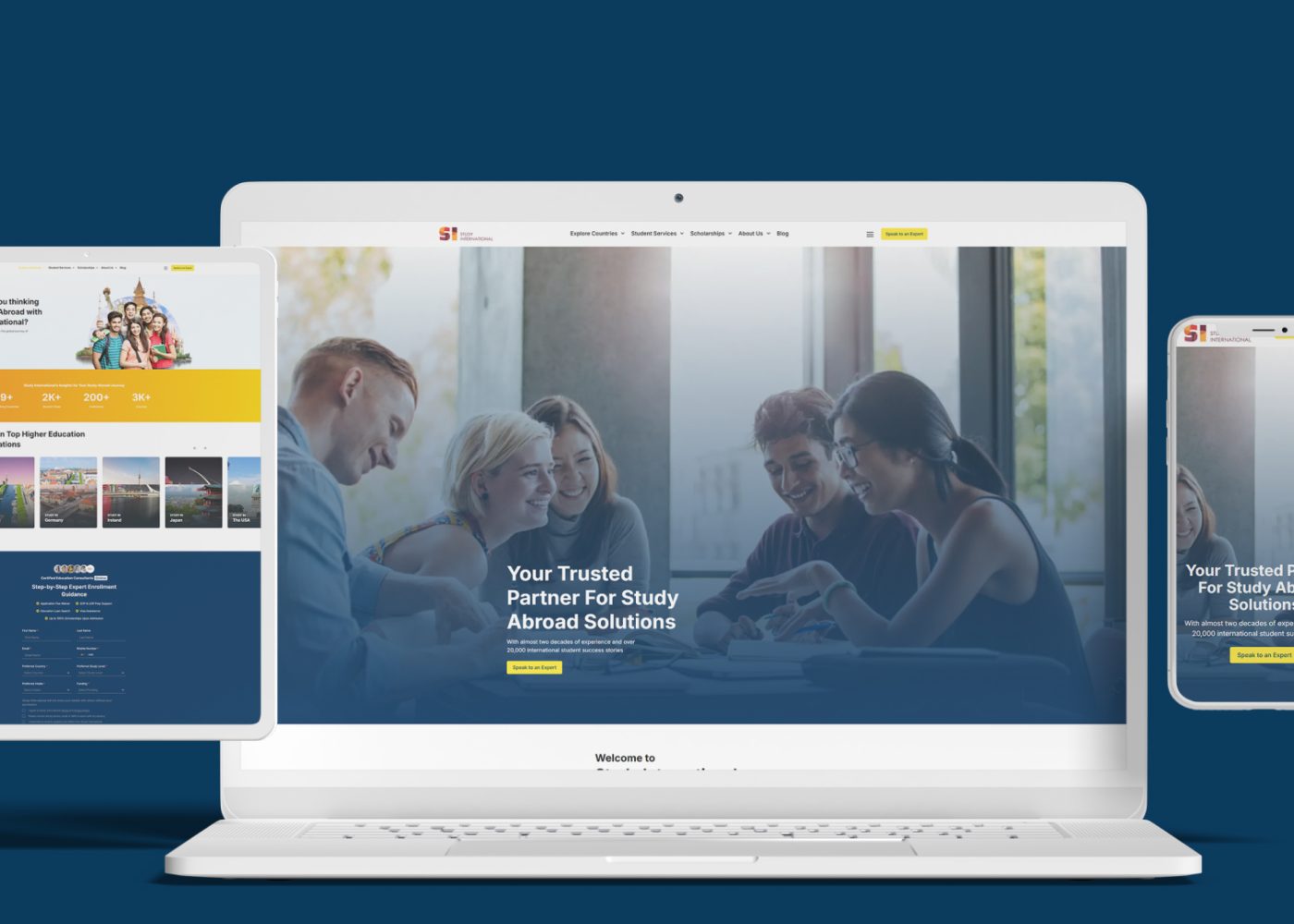
The Study International custom web application portfolio describes a project connecting public content with administration, student leads and enquiry workflows. It illustrates a connected scope for organizations whose requirements extend across several operational areas. www.m4yours.com
Begin with the records and actions your team needs each day. Demonstrate a complete student journey, pilot the proposed setup and expand through clear acceptance criteria.
Contact M4YOURS IT to plan education consultant technology solutions around your enquiry sources, counselling process and application workload.
Your next project
Let’s make your brand recognizable.
Have a business in mind? Tell us about your ideas, your audience, and the identity you want to create.
Prefer a direct conversation?
FAQ
They are the software and integrations used to manage enquiries, counselling, applications, documents, communication and reporting. A useful setup supports clear responsibility and connected student history.
Start with reliable student records, connected enquiry capture and clear follow-up tasks. Expand when staff can explain the history, owner and next action for representative students.
Evaluate it against your records and workflows. Application relationships, document review, branch permissions or portals may need configuration, additional modules or a specialist product.
Keep one main student identity with separate linked applications. Each application needs its own institution, programme, intake, stage, deadline and responsible staff member.
Assess the repeated work it would solve. Controlled document collection may be enough initially. A portal becomes useful when several student actions need a connected self-service experience.
They can where the selected tools support the required triggers and actions. Test entry routes, changes, duplicate events and exceptions, with someone responsible for maintenance.
Use it for reviewed drafting, summaries, categorization and approved operational questions. Define permitted information and human review before connecting student records or documents.
Begin with a representative sample. Agree on identities, dates, ownership, notes and linked applications, then reconcile the results before completing the wider migration.
Consider it when important requirements remain unsupported after evaluating configurable products and integrations. Include maintenance, support, export and handover in the decision.
Follow a complete student scenario, inspect exceptions and reconcile reports. Have the actual staff complete their daily tasks and confirm that ownership and next actions remain clear.