Share






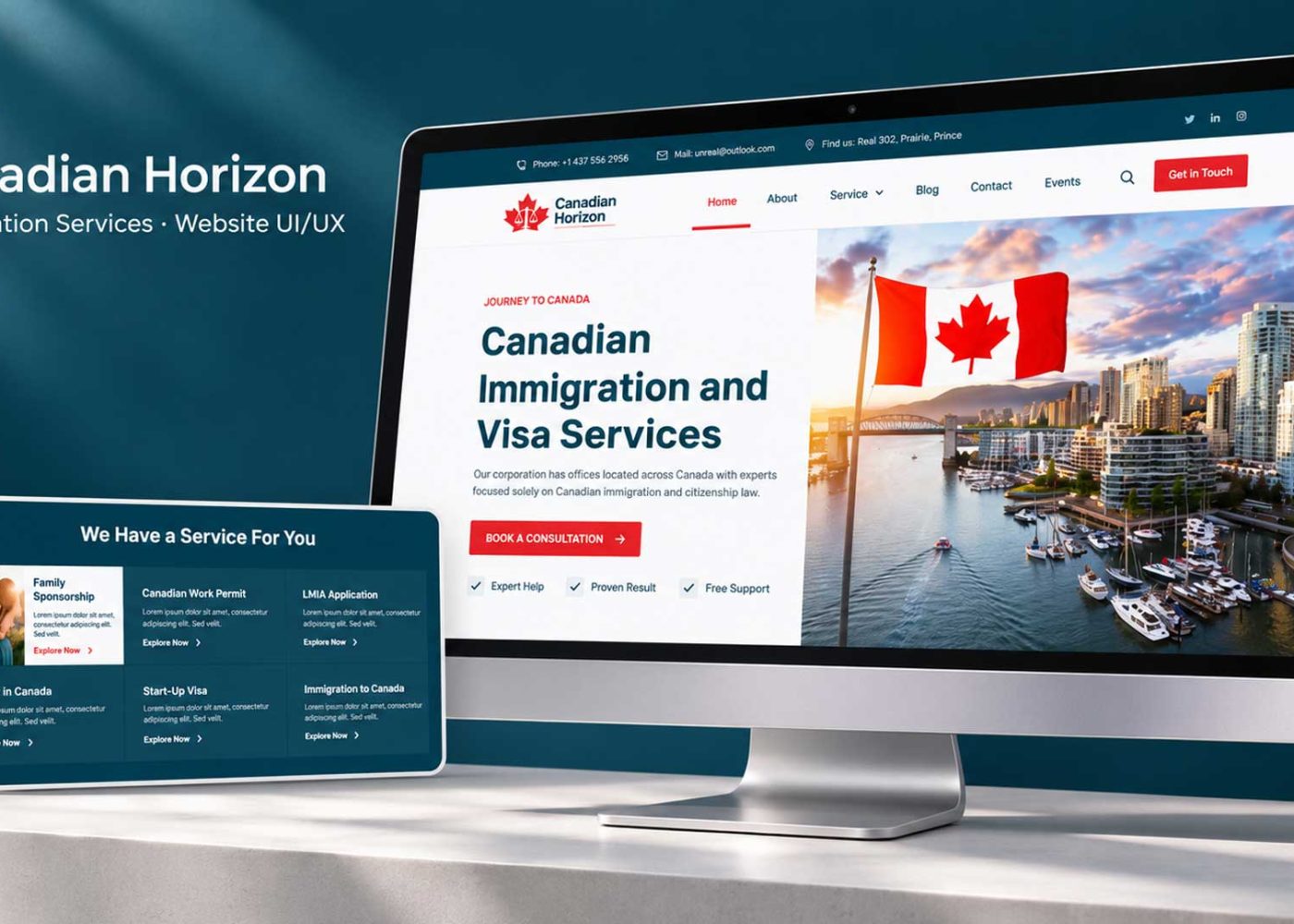











Connect your website forms, WhatsApp, and CRM by saving each enquiry, matching it to the right contact, and assigning a clear next action. Use a supported WhatsApp integration to bring replies and delivery updates back into the CRM. Before sending anything, check the person’s communication permissions and the current conversation status.
For an immigration practice, this creates a practical benefit: staff can see what someone asked, who is handling the enquiry, and what should happen next.
The goal is a reliable handoff from interest to a useful conversation. Here is how to build that process without filling your CRM with duplicate leads or sending messages after a client has already replied.
People can enter your process in different ways. Some complete a website form and ask your team to contact them. Others open WhatsApp and send a message directly.
Treat these as separate entry events feeding a shared follow-up process.
| Entry route | What your system should capture | Immediate next action |
|---|---|---|
| Website form submitted | Submitted details, enquiry reference, source page, and communication choices | Create or update the CRM enquiry and assign an owner |
| WhatsApp message received | Available sender identifier, incoming message, and conversation reference | Find the appropriate contact or create a record for review |
A WhatsApp button alone does not connect the conversation to your CRM. It provides a route into a chat. Capturing that conversation, routing replies, and updating follow-up tasks require additional integration or a documented staff process.
Show the client an accurate receipt confirmation once the enquiry has been reliably saved. If the CRM is temporarily unavailable, retain the submission in a recoverable intake queue and alert staff.
For an immigration practice improving its enquiry journey, these handoffs deserve the same attention as the service pages that generate interest.
Keep the initial form focused on information your team needs to respond appropriately.
Useful starting fields include:
Avoid requesting an entire immigration history through a general enquiry form. Move sensitive document collection to your approved intake process when needed.
Capture the source page and submission time automatically. Preserve the original enquiry source when someone returns through another page; record the later interaction separately. A repeat visit should not erase how the relationship began.
Create an enquiry reference and map each field to a defined CRM field. A service selection belongs in a field staff can filter and assign, rather than being buried inside an unreadable block of form text.
Your website design and booking experience should explain what happens after submission, including contact channels and realistic response expectations.
Ask clearly whether the person wants your firm to contact them through WhatsApp. Keep marketing subscriptions separate, and record the wording shown, the choice made, its scope, and the time.
Possible draft wording is:
I would like [Firm Name] to contact me on WhatsApp about this enquiry.
Add the identification, contact, withdrawal, and other information required for your circumstances. A checkbox label alone is not a complete communication policy.
The WhatsApp Business Messaging Policy requires opt-in permission and respect for opt-outs. On the Business Platform, business-initiated conversations require an approved template. Non-template replies are permitted within the 24-hour customer service window, which opens or resets with a user message. Outside it, approved templates are required. whatsappbusiness.com
In practice, submitting a website form or merely opening a WhatsApp chat does not start that window. The person must send a WhatsApp message.
For Canadian practices, assess CASL separately. Its requirements can apply to commercial messages sent through instant messaging. The CRTC’s CASL FAQ explains consent, identification, and unsubscribe requirements, with applicability depending on the message and circumstances. Template approval does not settle those legal obligations. CRTC
If WhatsApp contact is not permitted, assign a suitable staff action using an appropriate, permitted channel.
The connection needs to work in both directions. Sending a message from a CRM is only one part of the job.
Incoming replies should appear against the correct contact or enquiry, update the latest activity, and notify the responsible person.
Meta’s WhatsApp webhook documentation describes notifications for incoming messages and outgoing message statuses. It also explains platform user identifiers, including situations where phone number fields may be absent. A webhook is an automatic notification from one system to another. developers.facebook.com
Use the CRM’s contact ID together with the available WhatsApp identifier. Normalize phone numbers into a consistent international format where supplied, but avoid making a phone number your only identity rule.
Family members may share contact details. The same person may also enquire about more than one service. Keep contact records and individual enquiries distinct, and send uncertain matches for staff review.
For a form-to-WhatsApp handoff, a non-sensitive enquiry reference can help your team connect the conversation. Verify the match before revealing previous information.
Finally, preserve incoming message identifiers so repeated delivery of the same event does not create duplicate notes, tasks, or automated replies.
A CRM record becomes useful when someone is responsible for it.
Define who handles new enquiries, how assignments change, and who covers absences. Route using information your team can support, such as service type, language, location, or workload.
Keep stages clear: new enquiry, awaiting staff response, awaiting client response, consultation booked, and closed are possible starting points. Adapt them to your process.
Then define what should happen when the record changes.
| Event | CRM action | Follow-up behaviour |
|---|---|---|
| Valid new enquiry | Assign an owner and response task | Send an acknowledgement only when appropriate |
| Client replies | Record activity and alert the owner | Pause generic “still interested” nudges |
| Consultation booked | Update the stage and booking reference | Stop pre-booking nudges |
| Client asks to stop | Record the request and update suppression rules | Stop the affected automated messages |
| Message fails | Create an exception task | Avoid repeated blind resends |
| Owner is absent | Route to the agreed backup | Keep responsibility visible |
Separate an automated acknowledgement from a meaningful staff response. “We received your enquiry” should not mark the lead as personally contacted.
Choose response targets around actual staffing and opening hours. If you set a target of 30 business minutes, treat it as an internal operating example to test, rather than an industry benchmark.
A focused marketing strategy consultation can help align these rules with your team’s capacity and consultation goals.
Write messages that help the person move forward without repeating their private circumstances.
The examples below are drafts. Adapt them to the permitted channel, relevant template requirements, and your firm’s communication obligations.
Hello [First Name], thank you for contacting [Firm Name]. We have received your enquiry. Our team will review it and respond during [Business Hours, Time Zone]. Your reference is [Enquiry Reference].
Use this only after reliable capture. Do not promise an RCIC has reviewed the matter when the message is automated.
Hello [First Name], this is [Staff Name] from [Firm Name]. I’m following up on your enquiry. Would you prefer information about our consultation process, or help choosing an available appointment time?
Only state that staff reviewed the enquiry after that review has happened. Give the recipient an easy next step without implying an eligibility assessment.
Hello [First Name], would you still like help arranging a consultation with [Firm Name]? You can reply here or use [Approved Booking Link]. Please let us know if you would prefer no further follow-up about this enquiry.
Before sending, check that no reply, booking, closure, or stop request has already made the message unnecessary. Keep the follow-up sequence finite.
Choose the setup around the work your team needs to complete.
| Situation | Practical starting point | What to verify |
|---|---|---|
| Small team with limited enquiries | Form-to-CRM capture with assigned manual follow-up | Reliable records, ownership, and staff visibility |
| Growing team needing shared conversations | Supported CRM and WhatsApp Business Platform connection | Incoming replies, permissions, templates, and task updates |
| Multiple offices or complex routing | Carefully designed integration with monitoring | Identity matching, change handling, recovery, and ongoing support |
Ask providers to demonstrate your actual workflow. A connector that sends messages may not bring replies into the CRM, support your required fields, or stop a sequence after a booking.
Check account ownership, number onboarding, and compatibility with your existing WhatsApp setup. Confirm which features your selected plan supports.
Budget for CRM access, messaging charges, connector or provider fees, setup, staff training, and maintenance. A low initial setup cost can leave important manual work behind.
CRM setup and marketing automation should connect these operating requirements to the tools your team will actually use.
Run controlled tests with approved test contacts and realistic scenarios.
| Test | What should happen |
|---|---|
| Same form event processed twice | One recorded submission and no duplicate acknowledgement |
| Existing contact submits a new enquiry | Relevant new enquiry retained without overwriting history |
| Two family members share a number | Uncertain identity routed for review |
| CRM update fails | Submission recoverable and staff alerted |
| Client replies or books before a scheduled nudge | Obsolete nudge suppressed |
| Permission is withdrawn | Affected future messages stopped |
| A template is unavailable or delivery fails | Visible exception with a clear owner |
Have the integration validate incoming events and keep credentials on the server or in an approved connector. Restrict staff access to what they need, and keep sensitive case details out of routine notifications and logs.
Test the recovery process as well as the successful path. Staff should know how to find unsynced enquiries, correct a match, and pause an automation.
Track the path from enquiry capture to an appropriate consultation outcome.
Useful measures include:
Keep message activity separate from business outcomes. A sent message does not establish that someone read it, replied, or booked.
Define “suitable enquiry” using your firm’s service scope and intake process. Automation can collect and route information; professional assessment belongs with the appropriately authorized person.
Connect original enquiry sources with later outcomes. Your digital marketing reporting can then show which channels contribute useful conversations and consultations, rather than just clicks or message volume.
Your next project
Have a business in mind? Tell us about your ideas, your audience, and the identity you want to create.
Prefer a direct conversation?
Yes. Reliable form capture, CRM assignment, and disciplined manual follow-up can be a useful first phase. Add messaging automation once your ownership and response process work consistently.
No. Match it to the appropriate contact and active enquiry where reliable. Keep separate enquiries when needed, and review uncertain identities before merging records.
Use automation for acknowledgement, routing, and administrative questions within an approved scope. Provide an accessible route to staff. Case-specific immigration advice and decisions need the appropriate professional.
Choose a short, defined sequence based on the enquiry, permissions, and client response. Stop when its purpose has been met. Review outcomes before increasing frequency.
Start with one form and one enquiry type. Confirm the field mapping, contact permissions, identity rules, staff ownership, and stop conditions. Test the handoffs before expanding.
M4YOURS IT can help connect your website, WhatsApp communication, and CRM around a practical follow-up process. Discuss your website-to-CRM workflow to identify the integrations and operating rules your immigration practice needs.
Adding {{itemName}} to cart
Added {{itemName}} to cart