
Your MVP needs enough UI/UX design to make its core customer journey understandable, test the assumptions most likely to change the product, and give developers clear decisions for the first build. You can usually start implementation before every future screen is designed.
A practical starting package includes a defined audience and outcome, a scoped journey, a testable prototype, relevant interface states, basic visual foundations, and agreed acceptance criteria.
The right amount depends on uncertainty and consequences. A simple enquiry tool needs less preparation than a product involving several roles, payments, or complex approvals.
A focused UI/UX design process helps you decide where early design will reduce expensive rework.
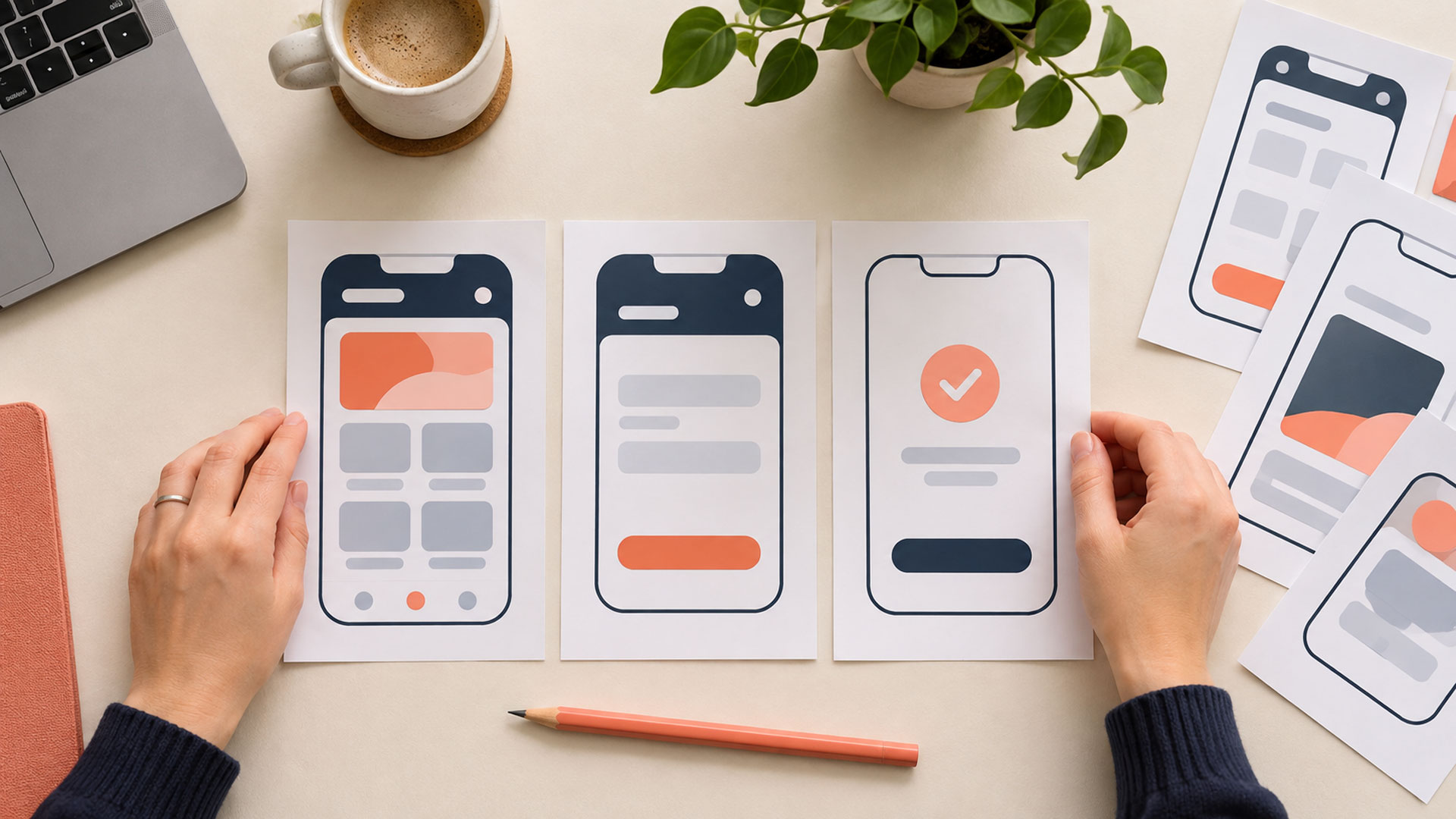
Define the First Useful Result Before Counting Screens
Start by completing this sentence:
Our first release helps [a specific user] achieve [a useful result] in [a relevant situation].
For a small appointment-booking product, the result might be: “A new customer can select a suitable service, request an available appointment, and understand whether the booking is confirmed.”
That statement gives the team something concrete to design and test. A feature list containing dashboards, notifications, profiles, and reports does not explain which customer outcome matters first.
Define what the business must do behind the interface as well. If staff confirm requests manually, the customer should understand that the selected time is a request until confirmation arrives.
Write down the learning goal. You might need to understand whether customers can choose the right service, whether staff can fulfil requests, or whether people will return after their first booking.
These are different questions and may need different evidence.
Let Risk Determine the Amount of Design
Spend more effort on decisions that are uncertain, important to customers, or expensive to change after implementation.
Ask:
- What assumption could make this product unusable or impractical?
- Which interaction is unfamiliar to our intended audience?
- Which decision affects several screens or user roles?
- Which dependency could prevent the journey from working?
- What would be costly to discover only after launch?
GOV.UK’s alpha guidance recommends focusing prototypes on the riskiest assumptions rather than reproducing an entire service. Businesses can apply the same principle when deciding what to investigate before a production build. GOV.UK
Use the answer to direct both design and engineering work. An uncertain navigation label may need a prototype test. An uncertain booking integration may need a developer to investigate the service’s actual capabilities.
Polishing screens cannot resolve every type of uncertainty.
What Should Be Ready for the First Development Slice?
For the first slice, choose a small part of the product that works from user action through to a useful result.
The following package is a practical starting point. Its size should reflect the complexity of that slice.
| Deliverable | What the team needs to understand |
|---|---|
| Audience and problem summary | Who is using the product, in what situation, and for what purpose? |
| Scope and journey | What happens from entry to completion, and what is outside this release? |
| Core wireframes or prototype | How will users navigate, make decisions, and complete the task? |
| Realistic content and data examples | What information appears, and what must users provide? |
| Relevant states and recovery | What happens during waiting, errors, unavailable results, and completion? |
| Visual and responsive foundations | How should shared elements behave across relevant screen sizes? |
| Acceptance criteria and open questions | What can developers and reviewers check, and what remains unresolved? |
Keep these resources connected. A prototype, short notes, and examples can communicate more effectively than a large document that nobody maintains.
The goal is that developers can implement the agreed behaviour without inventing important product rules.










Choose Prototype Detail Based on the Question
A wireframe shows structure. A clickable prototype adds selected interactions. A realistic coded prototype can explore behaviour that a static mockup cannot represent well.
You do not need the same level of detail everywhere.
| Question to investigate | Suitable starting point |
|---|---|
| Is the information grouped sensibly? | Sketches or simple wireframes with realistic labels |
| Can people find and complete the core task? | A prototype that supports the relevant task |
| Do visual hierarchy and controls communicate clearly? | More realistic content, styling, and interaction |
| Does a complex interaction work on real devices? | An appropriately coded prototype or technical experiment |
Nielsen Norman Group explains that prototype fidelity can vary across interactivity, visuals, and content. Choose the detail needed for the decision you are investigating. NN/G
For example, grey boxes may help discuss layout, but placeholder content will not tell you whether customers understand your service names or booking instructions.
Use realistic examples where they influence behaviour. Make prototype limitations clear so participants do not confuse missing functionality with the intended product.
Design the Main Path and the States That Could Break It
A successful path might show a customer choosing a service, selecting a time, submitting details, and receiving confirmation.
Before building it, examine what happens when an expected step fails.
For the hypothetical booking MVP:
| Situation | Decision to make |
|---|---|
| No suitable times are available. | Can customers change the date, choose another service, or request assistance? |
| A required detail is missing. | How is the problem explained, and can customers retain other information? |
| A selected slot becomes unavailable. | How does the customer choose again without starting over? |
| Submission takes longer than expected. | What feedback appears, and how are repeated submissions handled? |
| The booking succeeds. | What details confirm the outcome, and what should the customer do next? |
Prioritise states by their likelihood and consequence. Some need a prototype; others can be explained through a component example and a clear rule.
Include internal work where it affects delivery. Staff may need a basic way to review requests even if a sophisticated administration dashboard can wait.
Where manual operations support the first release, document who performs them and how customers receive accurate updates.
Include Mobile, Accessibility, and Content Early
Core usability decisions belong in the first release.
For a web MVP, consider relevant screen sizes, keyboard navigation, visible focus, readable content, meaningful labels, and understandable errors during design.
A desktop mockup leaves questions about what happens when content wraps, a mobile keyboard opens, or a person navigates without a mouse.
W3C recommends evaluating accessibility throughout design and development, including early reviews and input from users with disabilities. Plan those activities alongside the rest of the product work. W3C
A visual prototype cannot demonstrate every aspect of the implemented experience. Verify the production interface as it becomes available.
If your customers use Bangla and English, include realistic examples of both where relevant. Translation length, line height, and mixed content can affect layouts and form instructions.
For a web-based launch, website design planning should connect these needs with the actual customer journey.

Test the Core Journey With Likely Users
Show the prototype to people who have a realistic reason to use the product.
Give them a believable task, such as finding a suitable appointment and explaining what happens after submission. Observe their choices before helping.
Look for:
- Whether people understand the product’s purpose.
- Where they hesitate or choose an unexpected route.
- Whether they can complete the task without coaching.
- What they believe happened at the end.
- Which missing information affects their decision.




GOV.UK’s research guidance recommends testing ideas and prototypes with likely users and considering people who deliver or support the service. For an MVP, that means investigating relevant customer and operational needs. GOV.UK
Resolve serious misunderstandings in the first slice before treating it as ready to implement. Retest material changes when the original problem remains uncertain.
A small usability round provides observations about the tested experience. It does not establish market demand, willingness to pay, or a reliable conversion rate for the whole audience.
Plan separate evidence for those business assumptions.

Give Developers Decisions They Can Build and Check
Bring developers into the conversation before the design is considered finished.
Discuss available data, integration limits, user permissions, business rules, and what the first release can realistically support.
A useful handover connects screens with behaviour. For the booking example, acceptance criteria might include:
- Missing required information produces a clear explanation beside the relevant field.
- Other valid information remains available when the customer corrects an error.
- An unavailable slot cannot produce a confirmed booking.
- The confirmation shows the agreed appointment details and next step.
These describe intended behaviour; implementation checks must also cover technical requirements.
Record open questions with an owner and a plan to resolve them. If an unresolved question could change the core journey, investigate it before committing to that dependent build.
Experienced web application developers can help identify where a technical experiment is more useful than another round of visual refinement.
Prototype code also needs careful treatment. GOV.UK distinguishes exploratory code from production code, which needs appropriate quality, security, and performance standards. A convincing demonstration is not evidence that implementation is ready for live use. GOV.UK
Keep the Initial Component Set Small
Agree on enough shared foundations to make the first release coherent:
- Typography and spacing conventions.
- Colour roles and relevant contrast requirements.
- Buttons, links, and form controls.
- Error, progress, and confirmation treatments.
- Responsive layout expectations.
Document the states needed by your initial journey.
Expand the library when repeated work justifies it. A large catalogue of speculative components creates maintenance work before you know whether those elements are useful.
If the MVP develops into an established product, later redesign and optimisation can build on what customers actually use.
What Can Usually Wait?
Some work can wait when it is not necessary for the first useful result, safe operation, or your current learning goals.
Candidates might include:
- Additional dashboard views for future audiences.
- Advanced personalisation.
- Extensive theme choices.
- Decorative motion.
- Sophisticated reporting when a basic operational view is sufficient.
- Features for customer groups outside the initial scope.
Record these decisions so that “later” has a clear meaning.
Some apparently secondary functions are essential in context. Account recovery matters if customers need accounts to access the service. A cancellation route may be necessary if bookings would otherwise create an unmanageable support burden.
Reduce scope by removing optional capabilities. Preserve the behaviour needed to make the remaining journey dependable.
How Much Time Should You Allow?
There is no universal number of design days or percentage of development cost that fits every MVP.
Estimate the work from the number of journeys and roles, the uncertainty involved, participant recruitment, technical dependencies, and expected revisions.
For orientation, here is an illustrative 10-working-day planning cycle for one narrow journey. It is a sample sequence, not a delivery estimate.
| Working days | Main focus |
|---|---|
| 1–2 | Clarify the audience, problem, release scope, and important assumptions. |
| 3–4 | Explore the journey and wireframes with technical input. |
| 5–6 | Prepare a testable prototype, realistic content, and essential visual decisions. |
| 7–8 | Run customer sessions and review observations. |
| 9–10 | Revise the first slice and agree behaviour, acceptance criteria, and remaining questions. |
Recruitment and scheduling may need to begin earlier. Complex workflows, multiple roles, unresolved dependencies, or additional research can extend the work substantially.
Budget for design support during implementation too. Questions emerge when real data, browser behaviour, and integration responses replace the prototype’s assumptions.
Use a Practical Checklist for Starting Development
Review readiness for the first slice:
- Purpose: Can everyone explain the user and useful result?
- Scope: Are included and deferred capabilities clear?
- Journey: Does the team understand entry, completion, and relevant recovery?
- Evidence: Have important usability assumptions been investigated with likely users?
- Feasibility: Have major dependencies and business rules been reviewed?
- Implementation: Can developers build the agreed behaviour without inventing key decisions?
- Follow-through: Is someone available to resolve questions and review the implemented experience?
This is a working decision, not a requirement to remove every uncertainty.
An unresolved core booking rule should pause the booking implementation that depends on it. It need not prevent an independent technical investigation or another sufficiently understood piece of work.
Starting Development Is Different From Being Ready to Launch
Design and development can continue together once the first slice is understood.
Release readiness requires further evidence from the implemented product: relevant functional checks, accessibility evaluation, operational preparation, and appropriate security and performance work.
Review the real journey before release, then learn from actual use.
M4YOURS IT Recommendations
| Your situation | Recommended design investment |
|---|---|
| The customer problem is still unclear. | Research the problem and current behaviour before refining screens. |
| One familiar journey with limited dependencies | Prepare focused flows, essential UI, relevant states, and a prototype test. |
| An unfamiliar interaction is central to the product. | Prototype that interaction realistically and test it early. |
| Several roles or approval stages affect the outcome. | Map responsibilities, permissions, handovers, and exceptions before dependent implementation. |
| A critical integration is uncertain. | Run technical investigation alongside UX work. |
| The first slice is understood but later features are undecided. | Start that slice and continue designing upcoming work. |
Choose the design activity that resolves the next important uncertainty.
Your next project
Let’s make your brand recognizable.
Have a business in mind? Tell us about your ideas, your audience, and the identity you want to create.
Prefer a direct conversation?
FAQ
Usually, no. Understand the wider journey and prepare the first development slice in enough detail to implement responsibly. Continue designing later slices before developers need those decisions.
There is no useful universal number. Screen count does not capture interaction complexity, user roles, or recovery states. Begin with the smallest complete journey that delivers your intended result.
Yes, if it fits your product and implementation needs. You still need decisions about scope, content, navigation, business rules, accessibility, and how the components work together.
No. Keep design support available to clarify behaviour, review real content and data, evaluate the implementation, and respond to customer findings. The required effort can change as the product becomes clearer.
Define the result your first customers should achieve. Identify the assumptions that could change the product, test the important parts, and prepare a buildable first slice.
M4YOURS IT can help you scope your MVP, prototype its core journey, and connect UI/UX decisions with development.
Book a free consultation to discuss the design work your MVP needs before its first production build.