

Choose targeted UX improvements when your website supports your business well but customers struggle with particular tasks. Choose a broader website redesign when problems affect the overall structure, shared layouts, content model, or multiple important journeys.
The decision starts with the scale and cause of the problem. A difficult enquiry form may need a focused fix. A website built around services you no longer offer may need a new structure and a coordinated redesign.
At M4YOURS IT, we recommend reviewing your existing website before deciding on the scope. That review should explain what customers need, where the experience fails, and which changes your current platform can support.
Website Redesign vs. UX Improvements: What Is the Difference?
A website redesign changes a substantial part of the website’s design or organization. Depending on the brief, it may involve navigation, page templates, content structure, visual identity, and important customer journeys.
Targeted UX improvements concentrate on specific difficulties within the existing experience. Examples include clarifying service categories, improving a contact form, making delivery information easier to find, or simplifying appointment booking.
| Area | Targeted UX Improvements | Broader Website Redesign |
|---|---|---|
| Starting point | A defined task or usability problem | Connected problems across the website |
| Typical scope | Selected pages, components, or journeys | Shared templates, structure, and multiple journeys |
| Existing design | Retained where it supports users | Reconsidered across the agreed scope |
| Delivery | Focused releases | Coordinated release or planned phases |
| Validation | Check the affected task and related behavior | Review journeys and wider website behavior |
A redesign can reuse your current content management system. A technical rebuild can also preserve familiar layouts. Ask your provider to specify design changes, content changes, and platform changes separately so you understand what the proposal includes.

When Are Targeted UX Improvements Enough?
Focused improvements are a sensible starting point when evidence points to a small number of identifiable problems and the current website can support the required changes.
Customers Get Stuck at a Specific Step
Perhaps visitors find your services easily but abandon the enquiry form. Review that step: required information, field labels, mobile input, error handling, and confirmation behavior.
A technical failure may also be involved. A form that looks confusing and a form that silently fails to submit require different remedies. Your UI/UX design review should identify the experience problem while technical checks establish whether the underlying process works.
The Main Structure Still Matches Your Business
If customers understand your service categories, find useful information, and complete most tasks successfully, improvements can build on that foundation.
For example, a consultancy may need clearer consultation descriptions and a simpler booking page while its main navigation remains useful. The project can focus on that journey and check related pages for consistency.








Your Team Can Maintain the Changes
Consider what happens after launch. If staff can update content, publish service information, and maintain components reliably, the current platform may remain suitable.
Nielsen Norman Group recommends using evidence and measurable goals to determine the extent of a redesign, with incremental changes appropriate when they can address the identified problems. NN/G
Our recommendation is to evaluate a focused scope before committing to a wider project when the cause of the difficulty is already clear.

When Does Your Business Need a Website Redesign?
A broader redesign deserves consideration when the required changes depend on one another across the website.
Your Business Has Outgrown the Website’s Structure
A business that began with three services may now serve several industries, locations, or customer groups. Adding links to the original menu can leave visitors uncertain about where to begin.
If the content no longer fits the categories, review the information architecture: how pages are organized, named, and connected. Your website design plan may need new page types and navigation alongside revised content.
Shared Layouts Cause Repeated Problems
An issue appearing across many pages may come from a shared component or template. First determine whether correcting that shared element resolves it.
A larger redesign becomes more reasonable when several shared layouts require coordinated changes. For example, improving product comparison might depend on revised category pages, product data, product pages, and mobile navigation together.
The useful distinction is how connected the work is. Counting affected pages alone can overstate or understate the project.
The Existing Platform Limits Necessary Improvements
Your developers may find that the current setup cannot reliably support the required content, integrations, or maintenance workflow.
Request a technical explanation and options. A targeted repair, component replacement, or integration change may be sufficient; a platform migration becomes relevant when those options cannot meet the agreed requirements.
If a rebuild is required, include the customer journeys in the brief. Moving to a new platform needs a clear design and content plan to support a better experience.
How to Diagnose Your Website Before Choosing Either Option
Gather evidence that distinguishes the symptom from its cause.
Review Important Customer Tasks
Select the actions that matter to your business, such as finding a suitable product, comparing services, submitting an enquiry, or booking an appointment.
Observe representative users attempting these tasks on relevant devices. Record where they hesitate, misunderstand information, make mistakes, or need assistance. Describe the problem precisely enough that your team can investigate it.
Check Traffic, Content, and Technical Behavior Together
A decline in enquiries may relate to changes in traffic sources, pricing, service availability, content, or technical reliability. Compare those factors before assigning the problem to design.
Analytics can identify a step worth investigating. Customer observation and technical diagnosis can help explain what happens there.
Include Accessibility in the Review
Review how people use navigation, forms, and content with different input methods and assistive technology needs. W3C recommends evaluating accessibility early and throughout development, and explains that automated tools alone cannot determine accessibility. W3C
Accessibility findings should help define the scope and acceptance criteria for either approach.
Website Redesign or UX Improvements: A Decision Table
Use the following M4YOURS IT recommendations to structure a conversation with your team.
| What You Find | Recommended Starting Point | Evidence to Request |
|---|---|---|
| One form or booking step causes difficulty | Targeted UX and technical review | Observed failures and submission diagnostics |
| Visitors cannot understand your service categories | Content and navigation review | Task observations and proposed organization |
| Several journeys need connected structural changes | Broader redesign planning | Dependencies, prototype, and release scope |
| The website looks dated but important tasks work | Focused visual assessment | Specific clarity or brand problems |
| Slow pages affect customer tasks | Performance diagnosis | Identified technical causes and remedies |
| Your business model and content needs have changed | Structure and redesign discovery | New user needs and content requirements |
| The platform cannot support required functionality | Technical options assessment | Repair, integration, and migration options |






What This Decision Looks Like in Different Businesses
Ecommerce Store
Imagine shoppers can find products but cannot understand delivery costs before checkout. Start by reviewing cost information and the checkout journey.
If your ecommerce website also has inconsistent product data, unsuitable categories, and difficult comparison tools, the improvements may depend on a wider redesign.
Education or Immigration Consultancy
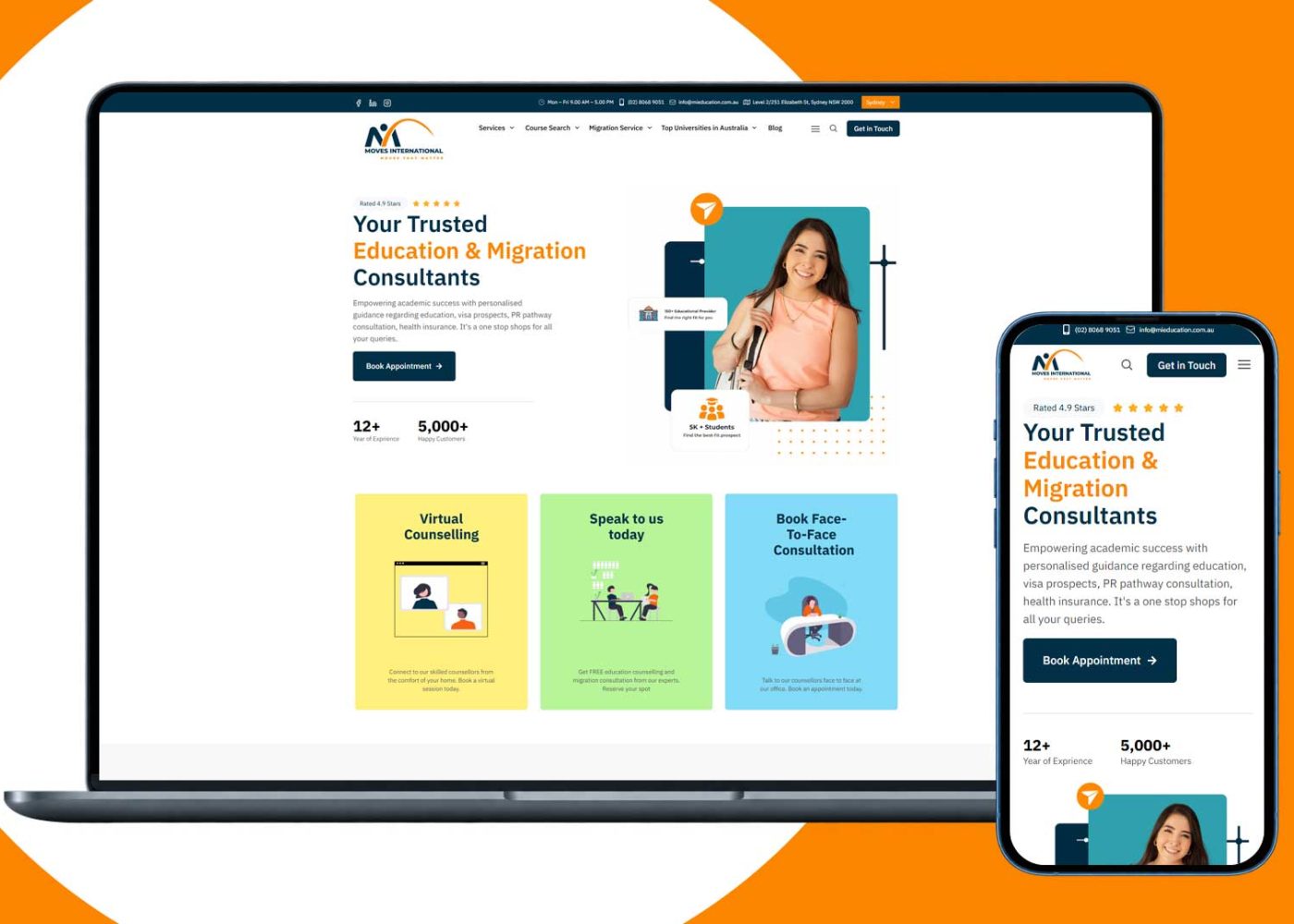
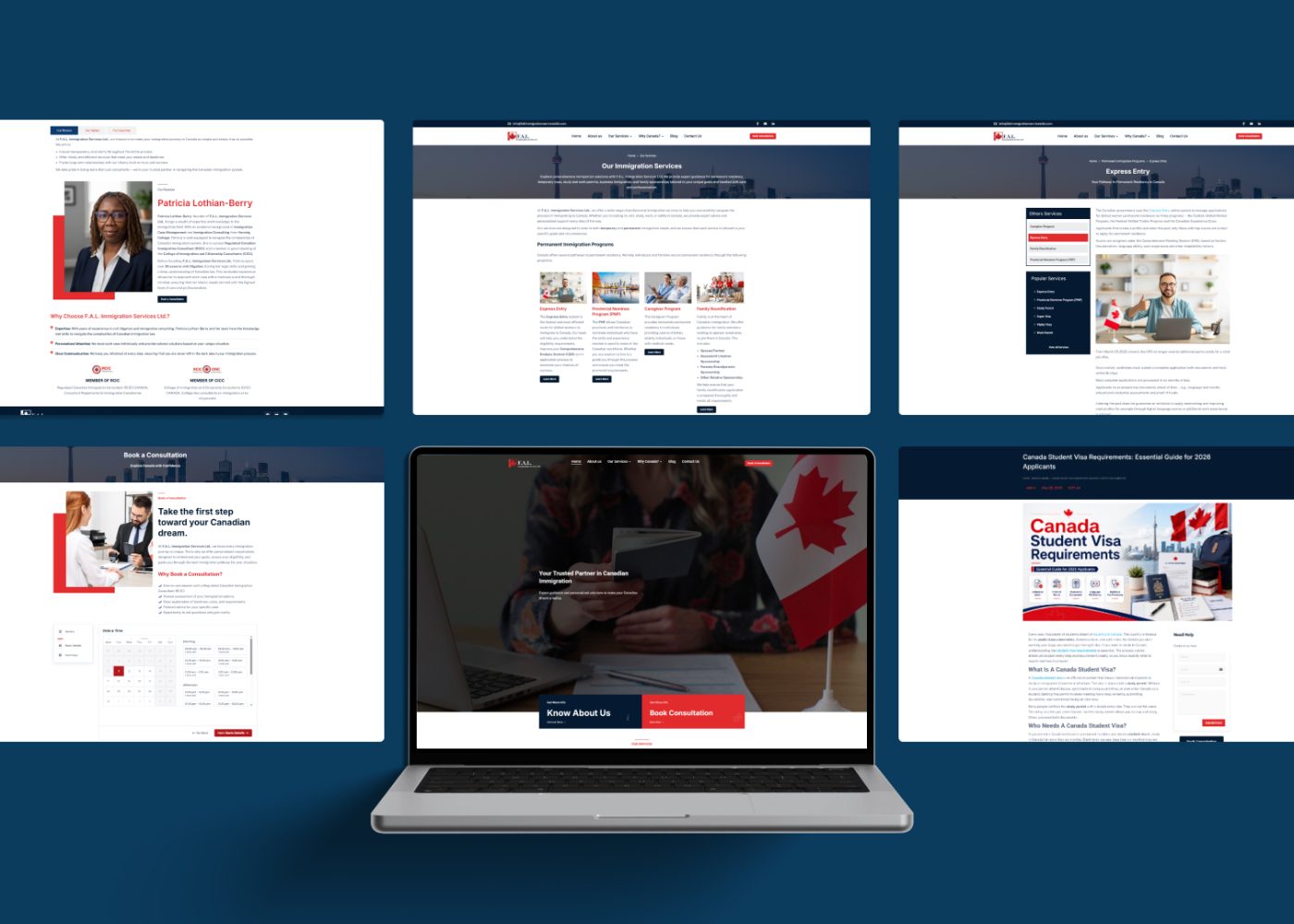
A consultancy may have clear service pages but a confusing appointment request process. That suggests a focused project around booking and confirmation.
If visitors cannot distinguish the services, locations, or consultation options, the brief may need a broader content and navigation review. An immigration consultancy website project should define those customer questions before selecting page layouts.
Service Business With a Customer Portal
A confusing public enquiry page may be corrected independently. A journey that requires customers to repeat information across the website and portal needs a review of the connected process.
Discuss the handover, account requirements, and integrations with your web application development team. The dependency between systems determines the scope.

How to Choose the Right Scope Before You Request a Quote
A useful quotation explains the work and the result it is intended to support.
1. Write a Specific Problem Statement
Replace a broad request such as “Our website needs improvement” with an observation: “Mobile visitors cannot complete the appointment form because validation errors are difficult to identify.”
That statement gives the designer and developer something concrete to investigate.
2. List the Pages and Components Involved
Identify the relevant templates, forms, navigation elements, and integrations. Include shared components so suppliers can explain where a single change may affect multiple pages.
For a redesign, request a content inventory as part of discovery. It helps establish which pages need revision, consolidation, replacement, or further review.
3. Ask for Options and Dependencies
Request a focused option and a broader option where both are technically credible. Ask each provider to explain the expected scope, assumptions, dependencies, and unresolved questions.
Compare the maintenance implications too. A smaller initial project can become difficult to manage if it introduces inconsistent components or repeated manual work.
4. Agree on Validation and Acceptance Criteria
Specify which tasks must work, which devices need review, and which error and recovery states are included. Confirm responsibility for accessibility evaluation, content review, and checking the developed result.
These details help make supplier proposals comparable.
5. Plan Delivery and Follow-Up
Estimate the work around content readiness, approvals, integrations, testing, and deployment. The number of pages is only one factor.
If the project will run in phases, define each release clearly enough that customers encounter a coherent journey. Assign responsibility for reviewing feedback and addressing issues after launch.
Protect SEO and Customer Journeys During Launch
If a redesign changes page URLs, prepare a mapping from old pages to appropriate replacements and implement the necessary redirects. Update internal links and sitemaps, then monitor the transition.
Google’s site migration guidance recommends preparation, URL mapping, redirects, and monitoring. It also advises separating major changes where practical and explains that search visibility can fluctuate during a move. developers.google.com
Alongside that migration work, check the actual customer routes into the website: advertising links, saved bookmarks, email links, contact forms, and booking confirmations.
Agree on a deployment and recovery plan before release so the team can respond if an important journey fails.
How to Measure Results After Release
Define a baseline before changing the experience and use consistent measurement afterwards.
| Goal | Useful Measure | Related Check |
|---|---|---|
| Easier enquiries | Completed enquiries per eligible session | Lead quality and submission failures |
| Easier checkout | Purchases per checkout started | Payment errors and order quality |
| Easier booking | Confirmed bookings per booking started | Scheduling errors and cancellations |
| Clearer navigation | Successful completion of finding tasks | Wrong turns and requests for help |
| Easier maintenance | Effort required for routine updates | Publishing mistakes and rework |
Interpret results alongside traffic changes, campaigns, seasonality, and technical incidents. A raw before-and-after comparison cannot explain every cause of a change.
For a small website, combine available analytics with customer observations and support feedback. Record what changed and when so later reviews have useful context.
Your next project
Let’s make your brand recognizable.
Have a business in mind? Tell us about your ideas, your audience, and the identity you want to create.
Prefer a direct conversation?
FAQ
Yes. A focused project can address a specific problem, such as unclear navigation labels or a difficult enquiry process. Its suitability depends on whether the current structure and platform can support the change and whether related parts of the journey remain coherent.
Age can prompt a review, but the decision should come from current requirements and observed problems. Check customer tasks, content accuracy, maintenance, accessibility, and technical reliability. Those findings provide a stronger basis for choosing the scope.
A redesign can address identified obstacles, but conversion also depends on the offer, audience, pricing, technical reliability, and follow-up. Define the problems being addressed and the measures you will use to evaluate the result.
Yes, when the release plan accounts for shared navigation, components, content, and integrations. Choose phases that support complete customer tasks. Review each release before extending the approach to other parts of the website.
Change the content management system when the existing setup cannot meet documented requirements at an acceptable maintenance cost. Ask for an assessment of repair and migration options, including content transfer, integrations, staff training, and launch work.
Start with the customer task that matters most to your business. Establish where it becomes difficult, identify the connected work, and request a scope that addresses the cause.
M4YOURS IT offers website redesign and optimization services, including UX audits, design improvements, mobile optimization, and broader redesign work. M4YOURS IT
Share your current website and the problem you want to solve. Discuss your project with M4YOURS IT to define the right next step.