

Law firm website UX should help visitors recognise a relevant service, understand whether the firm can assist, and choose a clear next step. Start with understandable service names, accurate information about scope and location, and an enquiry process that explains what happens next.
Someone dealing with an employment issue may describe their problem very differently from the lawyers who handle it. A navigation menu built around internal departments can leave that person unsure where to begin.
The same uncertainty appears when visitors cannot tell whether a firm represents individuals or businesses, handles matters in their jurisdiction, or charges for an initial consultation.
A useful website design brief connects those questions to specific pages and actions. The goal is to help suitable potential clients find an appropriate route to the firm.

Organise Services Around the Client’s Situation
Begin with the language people use when contacting your reception or intake team.
Review the questions behind recent enquiries, using anonymised summaries. Look for situations visitors recognise, then connect those situations to the firm’s actual services.
| Visitor’s situation | Understandable service route | Information to clarify |
|---|---|---|
| I need advice about my job | Employment Advice for Individuals | The matters and locations the team handles |
| My business needs a contract reviewed | Commercial Contract Review | The types of agreements and clients served |
| I need help planning a will | Wills and Estate Planning | The work included and how to arrange a discussion |
| I want advice about a property transaction | Property Services | The transaction types and relevant jurisdiction |
| I need help with an immigration application | Immigration Services | The application categories and jurisdictions covered |
Adapt the labels to the firm’s practice and audience. Professional terminology can remain where it is useful, supported by a short explanation.
For a firm serving both employers and employees, make those routes distinguishable. If the firm serves only one group, state that clearly.
Avoid requiring visitors to classify their issue perfectly before they can ask for help. Include an “I’m not sure” route that reaches someone able to review the enquiry.
Make navigation labels and links specific
A service directory should provide a short description of each area and a meaningful link to the detailed page.
“Explore Employment Services” gives visitors more context than several identical “Read More” links. W3C guidance describes how link text can help people distinguish destinations and decide whether to follow a link. W3C
For a larger practice, search can support the directory. Test common client wording, spelling variations, and searches for topics the firm does not cover.
A focused UI/UX design review can check whether the structure makes sense to people outside the firm.
Build Service Pages That Answer Decision Questions
A service page should help visitors assess relevance before contacting the team.
Use a consistent structure across practice areas so people can find the same kinds of information without learning a new layout on every page.
| Question | What the page should explain |
|---|---|
| Is this relevant to my situation? | The service and common matters it covers |
| Does the firm work with people like me? | The client groups served |
| Can the firm handle a matter in my location? | The relevant geographic and jurisdictional scope |
| Who would I speak to? | The responsible team or relevant lawyer profiles |
| What happens first? | The initial enquiry and consultation process |
| What will it cost? | Available fee information and how further costs are established |
| What should I do next? | A clear enquiry or booking action |
Make the opening paragraph useful to a first-time visitor. Explain the service before moving into the firm’s background or detailed legal commentary.
Clarify important limits where they affect suitability. If a team handles residential property transactions but not commercial leases, that distinction should be easy to find.
Connect related services when they genuinely help visitors understand their options. Keep the relationship clear so people do not circle through similar pages without reaching a decision.





Clarify Where the Firm Can Assist
An office address and the jurisdiction of a legal matter answer different questions.
A visitor may live in one country while needing advice about a matter elsewhere. A firm may offer remote consultations while having a defined scope of professional authorisation and service coverage.
Explain these details accurately:
- The jurisdictions relevant to the service.
- The offices or teams that handle it.
- Whether remote consultations are available.
- Any important limits on the matters accepted.
- The languages available during the enquiry or consultation.
Have the responsible professionals review this information before publication.
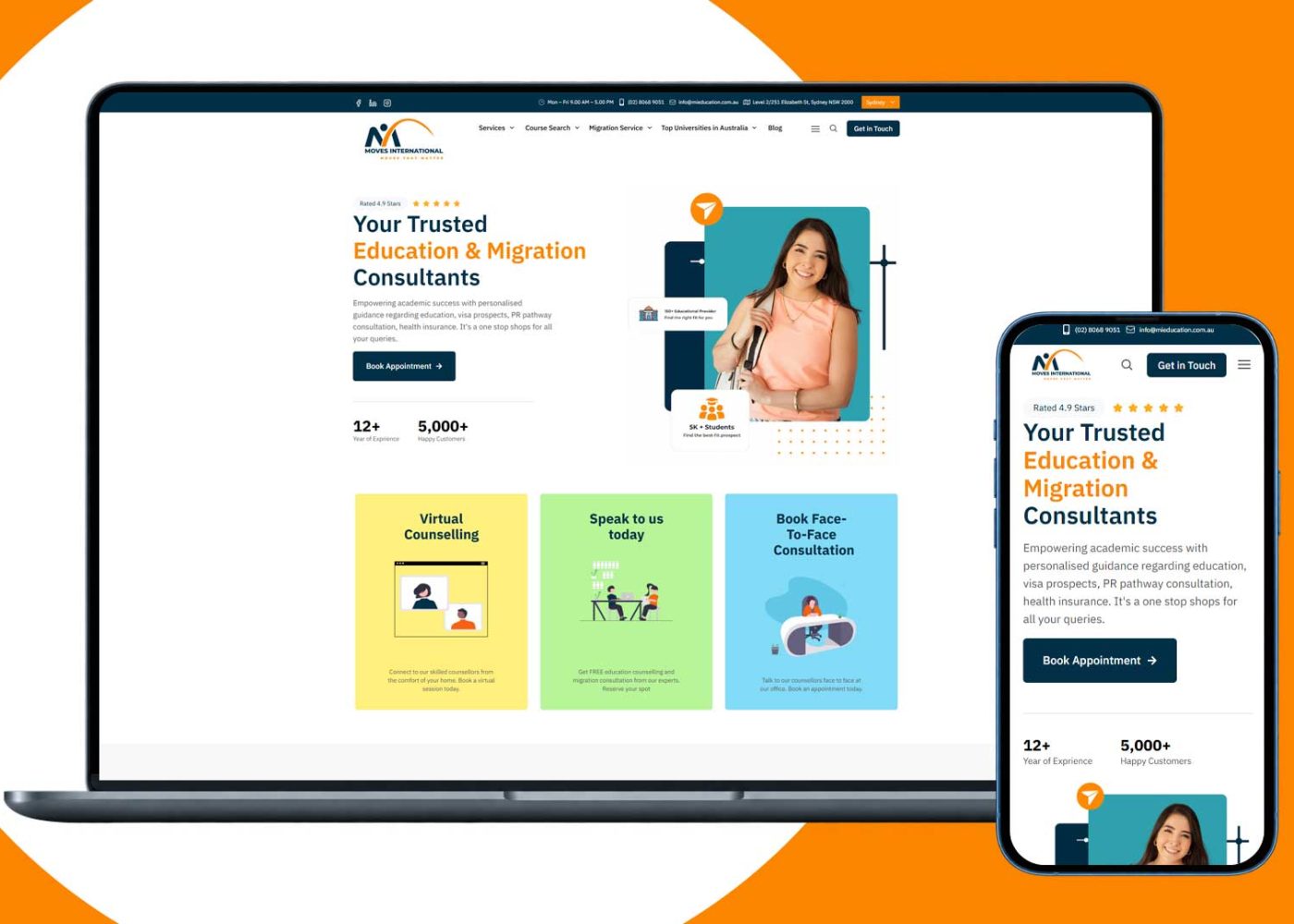
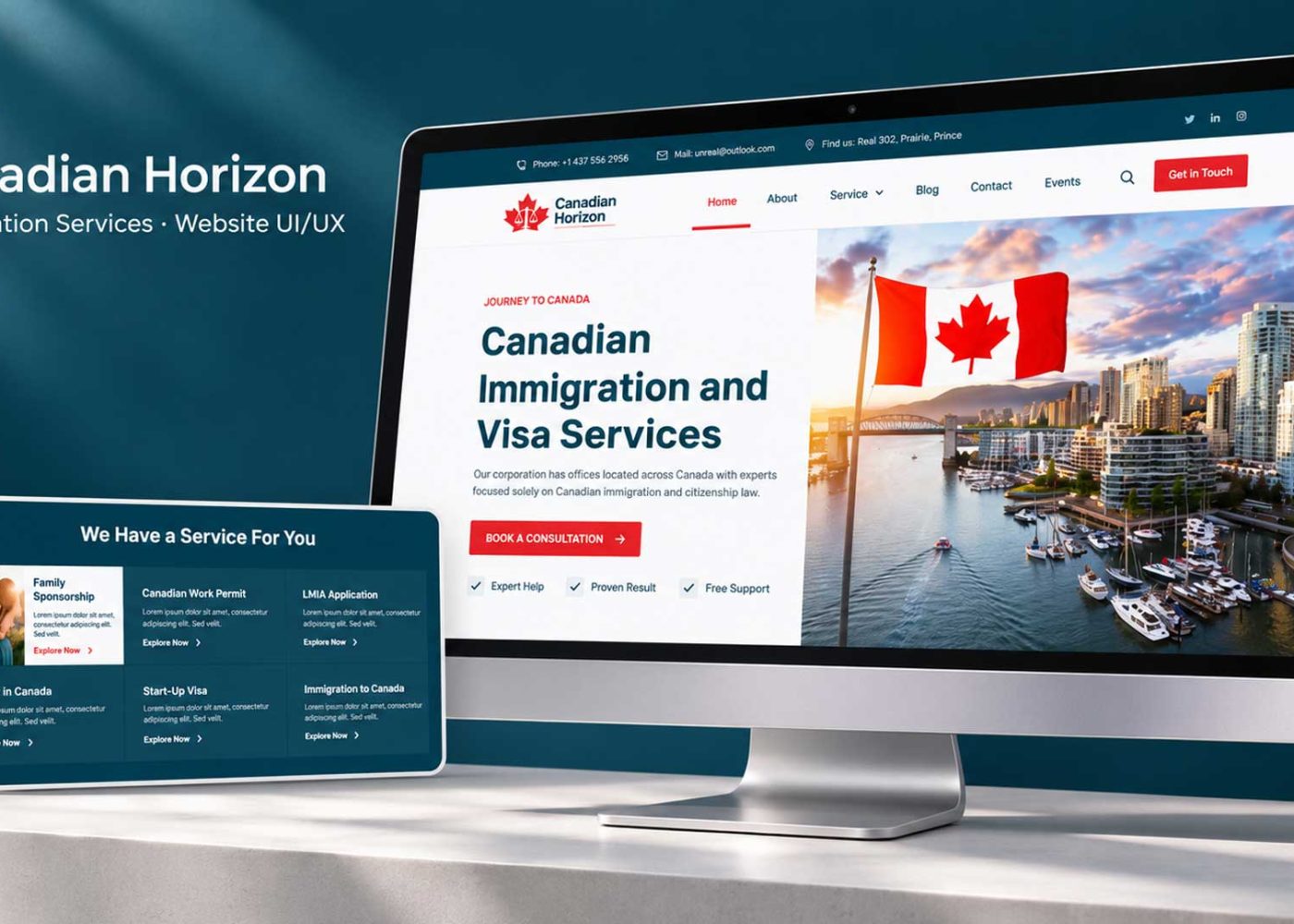
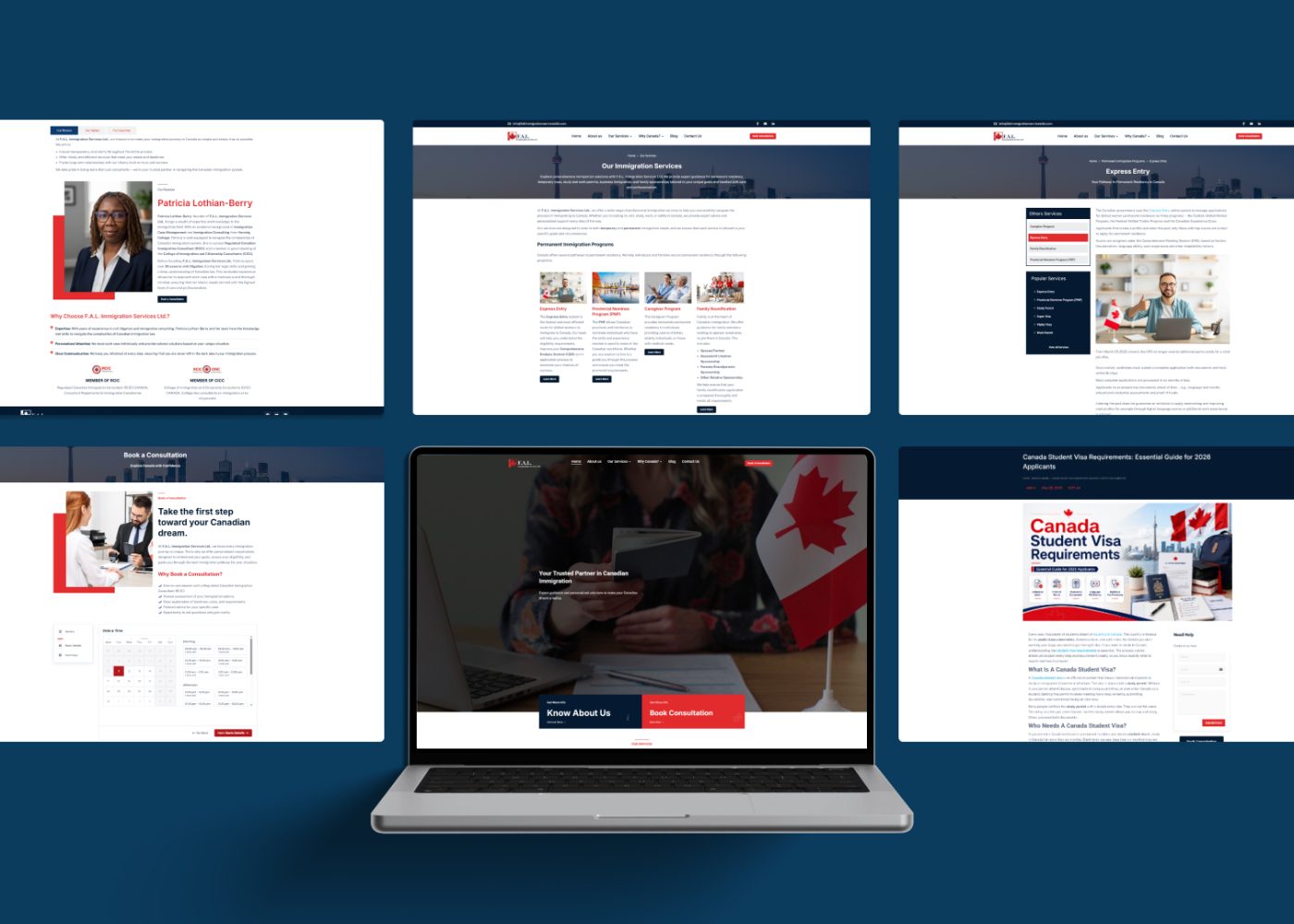
For immigration practices, connect each service page to the application types and jurisdictions actually covered. M4YOURS IT’s digital services for immigration practices can support the connection between service information, consultation booking, and intake.
Where translated content is offered, review the meaning as well as the wording. Visitors should receive consistent information about scope, fees, and next steps in every supported language.
Use Lawyer Profiles to Support a Relevant Choice
A lawyer’s profile should help visitors understand the person’s role in the service they are considering.
Include current professional information, relevant practice areas, languages, office arrangements, and a clear contact route. Link profiles from the services the lawyer actually handles.
Keep titles, memberships, accreditations, and awards accurate and verifiable. Explain unfamiliar designations where they affect a visitor’s understanding.
Review how testimonials and past matters are presented. The ABA’s commentary on Model Rule 7.1 explains that descriptions of past achievements can create misleading expectations about future results. This is a model-rule example; review content against the professional rules applicable to the firm. americanbar.org
Use evidence that helps someone assess relevance: an explanation of the work undertaken, a current professional profile, or a clearly described service process.
Assign an owner to profile updates when people join, leave, change roles, or stop handling a particular service.
Explain Fees and Consultation Terms Before the Enquiry
Visitors should be able to understand the initial commitment involved in contacting or booking with the firm.
Where a consultation has a fee, explain its amount, duration, format, and scope. If an introductory call is free, clarify what that call includes.
Where pricing depends on the matter, explain how the firm establishes an estimate and what information is needed.
For firms and services within their scope, the SRA Transparency Rules require specific website cost information, including the charging basis and the work included. These requirements are specific to that regulatory framework; apply the relevant rules to the firm’s own practice. Solicitors Regulation Authority
From a UX perspective, place fee information where visitors assess the service and decide whether to proceed.
Use plain explanations for additional charges and exclusions. A headline price should be understandable alongside the conditions that affect it.

Make the Initial Enquiry Clear and Manageable
The first form should collect the information the firm needs for its initial review.
Agree on those requirements with the intake team. They may include contact details, a broad service category, the relevant location, and a brief description of the request.
Let the firm define when names or other information are needed for conflict checks and how those details should be collected.
Give clear instructions about the amount of information to provide at each stage. Introduce document collection when there is a defined purpose and an appropriate process for handling the material.
Match the action to the intake process
Choose a label that describes the next step:
- Request an Initial Discussion when staff will review the enquiry and arrange contact.
- Book a Consultation when visitors can complete a booking.
- Book a Paid Consultation when the booking involves a stated charge.
- Ask About This Service when the route is a general service enquiry.
Explain who reviews the submission, how the firm will respond, and how any further engagement is agreed. Use wording approved by the firm for these boundaries.
Where supported, let visitors specify a suitable contact method or callback time.
After submission, confirm what was received and explain what happens next. A request awaiting review should have a different message from a confirmed consultation booking.
Make Mobile Use and Accessibility Part of the Journey
Test the service directory, lawyer profiles, enquiry form, and booking process on a real phone.
Check that long service names wrap clearly, menus remain usable, and contact controls do not cover important information.
Forms deserve particular care. W3C’s guidance explains how labels identify a control’s purpose and how associating them with the controls supports assistive technology. W3C
During implementation:
- Keep field labels visible and understandable.
- Explain required information and accepted formats.
- Provide sufficient space around interactive controls.
- Support keyboard use and visible focus.
- Explain errors near the affected fields.
- Preserve valid entries when correcting an error.
- Check enlarged text and screen-reader operation.
Keep essential service information available as accessible web content. Where documents are offered, make their purpose clear and review their accessibility.
Optimise photographs and other assets so the main content and contact routes remain usable on slower connections.






Connect Enquiries to the Right Team
A useful form needs a working intake process behind it.
Decide how enquiries are assigned by service, location, and other relevant factors. Give each new request an owner and a visible status.
Include a route for people who select the wrong category or choose “I’m not sure.” The intake team should be able to reassign the request without asking the visitor to complete everything again.
Explain working hours and publish response expectations the team can meet. Distinguish the ability to submit a form at any time from the availability of a professional to respond.
Have the firm define how time-sensitive enquiries are handled and explain whether the website route is monitored for that purpose.
Review what happens when a form, booking tool, or notification fails. Staff need a way to detect problems and reconcile missing or duplicate requests.
Test the Journey With People Outside the Firm
People familiar with legal terminology may overlook navigation problems that a new visitor encounters immediately.
Use fictional scenarios and a prototype or test environment. Ask participants to:
- Find a service relevant to a described situation.
- Explain whether the firm appears able to assist.
- Find the consultation terms and relevant team.
- Start an enquiry and describe what they expect to happen next.
Observe hesitation and misunderstanding without directing participants to the intended page.
Include people using mobile devices and different levels of digital confidence. Where relevant, involve people who use assistive technology or a supported translated version.
Ask intake staff to process the resulting test enquiries. This helps reveal whether the form provides useful information and whether routing works as intended.
Use a redesign and optimization review to prioritise the barriers uncovered. Begin with unclear service scope, broken contact routes, and misunderstood next steps.
Measure Suitable Enquiries and Completed Next Steps
Define what makes an enquiry suitable for the firm’s initial review. Relevant criteria might include the service requested, jurisdiction, and whether the team can contact the person.
Track stages separately:
- Service-page visits that lead to enquiries.
- Enquiries routed to the appropriate team.
- Requests that become confirmed consultations.
- Consultations attended.
- Enquiries declined or redirected because the service does not fit.
Compare the data with staff observations. If many visitors choose the wrong service, review the labels and descriptions. If suitable requests wait too long, review the response process.
Keep names, contact details, matter descriptions, and uploaded documents out of general marketing analytics and recording tools. Use appropriately restricted systems for intake records and aggregated measures for routine UX reporting.
A higher form-submission count should be considered alongside relevance, completion, and the team’s ability to respond.
M4YOURS IT Recommendations
| What your firm observes | Recommended starting point |
|---|---|
| Visitors ask which service they need | Review service labels, descriptions, and the “I’m not sure” route |
| Enquiries come from unsupported jurisdictions | Clarify coverage on service pages and during intake |
| People repeatedly ask about consultation charges | Make fee and booking terms easier to find |
| Visitors struggle on mobile | Test menus, forms, booking controls, and overlays |
| Requests reach the wrong team | Improve routing, ownership, and reassignment |
| Visitors misunderstand the next step | Align action labels, supporting copy, and confirmation messages |
Choose improvements based on actual visitor and staff difficulties. Start with the pages and workflows that handle the firm’s most important enquiries.
Your next project
Let’s make your brand recognizable.
Have a business in mind? Tell us about your ideas, your audience, and the identity you want to create.
Prefer a direct conversation?
FAQ
Create separate pages where the audience, scope, process, or next step differs meaningfully. A small practice may need a concise set of focused pages. A larger firm may need grouped service directories. Avoid creating numerous pages that repeat the same information without helping visitors choose.
The answer depends on the services and applicable professional requirements. Publish required information and make available pricing understandable. Where a tailored estimate is necessary, explain how it is established. Clearly describe any charge for the initial consultation before a visitor books.
Offer direct booking when the firm’s intake process and scheduling capacity support it. If an initial review is needed first, use a request process and explain it. Make the consultation terms and the steps for agreeing further work clear.
Review one important service page and follow its enquiry route from beginning to end. Clarify who the service is for, where the firm can assist, what the initial step involves, and who handles the request. Test that journey before expanding the website.
Start with a service your firm wants to make easier to access. Review its navigation label, scope, team information, consultation terms, and enquiry process with someone outside the practice.
M4YOURS IT can help connect service pages, interface design, enquiry routing, and consultation workflows. Request a consultation to discuss the next steps your law firm website should support.