Share











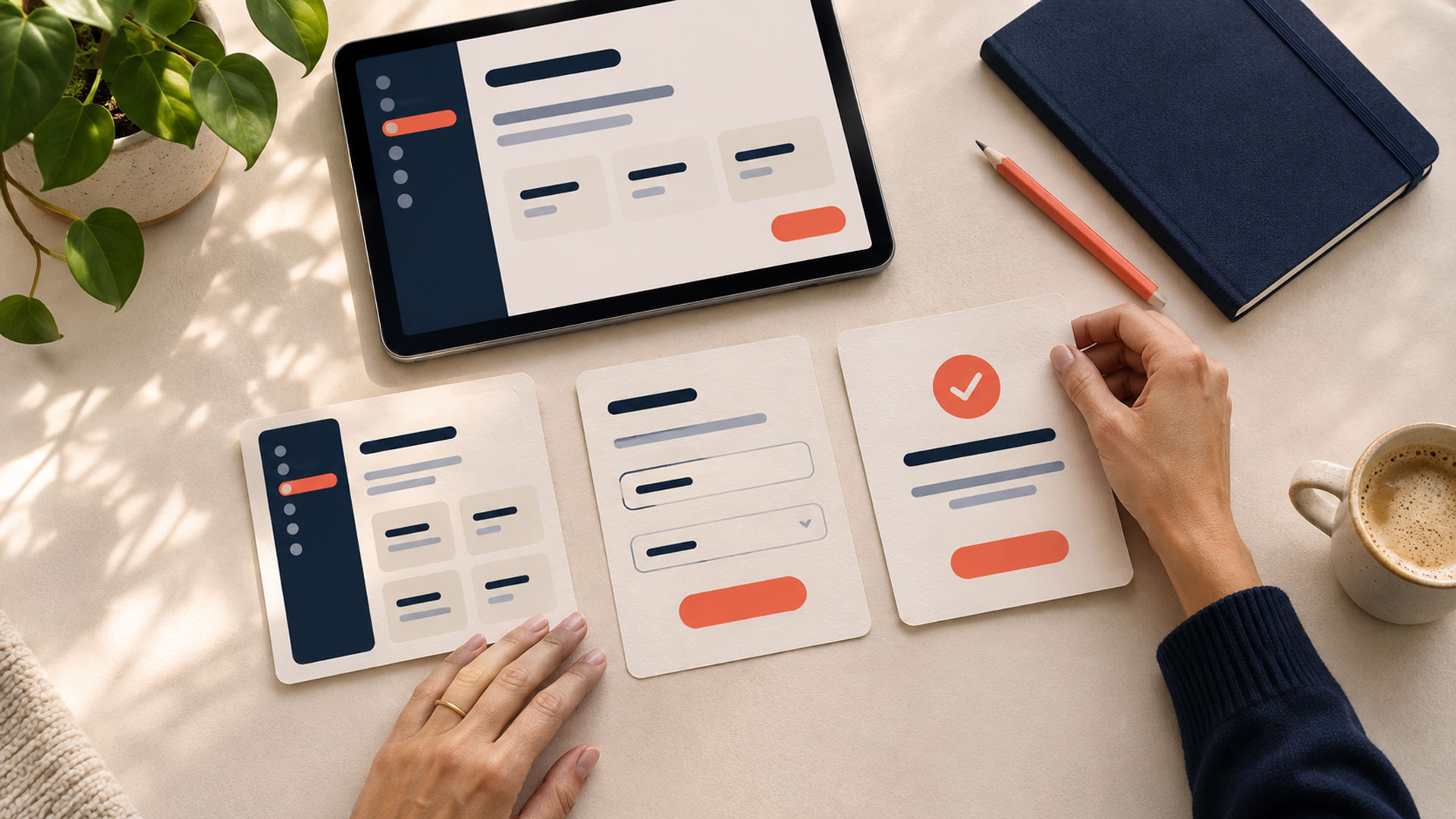










Effective SaaS onboarding helps a new user complete a useful task and understand how the product supports their work. Start by defining that result, then build the shortest appropriate path through the setup, information, and permissions needed to reach it.
Creating an account gives someone access to a software-as-a-service product. Their first useful result provides a concrete reason to continue using it.
For a CRM, that might be an enquiry with an assigned owner and a scheduled follow-up. For a booking tool, it might be a valid test appointment that appears in the correct calendar.
Include this journey in your web application development brief. The product team should agree on what success looks like before deciding which welcome screens, checklists, or tutorials to build.
Describe the result in terms of the work the user wants to accomplish.
“Complete onboarding” is difficult to evaluate when it only means visiting several screens. A more useful definition identifies an outcome and evidence that the product has delivered it.
| Product type | Illustrative first useful result | Evidence to check |
|---|---|---|
| CRM | Organise an enquiry for follow-up | The record has an owner and a saved next action |
| Project management tool | Arrange a real piece of work | A relevant task is saved with its intended responsibility and timing |
| Appointment platform | Complete a valid test booking | The appointment appears in the correct schedule with the expected confirmation |
| Reporting tool | Answer an initial business question | A report uses suitable data and the user can interpret its result |
Adapt the milestone to the audience. An administrator setting up a workspace may need a different first result from a teammate joining an existing one.
Agree on three checks: the result exists, it is valid for the selected task, and the user can find and understand it.
Then test that definition with users. A saved object can be a measurable milestone while still falling short of what someone considers useful.
The first product experience should continue the task that attracted the user.
If a landing page promises help organising enquiries, the next steps should make that work easy to begin. A long introduction to unrelated features can leave the user searching for the benefit they expected.
Connect acquisition and product planning during website design. Keep the offer, signup wording, trial terms, and first product actions consistent.
Use the welcome screen to orient the user. Explain what they can accomplish first and what they need to get started.
Shopify’s app guidance recommends brief, direct onboarding with clear instructions that prepare merchants to use the app. That is a useful principle to adapt to a broader SaaS product and validate with its own users.
Review each question asked during signup and initial setup.
Some information is necessary to create an account or workspace. Other questions help choose a relevant starting point. Marketing segmentation and later configuration may not be needed immediately.
Ask what the answer changes.
| Question or setting | Reason to ask now |
|---|---|
| What do you want to accomplish first? | It selects a genuinely different starting task |
| Which workspace are you joining? | It determines the correct organisation or access route |
| What is your role? | It changes the available actions or guidance |
| What is your preferred visual theme? | Usually optional unless it serves an immediate need |
GOV.UK’s question-page guidance recommends understanding why each question is asked and requesting only information the service needs. Apply that discipline when reviewing onboarding forms. GOV.UK Design System
Explain unfamiliar requirements where they appear. If a question does not affect the immediate journey, consider collecting it later when its purpose becomes relevant.
Keep optional choices recognisable and allow users to change their answers where appropriate.
List everything needed to reach the first useful result. Then distinguish genuine dependencies from settings that can wait.
For a CRM, creating a workspace and adding an enquiry may be necessary. Customising every pipeline stage, uploading a logo, and configuring all reporting preferences may be later tasks.
| Setup category | Recommended approach |
|---|---|
| Required to perform the first task | Guide the user through it and explain the purpose |
| Required only for a particular route | Introduce it when that route is chosen |
| Useful for personalisation | Offer an editable default or optional choice |
| Relevant to advanced use | Introduce it when the user reaches that need |
Keep necessary identity, security, billing, and permission requirements in the appropriate place. Explain dependencies rather than leaving users to discover them through errors.
A useful UI/UX design process makes these decisions visible in the prototype. Review the complete path, including what happens when a dependency is missing.
A new workspace often begins without projects, contacts, appointments, or reports.
Use that space to explain what belongs there and how to create the first useful item.
For a follow-up tool, an empty state could say:
No follow-ups yet
Add an enquiry and choose its next action so you can see what needs attention.
Primary action: Add an Enquiry
The wording should match the actual task and destination. A button should open the relevant creation flow with the context the user already provided.
Templates can reduce the work needed to begin. Offer starting structures that match common tasks, and let users edit them.
Label sample data clearly. Give users an understandable route from exploration to their own workspace, and record demo activity separately from live product use.
Some onboarding barriers come from the environment around the user.
A teammate may be unable to connect an integration. A manager may need an administrator to approve access. A reporting tool may depend on data that has not arrived.
Identify these situations before designing a single journey for everyone.
When a user lacks a permission, explain what is needed and provide an appropriate next step. That might mean contacting an administrator, requesting access, or continuing with a task available to their role.
For integrations, explain the purpose of the connection and the access requested. Show whether the connection succeeded and whether the required data is ready.
Provide previews or test environments where they help people understand an action. Make it clear when an action will publish content, contact another person, or otherwise affect a live system.
A realistic first result should fit the user’s authority and the product’s actual capabilities.
Onboarding should account for mistakes, interruptions, and tasks that take time.
Preserve valid entries within a process where appropriate. Show which steps are complete, what remains, and how to return to unfinished work.
W3C’s Redundant Entry guidance addresses information being requested again within the same process, with exceptions for matters such as security and information that is no longer valid. Review repeated questions against that guidance. W3C
If an import fails, identify the problem and explain how to correct it. If a connection is still processing, distinguish that waiting state from a successful setup.
Make important in-place status updates available to assistive technology. W3C’s Status Messages guidance explains how users can be informed of relevant changes without moving keyboard focus to the message. W3C
For journeys spanning several sessions, decide deliberately what progress should be saved and how users can resume it. Include appropriate controls for the information involved.
A tour can introduce an unfamiliar workspace, while a checklist can make required tasks easier to follow.
Choose the pattern based on the difficulty you need to address.
If users understand the interface but do not know which task comes first, a focused starting action may help. If they need several dependent setup tasks, a checklist may make the sequence clearer.
Keep each item meaningful. “Create your first follow-up” describes a task more clearly than “Explore the platform.”
Mark a step complete when the underlying action succeeds. Opening a form or clicking a tour button should not automatically count as creating a valid result.
Let users dismiss optional guidance and find it again later. Keep help near the action that needs explanation.
After the first result, introduce the next relevant capability. Onboarding can continue as the user’s work becomes more complex.
Activation is a measurable milestone intended to represent useful product use. Define it for your product and check whether it reflects what users value.
Start by choosing the unit: an individual user, a workspace, or a customer account.
For a collaborative product, one administrator may complete setup for several teammates. Measuring every teammate against the administrator’s setup tasks would give a misleading picture.
| Measure | Definition to agree on |
|---|---|
| First-result completion rate | Share of eligible users or accounts that reach the defined result within an agreed observation window |
| Time to first result | Elapsed time from a consistent starting event to the completed result |
| Step completion | Which required tasks succeed and where people stop |
| Dependency blocks | Users unable to proceed because of data, permissions, or another prerequisite |
| Subsequent useful activity | Whether users return to perform meaningful work after the first result |
Keep the starting event, eligibility rules, and observation window consistent when comparing groups.
Report completion alongside time. Looking only at users who finish quickly can hide those who never reach the result.
Separate sample-data exploration, test activity, and live activation. Confirm that events reflect successful product actions rather than button clicks alone.
Compare onboarding changes with later usage and retention, while considering other differences between groups. A relationship between activation and retention does not by itself prove that an onboarding change caused the retention result.
Ask people who resemble your intended customers to attempt a realistic task in a prototype or test workspace.
Begin with the promise they would see before signup. Observe whether they can understand the starting action, complete the necessary setup, and recognise the result.
Include relevant differences: administrators and invited teammates, users with and without existing data, and people using mobile devices or assistive technology.
Watch for questions such as:
Ask participants to explain the result in their own words. This helps test whether the milestone is understandable and useful.
Use a focused redesign and optimization review to address observed barriers. Prioritise blocked tasks and unclear outcomes before adding more guidance.
| What you observe | Recommended starting point |
|---|---|
| Users sign up but do not begin useful work | Define the first result and make its starting action clear |
| People abandon setup forms | Review questions, defaults, and genuine dependencies |
| New workspaces feel confusing | Improve empty states and relevant templates |
| Users cannot complete required steps | Review roles, permissions, integrations, and access routes |
| Checklists finish without useful product activity | Tie completion to verified outcomes |
| People return but cannot resume | Improve saved progress and the unfinished-work route |
Choose the first improvement from evidence about where users struggle.
For a simple product, that may be a clearer first action. For a product with complex data or access requirements, the priority may be making those dependencies manageable.
Your next project
Have a business in mind? Tell us about your ideas, your audience, and the identity you want to create.
Prefer a direct conversation?
The appropriate length depends on the task and its dependencies. A simple tool may support a useful result quickly, while a team platform may require data or administrative setup. Measure where time is spent and remove avoidable effort. Use an observation window that fits the product’s real workflow.
No. Some products work well with clear navigation, an actionable empty state, and help available in context. Use a tour when testing shows that it addresses a specific orientation problem. Keep optional guidance dismissible and available again later.
It can help people explore a product before they have suitable data of their own. Label it clearly and explain how to switch to real work. Measure demo exploration separately so it does not inflate the count of users achieving the intended live outcome.
Choose the unit that reflects how value is delivered. Individual productivity tools may focus on users. Collaborative platforms may need workspace or account measures, alongside role-specific user activity. Define the unit before comparing results so the figures remain meaningful.
Choose one user group and define a first result they would recognise as useful. Map the dependencies, guide the necessary actions, and verify both the saved outcome and the user’s understanding.
M4YOURS IT can help plan SaaS interfaces, onboarding workflows, and the product behaviour behind them. Request a consultation to discuss the first useful result your product should help users reach.
Adding {{itemName}} to cart
Added {{itemName}} to cart